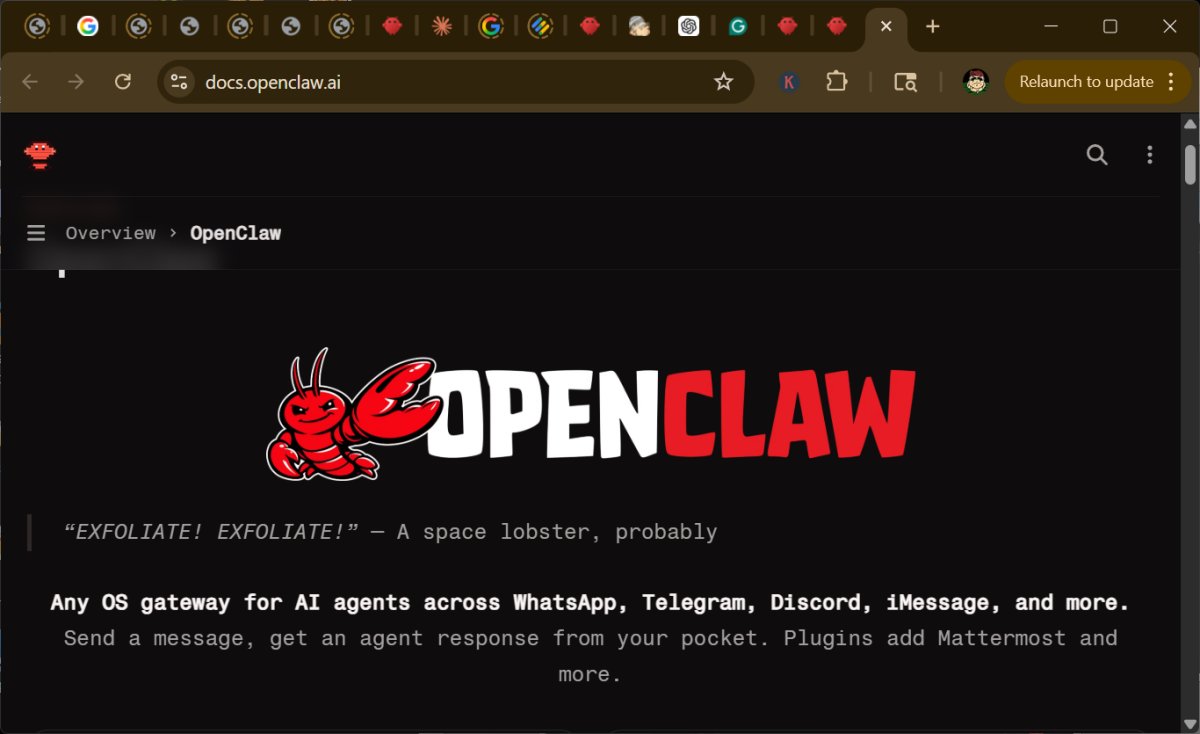
OpenClaw is a self-hosted personal AI assistant designed to operate on your own PC, server, or homelab, rather than relying on cloud services. This software connects seamlessly with popular chat applications such as WhatsApp, Telegram, Slack, Discord, and iMessage, allowing users to interact with it via platforms they already utilize. The main advantage of OpenClaw is the enhanced control over data, tools, and automations it provides compared to typical cloud-based AI services, all at no cost aside from potential fees for token/API providers.
Functionality & Use Cases
OpenClaw serves as a bridge between chat applications and AI agents hosted on personal hardware. Its capabilities extend beyond simple question-answering; it can manage tasks, maintain sessions, utilize memory, and interact with various productivity tools like notes, reminders, email, and calendar systems. For home users, it can assist with everyday tasks such as summarizing emails, setting reminders, managing calendars, tracking packages, and automating repetitive online chores. Its potential for home automation is notable, allowing users to integrate and manage devices through routines.
In a business context, OpenClaw can function as an AI operations assistant, automating routine work and reducing the time spent on manual tasks. It can summarize chats, prioritize emails, and consolidate reports into dashboards, providing teams with enhanced efficiency, flexibility, and privacy compared to standard cloud services. However, it requires a level of technical expertise for setup and management, making it less suitable for casual office users without technical support.
Reasons for Adoption
The primary allure of OpenClaw lies in the control it offers users over their data and interactions, enabling them to operate across multiple messaging platforms without switching applications. It also facilitates automation, allowing users to streamline tasks such as managing notes, checking calendars, and integrating with various services like Notion, Trello, and GitHub.
Installation Requirements and Setup
OpenClaw targets developers and power users, necessitating the installation of Node.js (recommended version 24 or later). While it can run natively on Windows, using WSL2 is preferred for stability and performance. Installation involves command-line operations, which may deter casual users. However, the OpenClaw Install Helper for Windows simplifies the process by automating setup steps.
Usage and Security Considerations
To utilize OpenClaw, users connect their desired services, install necessary skills or tools, and interact with the assistant much like any other AI tool. However, users are cautioned about potential security risks, as improper setup can expose sensitive data or allow malware through malicious plugins. Ensuring a secure installation involves sandboxing, restricting command execution, and being cautious about granting permissions.
Limitations and Recommendations
OpenClaw is not beginner-friendly and requires ongoing management of infrastructure and permissions. While its flexibility and potential are impressive, users must remain vigilant regarding security and access control. API keys are stored in text files, posing risks if unauthorized users gain access to the system.
Conclusion
OpenClaw presents a powerful option for individuals seeking a self-hosted AI assistant with robust features and integration capabilities. Its design focuses on practical utility rather than merely generating text, making it a valuable asset for privacy-conscious users and developers. However, the complexity of setup and security considerations necessitate a cautious approach, making it best suited for those willing to engage deeply with the technology. As OpenClaw evolves, enhancements in user-friendliness and security measures will be crucial for broader adoption among less technical users
Functionality & Use Cases
OpenClaw serves as a bridge between chat applications and AI agents hosted on personal hardware. Its capabilities extend beyond simple question-answering; it can manage tasks, maintain sessions, utilize memory, and interact with various productivity tools like notes, reminders, email, and calendar systems. For home users, it can assist with everyday tasks such as summarizing emails, setting reminders, managing calendars, tracking packages, and automating repetitive online chores. Its potential for home automation is notable, allowing users to integrate and manage devices through routines.
In a business context, OpenClaw can function as an AI operations assistant, automating routine work and reducing the time spent on manual tasks. It can summarize chats, prioritize emails, and consolidate reports into dashboards, providing teams with enhanced efficiency, flexibility, and privacy compared to standard cloud services. However, it requires a level of technical expertise for setup and management, making it less suitable for casual office users without technical support.
Reasons for Adoption
The primary allure of OpenClaw lies in the control it offers users over their data and interactions, enabling them to operate across multiple messaging platforms without switching applications. It also facilitates automation, allowing users to streamline tasks such as managing notes, checking calendars, and integrating with various services like Notion, Trello, and GitHub.
Installation Requirements and Setup
OpenClaw targets developers and power users, necessitating the installation of Node.js (recommended version 24 or later). While it can run natively on Windows, using WSL2 is preferred for stability and performance. Installation involves command-line operations, which may deter casual users. However, the OpenClaw Install Helper for Windows simplifies the process by automating setup steps.
Usage and Security Considerations
To utilize OpenClaw, users connect their desired services, install necessary skills or tools, and interact with the assistant much like any other AI tool. However, users are cautioned about potential security risks, as improper setup can expose sensitive data or allow malware through malicious plugins. Ensuring a secure installation involves sandboxing, restricting command execution, and being cautious about granting permissions.
Limitations and Recommendations
OpenClaw is not beginner-friendly and requires ongoing management of infrastructure and permissions. While its flexibility and potential are impressive, users must remain vigilant regarding security and access control. API keys are stored in text files, posing risks if unauthorized users gain access to the system.
Conclusion
OpenClaw presents a powerful option for individuals seeking a self-hosted AI assistant with robust features and integration capabilities. Its design focuses on practical utility rather than merely generating text, making it a valuable asset for privacy-conscious users and developers. However, the complexity of setup and security considerations necessitate a cautious approach, making it best suited for those willing to engage deeply with the technology. As OpenClaw evolves, enhancements in user-friendliness and security measures will be crucial for broader adoption among less technical users
OpenClaw 2026.8.1 released
OpenClaw is a self-hosted personal AI assistant that runs on your own PC, server, or homelab, rather than on someone else’s cloud.