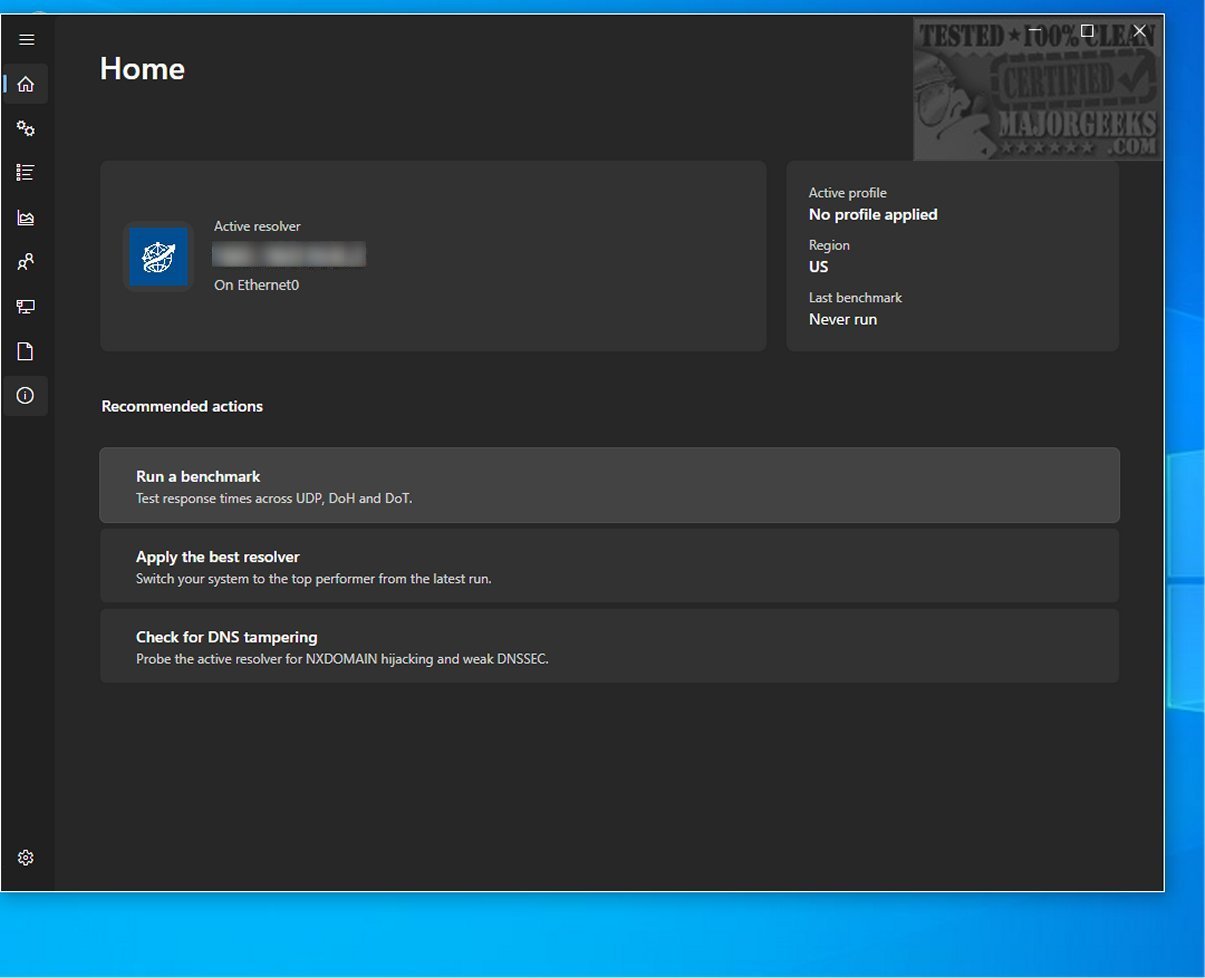
DNS Hop is an advanced tool designed to assist users in evaluating and comparing the performance of various DNS services from different providers. This benchmarking tool enables users to make informed selections tailored to their specific networking needs amidst the overwhelming number of third-party DNS options available.
Navigating the DNS Landscape
With so many DNS offerings, choosing the right one can be challenging. DNS Hop simplifies this selection process by providing reliable performance data for individual DNS networks. It recognizes that there is no one-size-fits-all solution to networking issues, allowing users to benchmark multiple DNS providers simultaneously to gather comprehensive data.
Efficient Benchmarking Process
The benchmarking process, which takes only a few minutes, involves testing connections against over 2,000 DNS options. The results are displayed in a leaderboard format showcasing the best-performing services, along with a curated list of recommended options. This feature helps users quickly identify the most efficient DNS solutions.
Data Export Options
For users interested in keeping a record of their findings, DNS Hop offers multiple export options, including CSV and JSON formats. Additionally, users can easily capture the performance chart as a PNG image directly from the application, facilitating further analysis or sharing.
In-App DNS Configuration
A standout feature of DNS Hop is the "Conclusions" section, which provides customized recommendations based on the benchmarking results. Users may receive suggestions like using Quad9 as a top choice due to its performance metrics, along with a secondary DNS endpoint for redundancy. Importantly, users can change their DNS settings directly within the application, streamlining the process of adopting new providers.
Final Thoughts
In summary, DNS Hop serves as a powerful and user-friendly tool for assessing and comparing DNS service performance across various providers. By leveraging its comprehensive benchmarking capabilities, users can confidently make informed decisions, ultimately enhancing their online experiences.
Further Resources:
For additional guidance on managing DNS settings, check out the following resources:
- How to View DNS Cache Contents in Windows 10 & 11
- How-To Flush the Windows DNS Cache
- How-To Reset Winsock on Windows 11/10/8/7
- How-To Reset TCP/IP or Internet Protocol
- How to Reset Network Settings in Windows 10 & 11
With DNS Hop, users are empowered to navigate the vast DNS landscape with ease and confidence
Navigating the DNS Landscape
With so many DNS offerings, choosing the right one can be challenging. DNS Hop simplifies this selection process by providing reliable performance data for individual DNS networks. It recognizes that there is no one-size-fits-all solution to networking issues, allowing users to benchmark multiple DNS providers simultaneously to gather comprehensive data.
Efficient Benchmarking Process
The benchmarking process, which takes only a few minutes, involves testing connections against over 2,000 DNS options. The results are displayed in a leaderboard format showcasing the best-performing services, along with a curated list of recommended options. This feature helps users quickly identify the most efficient DNS solutions.
Data Export Options
For users interested in keeping a record of their findings, DNS Hop offers multiple export options, including CSV and JSON formats. Additionally, users can easily capture the performance chart as a PNG image directly from the application, facilitating further analysis or sharing.
In-App DNS Configuration
A standout feature of DNS Hop is the "Conclusions" section, which provides customized recommendations based on the benchmarking results. Users may receive suggestions like using Quad9 as a top choice due to its performance metrics, along with a secondary DNS endpoint for redundancy. Importantly, users can change their DNS settings directly within the application, streamlining the process of adopting new providers.
Final Thoughts
In summary, DNS Hop serves as a powerful and user-friendly tool for assessing and comparing DNS service performance across various providers. By leveraging its comprehensive benchmarking capabilities, users can confidently make informed decisions, ultimately enhancing their online experiences.
Further Resources:
For additional guidance on managing DNS settings, check out the following resources:
- How to View DNS Cache Contents in Windows 10 & 11
- How-To Flush the Windows DNS Cache
- How-To Reset Winsock on Windows 11/10/8/7
- How-To Reset TCP/IP or Internet Protocol
- How to Reset Network Settings in Windows 10 & 11
With DNS Hop, users are empowered to navigate the vast DNS landscape with ease and confidence
DNS Hop 2.4.1 released
DNS Hop is an innovative tool designed to help you evaluate and compare DNS service performance across different providers. By benchmarking these offerings, you can make informed decisions and select the most suitable DNS option.