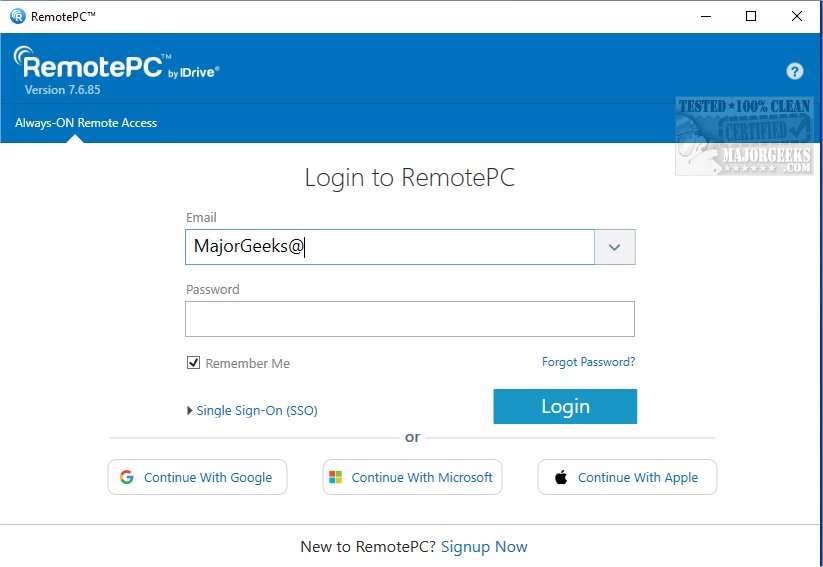
RemotePC has released version 7.7.14.1, enhancing its capabilities as a secure remote desktop access tool. This software allows users to connect to their computers from any location at any time, which is particularly beneficial for flexible work arrangements and increased productivity. With RemotePC, users can work on documents, emails, and applications seamlessly, thanks to the Always-ON Remote Access feature. This feature enables users to configure their computers for remote control via the Internet, thus facilitating work from home, cafes, or while traveling.
One of the standout features of RemotePC is the ability to manage computers that are locked or logged off, allowing users to address urgent tasks or monitor their systems regardless of their physical location. Users can customize their connection settings to prioritize either visual quality or response speed, optimizing their experience based on internet conditions.
For collaboration, RemotePC allows users to invite others to access their computer, making it easy to work together on documents or presentations in real-time. The software also includes an extended keyboard feature for mobile devices, enabling efficient control of remote PCs from smartphones or tablets. Users can secure their remote computers by locking them from their mobile device after a session, ensuring data safety.
The Whiteboard feature enhances interactive brainstorming, allowing users to draw and annotate directly on the remote screen. Privacy is also a priority, with an option to turn off the host computer's display to keep work confidential.
RemotePC is adaptable to various workflows, offering the ability to change screen resolutions from a mobile device and enabling printing of documents stored on the remote computer using a local printer. Effective communication is facilitated through real-time messaging capabilities, minimizing misunderstandings in virtual work settings.
In terms of security, RemotePC employs a 'Trusted Devices' feature, allowing access only from recognized devices. Additionally, users can remotely restart their online computers for maintenance or troubleshooting without needing to establish a new connection. This is particularly useful for users who need to restart remote Windows computers in safe mode.
Overall, RemotePC excels in file transfer capabilities, making it easy to share files between mobile devices and remote computers, thereby enhancing collaboration. With its robust features, RemotePC stands out as a reliable solution for remote work and teamwork.
In conclusion, RemotePC is not just a tool for accessing remote desktops but a comprehensive platform that supports collaborative efforts and efficient workflows. Its continued updates, like version 7.7.14.1, reflect a commitment to enhancing user experience and security, making it an essential tool for professionals in today's increasingly remote work environment
One of the standout features of RemotePC is the ability to manage computers that are locked or logged off, allowing users to address urgent tasks or monitor their systems regardless of their physical location. Users can customize their connection settings to prioritize either visual quality or response speed, optimizing their experience based on internet conditions.
For collaboration, RemotePC allows users to invite others to access their computer, making it easy to work together on documents or presentations in real-time. The software also includes an extended keyboard feature for mobile devices, enabling efficient control of remote PCs from smartphones or tablets. Users can secure their remote computers by locking them from their mobile device after a session, ensuring data safety.
The Whiteboard feature enhances interactive brainstorming, allowing users to draw and annotate directly on the remote screen. Privacy is also a priority, with an option to turn off the host computer's display to keep work confidential.
RemotePC is adaptable to various workflows, offering the ability to change screen resolutions from a mobile device and enabling printing of documents stored on the remote computer using a local printer. Effective communication is facilitated through real-time messaging capabilities, minimizing misunderstandings in virtual work settings.
In terms of security, RemotePC employs a 'Trusted Devices' feature, allowing access only from recognized devices. Additionally, users can remotely restart their online computers for maintenance or troubleshooting without needing to establish a new connection. This is particularly useful for users who need to restart remote Windows computers in safe mode.
Overall, RemotePC excels in file transfer capabilities, making it easy to share files between mobile devices and remote computers, thereby enhancing collaboration. With its robust features, RemotePC stands out as a reliable solution for remote work and teamwork.
In conclusion, RemotePC is not just a tool for accessing remote desktops but a comprehensive platform that supports collaborative efforts and efficient workflows. Its continued updates, like version 7.7.14.1, reflect a commitment to enhancing user experience and security, making it an essential tool for professionals in today's increasingly remote work environment
RemotePC 7.7.14.1 released
RemotePC offers secure remote desktop access, enabling users to connect to their computers anytime, anywhere, day or night. It allows for flexible work arrangements and enhances productivity by providing reliable access to your remote devices.