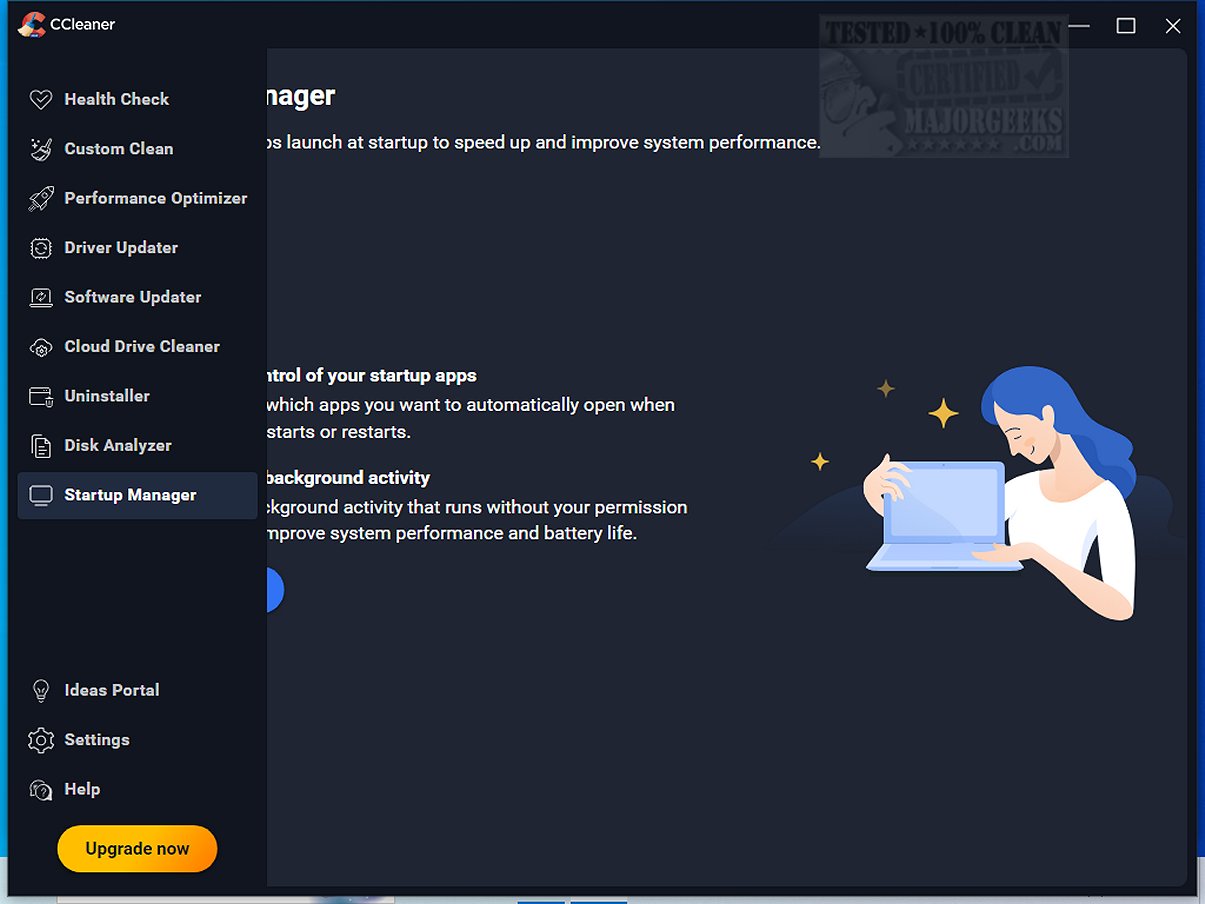
CCleaner Standard 7.13.1573.0 has been released, continuing its legacy as a user-friendly and reliable drive cleaner. This software is designed to tackle digital clutter that hampers computer performance, providing essential features such as a registry cleaner, startup manager, and more. Since its launch in 2004, CCleaner has become the preferred choice for millions looking to optimize their PCs, Macs, or web browsing experiences.
The Standard version is the free edition for Windows, which helps users remove junk files, browser caches, and temporary data to free up disk space. While paid versions offer additional automation and tools, the Standard version allows for manual cleanup with ease. The software's standout feature is its Custom Clean option, enabling users to select specific areas to clean, ensuring a tailored approach to system optimization.
CCleaner includes a Health Check feature that scans for outdated applications and privacy trackers, giving users control over the maintenance process without auto-deleting any items. It also enhances performance through its Performance Optimizer and Startup Manager by managing resource-heavy applications and optimizing startup times.
The Registry Cleaner component is designed for users who want to address system errors and crashes safely. It scans for invalid registry entries and allows users to decide what to fix, ensuring stability without the risks typically associated with manual registry edits.
Privacy protection is another crucial aspect of CCleaner, as it securely removes browsing history and unwanted digital footprints. The software's latest updates have improved cookie-cleaning functionalities, particularly for Chromium browsers, and introduced a dedicated CCleaner Browser for a safer browsing experience.
The recent version boasts a modern interface and enhanced features, such as a revamped Software Uninstaller and a quicker Disk Analyzer. With customizable themes and ARM64 support, CCleaner is designed to be more user-friendly and compatible with newer devices.
Overall, CCleaner stands out in the realm of system maintenance tools, combining accessibility for beginners with advanced options for tech enthusiasts. Its regular updates and comprehensive features make it an essential tool for anyone looking to maintain a clean, fast, and secure computing environment. Whether for security, speed enhancements, or disk space management, CCleaner remains a top choice for PC and Mac users alike.
To further enhance CCleaner's capabilities, users may consider integrating it with CCEnhancer, which expands its cleaning functionalities. For those seeking alternatives, comparisons with other popular drive cleaners like Wise Disk Cleaner and PrivaZer are also available.
In summary, CCleaner is an indispensable software tool that helps users optimize their digital spaces, ensuring systems run smoothly and efficiently
The Standard version is the free edition for Windows, which helps users remove junk files, browser caches, and temporary data to free up disk space. While paid versions offer additional automation and tools, the Standard version allows for manual cleanup with ease. The software's standout feature is its Custom Clean option, enabling users to select specific areas to clean, ensuring a tailored approach to system optimization.
CCleaner includes a Health Check feature that scans for outdated applications and privacy trackers, giving users control over the maintenance process without auto-deleting any items. It also enhances performance through its Performance Optimizer and Startup Manager by managing resource-heavy applications and optimizing startup times.
The Registry Cleaner component is designed for users who want to address system errors and crashes safely. It scans for invalid registry entries and allows users to decide what to fix, ensuring stability without the risks typically associated with manual registry edits.
Privacy protection is another crucial aspect of CCleaner, as it securely removes browsing history and unwanted digital footprints. The software's latest updates have improved cookie-cleaning functionalities, particularly for Chromium browsers, and introduced a dedicated CCleaner Browser for a safer browsing experience.
The recent version boasts a modern interface and enhanced features, such as a revamped Software Uninstaller and a quicker Disk Analyzer. With customizable themes and ARM64 support, CCleaner is designed to be more user-friendly and compatible with newer devices.
Overall, CCleaner stands out in the realm of system maintenance tools, combining accessibility for beginners with advanced options for tech enthusiasts. Its regular updates and comprehensive features make it an essential tool for anyone looking to maintain a clean, fast, and secure computing environment. Whether for security, speed enhancements, or disk space management, CCleaner remains a top choice for PC and Mac users alike.
To further enhance CCleaner's capabilities, users may consider integrating it with CCEnhancer, which expands its cleaning functionalities. For those seeking alternatives, comparisons with other popular drive cleaners like Wise Disk Cleaner and PrivaZer are also available.
In summary, CCleaner is an indispensable software tool that helps users optimize their digital spaces, ensuring systems run smoothly and efficiently
CCleaner Standard 7.13.1573.0 released
CCleaner is an easy-to-use, safe, well-known drive cleaner with other additional features including a conservative registry cleaner, startup manager, and more. Video tutorial available.