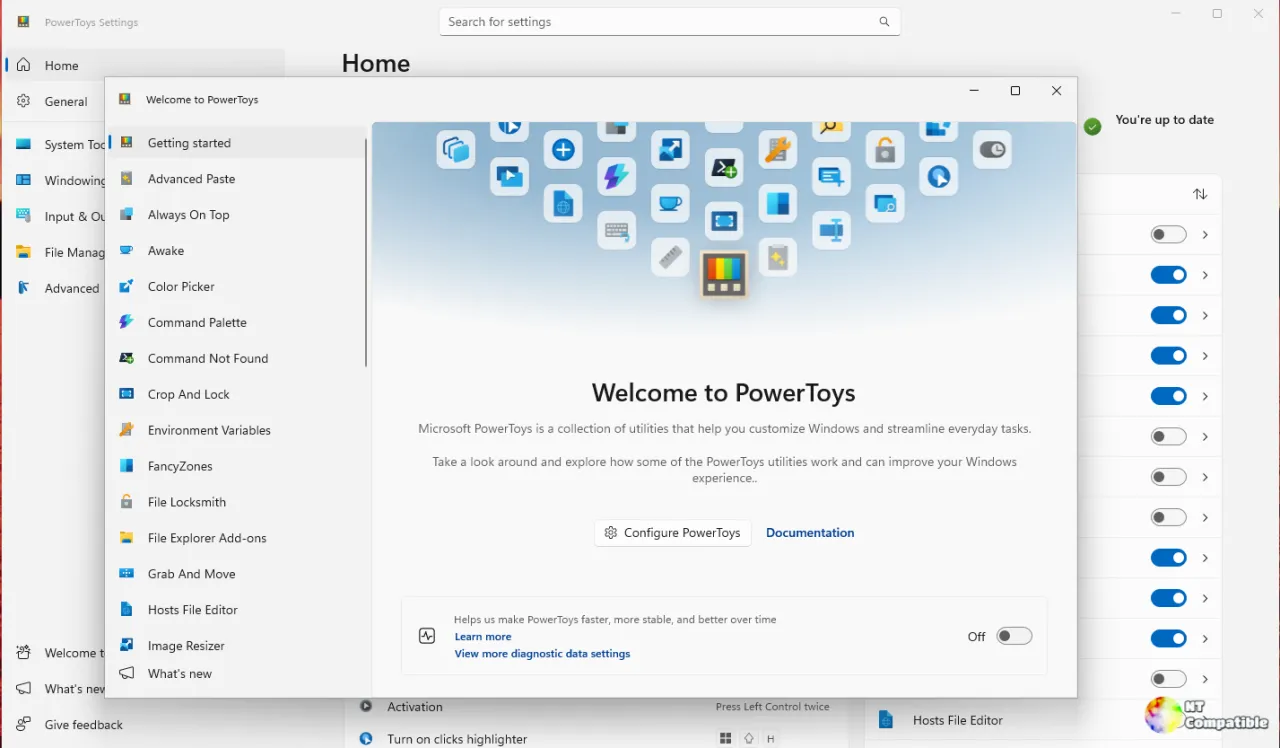
Microsoft PowerToys v0.102.2933.0 has been released as the final stable update, featuring new mouse utilities like Mouse Button Lock and CursorHide, alongside a significant revamp of the Command Palette and enhancements in scriptability. The Mouse Button Lock function allows users to hold and lock any mouse button, which is beneficial for accessibility and productivity tasks, while CursorHide hides the cursor during typing or inactivity. The update also introduces dedicated command-line interfaces for several features, enhancing automation capabilities, and improves the overall user experience with smoother transitions and better performance. This release marks a notable structural shift for PowerToys, which has been popular among developers since its inception in 2019, and is available for Windows 10 build 19041 or newer
Microsoft PowerToys v0.102.2933.0 Ships With Mouse Button Lock, Snip Dictation, and Major CLI Updates
Microsoft PowerToys v0.102.2933.0 landed today as the final stable release of its update train, packing in entirely new mouse utilities, a heavily revamped Command Palette, and a serious push toward scriptability. Mouse Button Lock extends Windows' legacy ClickLock to all three primary buttons, while CursorHide finally tucks the pointer away while you type or sit idle. Advanced Paste, Light Switch, Settings, Peek, and PowerDisplay now ship dedicated command-line interfaces, and Keyboard Manager adds tap-alone remaps alongside enterprise-grade DSC support. The stable build is available through the Microsoft Store, WinGet, and GitHub, requiring Windows 10 build 19041 or newer with x64 or ARM64 support.