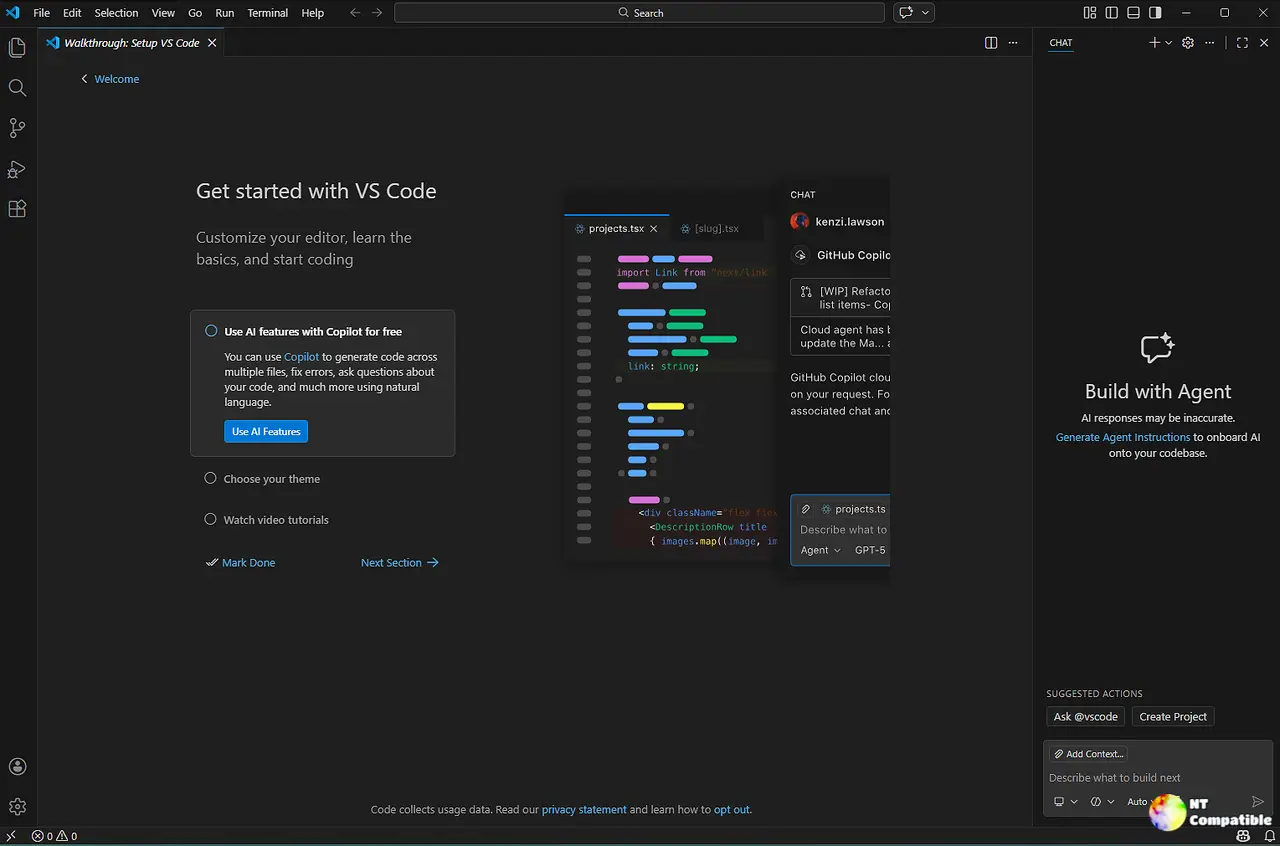
Visual Studio Code 1.143 introduces Copilot as the default for new agent sessions, integrating Microsoft's AI-agent strategy into its stable release while also adding features like side-by-side model comparisons and on-device coding with MAI Code 1.1 Flash. The update targets IT administrators with features such as managed model defaults, automatic plugin installations, and rules that enforce the use of Copilot while disabling alternative models. Performance improvements significantly reduce the time required to open large chats, making the experience more efficient. Additionally, the release includes tools for managing disk space taken up by inactive sessions and experimental features for comparing models and utilizing on-device capabilities, although some require specific hardware
Visual Studio Code 1.143 Copilot Default, On-Device Models, and More
Visual Studio Code 1.143 makes the Copilot harness the default for new agent sessions, folding Microsoft's AI-agent strategy into the stable build. The release also adds side-by-side model comparison, on-device coding via MAI Code 1.1 Flash, and a tool to reclaim disk space from abandoned worktrees. A big chunk of the update targets IT admins, with managed model defaults, automatic plugin installs, and rules that can force Copilot while disabling Local, Claude, and Codex. Performance upgrades cut the time to open huge chats from up to 35 seconds down to single-digit seconds.
Visual Studio Code 1.143 Copilot Default, On-Device Models, and More @ NT Compatible