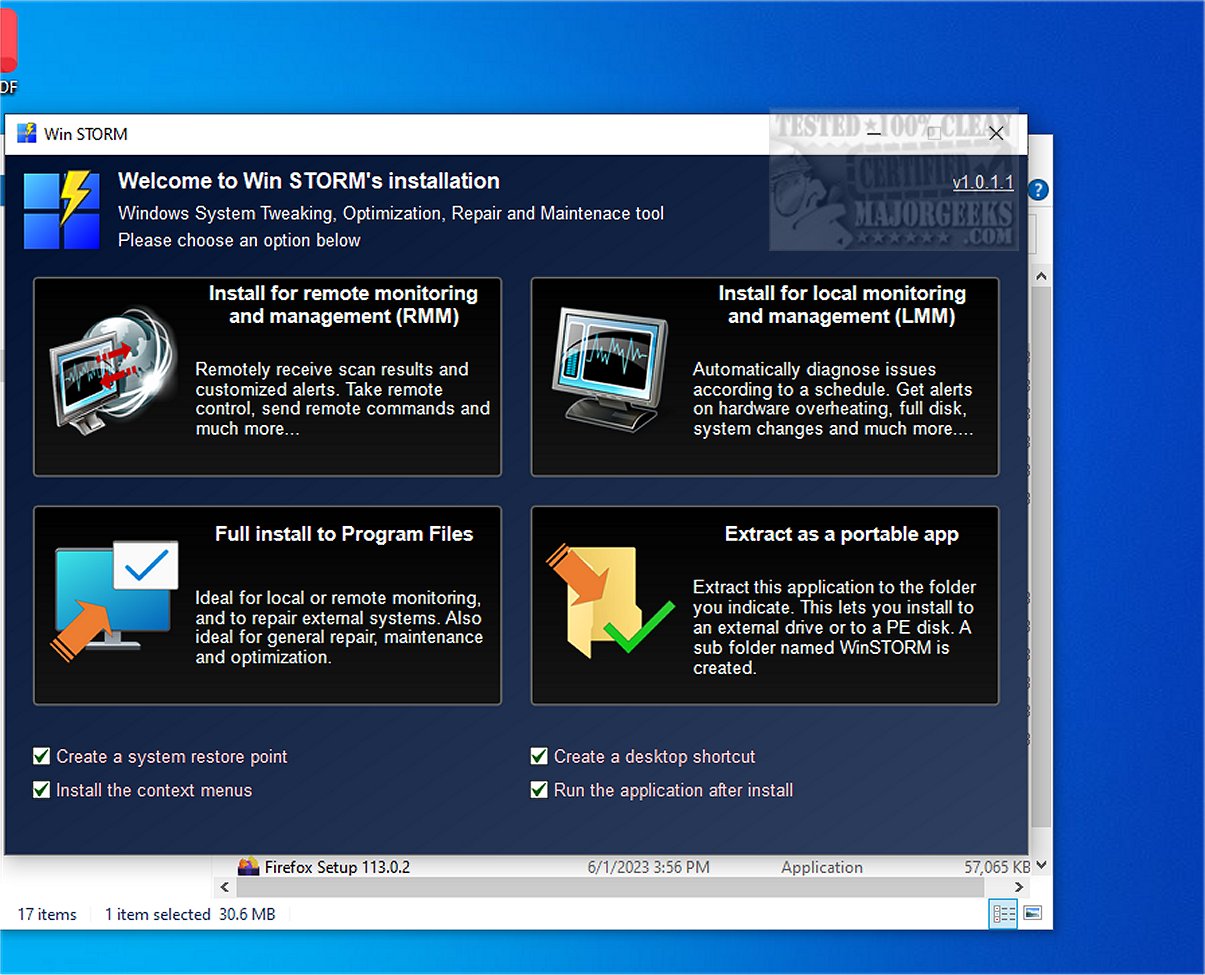
Win STORM is an advanced tool designed for the supervision, optimization, repair, and maintenance of Windows systems. Aimed at computer technicians and IT professionals, this application offers a comprehensive suite of features that are crucial for effective computer management.
Overview of Win STORM
Built on the robust framework of UVK – Ultra Virus Killer, Win STORM retains all functionalities of its predecessor while introducing additional features that enhance its performance. This powerful software solution allows users to monitor system performance, make adjustments to enhance speed and efficiency, and conduct thorough repairs when necessary.
Key Features
Win STORM includes a user-friendly interface that simplifies navigation through its extensive features. It also provides detailed reporting tools, offering insights into system health and historical performance. The application dashboard presents comprehensive information about hardware and software configurations, enabling users to view essential components and security statuses.
One of the standout functionalities of Win STORM is its ability to auto-detect issues that might lead to software incompatibilities or performance slowdowns. For example, it can identify multiple antivirus programs and recommend their uninstallation. Users can also easily clear storage space by removing unnecessary files with a single click. The integrated Windows Update Manager (WAU Manager) simplifies the process of finding and applying Windows updates.
On-Demand Scans and Customization Options
Win STORM supports on-demand scanning for a deeper analysis of the system, helping to uncover malware, unwanted files, and other issues. Additionally, it offers customization options for Windows settings, allowing users to modify visual elements and enhance productivity by disabling features like Cortana and Windows Search.
Security Features
The tool includes various security-related adjustments, such as the ability to disable User Account Control (UAC), manage Windows Defender, and modify Windows Firewall settings. Changes that impact system security might require a restart to take effect.
Conclusion
Overall, Win STORM serves as a comprehensive command center for system maintenance and optimization. By consolidating multiple tools into one utility, it caters to the needs of both local and remote PC monitoring, making it an invaluable resource for system and network administrators.
Future Enhancements
Looking ahead, future updates could focus on further expanding the tool’s capabilities, such as integrating advanced AI diagnostics for predictive maintenance, enhancing remote support features, and adding support for more third-party applications. Additionally, the introduction of a community feedback system could help tailor future developments to meet user needs more effectively
Overview of Win STORM
Built on the robust framework of UVK – Ultra Virus Killer, Win STORM retains all functionalities of its predecessor while introducing additional features that enhance its performance. This powerful software solution allows users to monitor system performance, make adjustments to enhance speed and efficiency, and conduct thorough repairs when necessary.
Key Features
Win STORM includes a user-friendly interface that simplifies navigation through its extensive features. It also provides detailed reporting tools, offering insights into system health and historical performance. The application dashboard presents comprehensive information about hardware and software configurations, enabling users to view essential components and security statuses.
One of the standout functionalities of Win STORM is its ability to auto-detect issues that might lead to software incompatibilities or performance slowdowns. For example, it can identify multiple antivirus programs and recommend their uninstallation. Users can also easily clear storage space by removing unnecessary files with a single click. The integrated Windows Update Manager (WAU Manager) simplifies the process of finding and applying Windows updates.
On-Demand Scans and Customization Options
Win STORM supports on-demand scanning for a deeper analysis of the system, helping to uncover malware, unwanted files, and other issues. Additionally, it offers customization options for Windows settings, allowing users to modify visual elements and enhance productivity by disabling features like Cortana and Windows Search.
Security Features
The tool includes various security-related adjustments, such as the ability to disable User Account Control (UAC), manage Windows Defender, and modify Windows Firewall settings. Changes that impact system security might require a restart to take effect.
Conclusion
Overall, Win STORM serves as a comprehensive command center for system maintenance and optimization. By consolidating multiple tools into one utility, it caters to the needs of both local and remote PC monitoring, making it an invaluable resource for system and network administrators.
Future Enhancements
Looking ahead, future updates could focus on further expanding the tool’s capabilities, such as integrating advanced AI diagnostics for predictive maintenance, enhancing remote support features, and adding support for more third-party applications. Additionally, the introduction of a community feedback system could help tailor future developments to meet user needs more effectively
Win STORM 1.0.1.4 Beta released
Win STORM is a comprehensive, professional tool specifically designed to supervise, tweak, optimize, repair, and maintain Windows-based systems. Tailored for the needs of computer technicians and IT professionals, this robust application equips users with an extensive suite of features essential for efficient computer management.