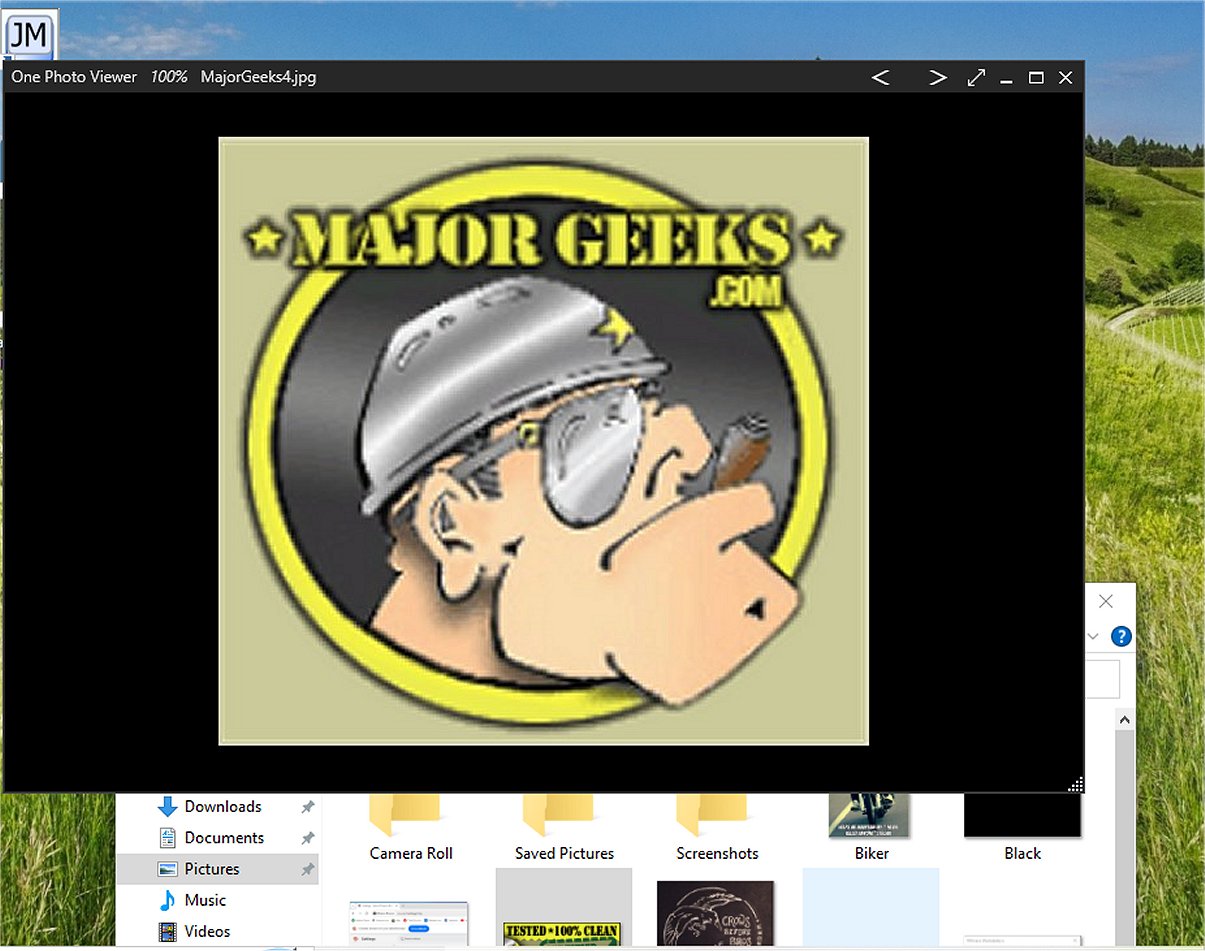
One Photo Viewer has recently launched version 1.21.0.0, offering an excellent alternative to the standard photo viewer found in Windows 10 and 11. This application is designed for ease of use, boasting a clean and intuitive interface that simplifies image navigation, making it a great option for users looking for a straightforward and efficient way to view their photos.
Key Features of One Photo Viewer
One Photo Viewer not only provides a sleek interface but also allows for significant customization. Users can modify background colors to enhance their viewing experience, and the application includes a borderless mode for full-screen image display, which minimizes distractions and promotes immersive viewing. The software is equipped with various features that cater to both casual users and photography enthusiasts, including:
- Slideshow Mode: A dynamic feature that presents images in a slideshow format, ideal for sharing cherished memories.
- Color Adjustment: Tools to adjust color properties such as contrast, brightness, and saturation, enabling users to enhance their images creatively.
- Cropping and Resizing: Simplifies the process of focusing on specific details within images or resizing them for various purposes, such as printing or online sharing.
- Image Rotation: Allows for quick rotation of images to achieve the desired orientation with just a few clicks.
- Clipboard Functions: Facilitates easy management of images by allowing users to copy and paste images or sections directly to and from the clipboard.
Effortless Navigation and Usability
The features of One Photo Viewer are easily accessible through a user-friendly right-click menu or keyboard shortcuts, ensuring that operations are quick and efficient. Additionally, the application is fully compatible with touchscreen devices, providing smooth navigation for users on tablets or touch-enabled laptops.
Geek Verdict: A Lightweight Choice
As a lightweight application, One Photo Viewer is designed to occupy minimal storage space while delivering essential functionalities without the clutter of unnecessary features. Its focus on providing a reliable and enjoyable photo-viewing experience has garnered it a reputation as an optimal choice for users who prioritize simplicity and effectiveness.
Looking Ahead
As technology continues to evolve, One Photo Viewer is poised to adapt and incorporate new features based on user feedback and advancements in digital photography. Future updates may include enhanced editing tools, support for additional file formats, and improved integration with cloud storage services, further expanding its utility and appeal to a broader audience. This commitment to continuous improvement ensures that One Photo Viewer remains a top choice for anyone looking for a functional and aesthetic photo viewing solution
Key Features of One Photo Viewer
One Photo Viewer not only provides a sleek interface but also allows for significant customization. Users can modify background colors to enhance their viewing experience, and the application includes a borderless mode for full-screen image display, which minimizes distractions and promotes immersive viewing. The software is equipped with various features that cater to both casual users and photography enthusiasts, including:
- Slideshow Mode: A dynamic feature that presents images in a slideshow format, ideal for sharing cherished memories.
- Color Adjustment: Tools to adjust color properties such as contrast, brightness, and saturation, enabling users to enhance their images creatively.
- Cropping and Resizing: Simplifies the process of focusing on specific details within images or resizing them for various purposes, such as printing or online sharing.
- Image Rotation: Allows for quick rotation of images to achieve the desired orientation with just a few clicks.
- Clipboard Functions: Facilitates easy management of images by allowing users to copy and paste images or sections directly to and from the clipboard.
Effortless Navigation and Usability
The features of One Photo Viewer are easily accessible through a user-friendly right-click menu or keyboard shortcuts, ensuring that operations are quick and efficient. Additionally, the application is fully compatible with touchscreen devices, providing smooth navigation for users on tablets or touch-enabled laptops.
Geek Verdict: A Lightweight Choice
As a lightweight application, One Photo Viewer is designed to occupy minimal storage space while delivering essential functionalities without the clutter of unnecessary features. Its focus on providing a reliable and enjoyable photo-viewing experience has garnered it a reputation as an optimal choice for users who prioritize simplicity and effectiveness.
Looking Ahead
As technology continues to evolve, One Photo Viewer is poised to adapt and incorporate new features based on user feedback and advancements in digital photography. Future updates may include enhanced editing tools, support for additional file formats, and improved integration with cloud storage services, further expanding its utility and appeal to a broader audience. This commitment to continuous improvement ensures that One Photo Viewer remains a top choice for anyone looking for a functional and aesthetic photo viewing solution
One Photo Viewer 1.21.0.0 released
One Photo Viewer is an incredibly user-friendly application that serves as an alternative to the default photo viewer in Windows 10 and 11.