TweakNow Gallery 1.3.5 has been released as a powerful tool for photo organization, allowing users to sort, manage, and rediscover their cherished memories with ease. This user-friendly application not only serves as an image manager and viewer but also offers essential editing functionalities, making it suitable for users at all skill levels.
Upon launching TweakNow Gallery, users are greeted with an empty main window that prompts them to navigate their Windows folders to find their photos. Once a folder is accessed, users can view small or large previews of their images, with selection tools that facilitate easy file management. Right-clicking on an image provides quick options for copying, moving, or renaming, while a dedicated toolbar button allows for effortless file deletion.
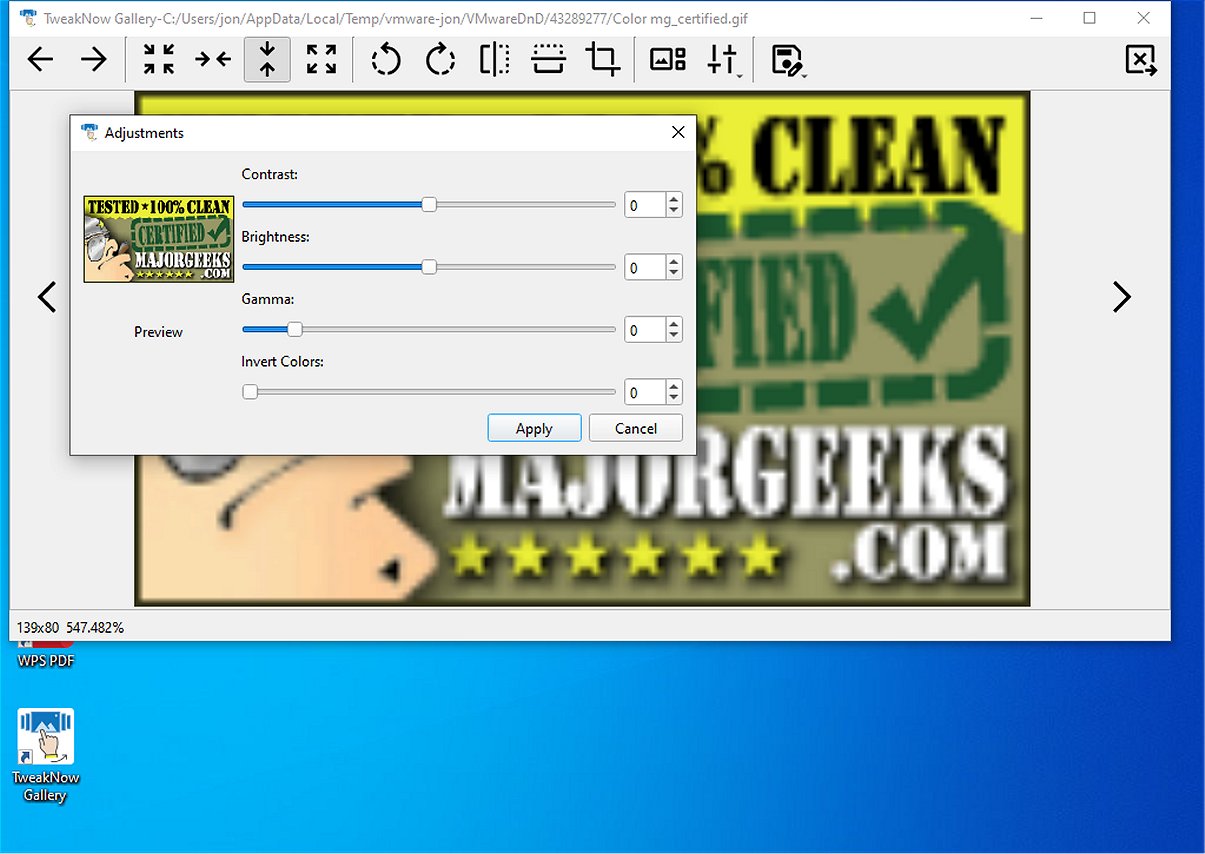
TweakNow Gallery stands out with its integration of basic image editing tools. These tools enable users to rotate, crop, and flip their images, as well as make color adjustments to enhance their photos' appearance. Features like contrast and brightness adjustments, gamma level modifications, and artistic filters such as grayscale and sepia allow users to apply stylistic changes with minimal effort.
Overall, TweakNow Gallery is a practical choice for anyone looking to balance file management with essential image editing capabilities. Its intuitive interface ensures that users can efficiently curate their image collections without needing extensive guidance.
In addition to its current features, future updates could include advanced editing functionalities, more sophisticated filters, and enhanced organizational tools, such as tagging and searching capabilities. These improvements would further solidify TweakNow Gallery's position as a comprehensive solution for photo management and editing
Upon launching TweakNow Gallery, users are greeted with an empty main window that prompts them to navigate their Windows folders to find their photos. Once a folder is accessed, users can view small or large previews of their images, with selection tools that facilitate easy file management. Right-clicking on an image provides quick options for copying, moving, or renaming, while a dedicated toolbar button allows for effortless file deletion.
TweakNow Gallery stands out with its integration of basic image editing tools. These tools enable users to rotate, crop, and flip their images, as well as make color adjustments to enhance their photos' appearance. Features like contrast and brightness adjustments, gamma level modifications, and artistic filters such as grayscale and sepia allow users to apply stylistic changes with minimal effort.
Overall, TweakNow Gallery is a practical choice for anyone looking to balance file management with essential image editing capabilities. Its intuitive interface ensures that users can efficiently curate their image collections without needing extensive guidance.
In addition to its current features, future updates could include advanced editing functionalities, more sophisticated filters, and enhanced organizational tools, such as tagging and searching capabilities. These improvements would further solidify TweakNow Gallery's position as a comprehensive solution for photo management and editing
TweakNow Gallery 1.3.5 released
TweakNow Gallery serves as an effective photo organization tool designed to help users sort, manage, and rediscover their treasured memories seamlessly.