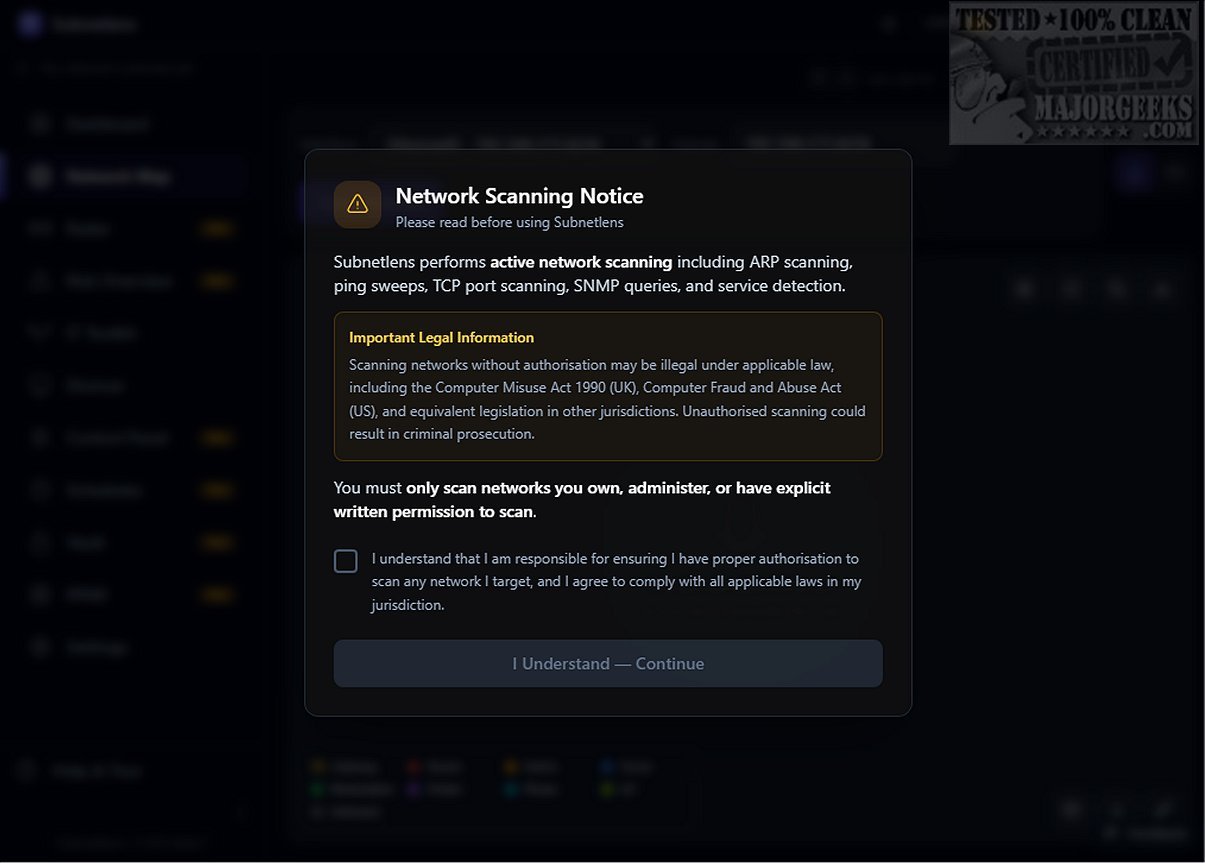
Subnetlens 1.0.0 Beta 7 has been released, offering a robust solution for network scanning and management. This tool enables users to quickly identify every device on their network, visualize network topology, monitor changes in real time, and utilize 26 diagnostic tools. Notably, Subnetlens can recognize 1,451 different device types by hostname, all while operating locally without relying on cloud services.
Designed for IT professionals and home lab enthusiasts, Subnetlens streamlines network management by automatically naming devices upon detection and providing insights into their types, enhancing overall visibility. Its advanced device fingerprinting capabilities allow users to easily distinguish between various operating systems and device specifications. The software's visual mapping of network topology is invaluable for troubleshooting and managing connections between devices.
In addition to its core features, Subnetlens includes real-time port-change monitoring for individual devices, bolstering security and operational integrity. The tool is enhanced with a suite of 26 IT tools and a credential vault for secure credential storage, along with scheduled automation to optimize processes. Its comprehensive functionalities—such as risk scoring, a single-device Explorer workshop, and professional-grade SNMP topology capabilities—position Subnetlens as a superior alternative to basic IP scanners like Angry IP Scanner.
Overall, Subnetlens serves as a powerful ally for optimizing and managing networks, offering an extensive array of features that set it apart from conventional network scanning tools. It is ideal for users who require deep insights into network operations and robust management capabilities.
With its continuous development, future versions of Subnetlens may introduce even more advanced features, such as enhanced integration with cloud services for hybrid environments, improved analytics tools for predictive network management, and expanded device recognition capabilities to keep pace with emerging technologies. As networking needs evolve, Subnetlens aims to remain at the forefront of network management solutions
Designed for IT professionals and home lab enthusiasts, Subnetlens streamlines network management by automatically naming devices upon detection and providing insights into their types, enhancing overall visibility. Its advanced device fingerprinting capabilities allow users to easily distinguish between various operating systems and device specifications. The software's visual mapping of network topology is invaluable for troubleshooting and managing connections between devices.
In addition to its core features, Subnetlens includes real-time port-change monitoring for individual devices, bolstering security and operational integrity. The tool is enhanced with a suite of 26 IT tools and a credential vault for secure credential storage, along with scheduled automation to optimize processes. Its comprehensive functionalities—such as risk scoring, a single-device Explorer workshop, and professional-grade SNMP topology capabilities—position Subnetlens as a superior alternative to basic IP scanners like Angry IP Scanner.
Overall, Subnetlens serves as a powerful ally for optimizing and managing networks, offering an extensive array of features that set it apart from conventional network scanning tools. It is ideal for users who require deep insights into network operations and robust management capabilities.
With its continuous development, future versions of Subnetlens may introduce even more advanced features, such as enhanced integration with cloud services for hybrid environments, improved analytics tools for predictive network management, and expanded device recognition capabilities to keep pace with emerging technologies. As networking needs evolve, Subnetlens aims to remain at the forefront of network management solutions
Subnetlens 1.0.0 Beta 7 released
Subnetlens is a professional network scanner that lets you discover every device on your network in seconds. Visualize the topology, monitor changes in real time, run 26 diagnostic tools, drill into any device with the Explorer workshop, and recognize 1,451 device types by hostname — all locally, no cloud required.