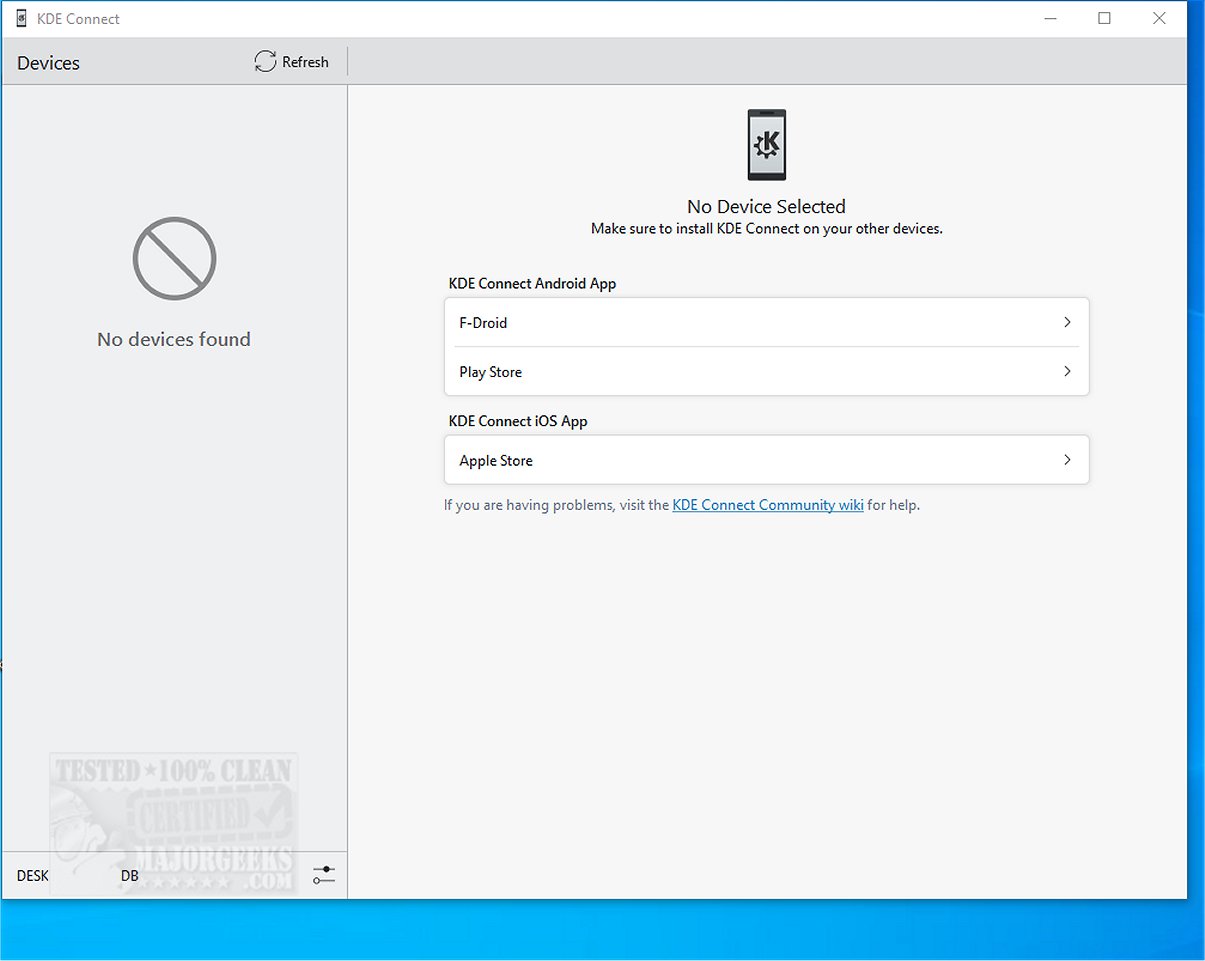
KDE Connect 26.801 has been released, enhancing the integration of your mobile phone with your desktop computer. This versatile tool enables functionalities such as file sharing, notification synchronization, clipboard sharing, and even allows your phone to function as a remote control or trackpad for your desktop. Users can execute commands remotely between devices, enhancing their workflow and productivity.
The application simplifies the connection process by requiring users to install it on both their smartphone and desktop client. Once both devices are connected to the same Wi-Fi network, pairing occurs easily through a request-and-accept system. Communication between devices is secured with end-to-end TLS encryption, ensuring data protection throughout the connection.
KDE Connect offers numerous features for optimal use:
- Shared Clipboard: Copy text from one device and paste it on another seamlessly.
- Notification Sync: View and respond to notifications from your phone on your desktop.
- File and URL Sharing: Quickly send files and web links between devices.
- Remote Input: Use your phone as a wireless touchpad or keyboard for your computer.
- Multimedia Control: Manage media playback on your computer from your phone.
- Phone Locator: Trigger your phone to ring to help locate it.
- Command Execution: Execute commands on your computer directly from your phone.
- Device Information: Monitor your phone's battery level and network status from your desktop.
Overall, KDE Connect is touted as an invaluable tool that bridges the gap between devices, facilitating seamless synchronization across multiple platforms. It serves as an excellent alternative to Phone Link, particularly excelling in sharing notifications and files, controlling media playback, and enhancing productivity through its clipboard sharing feature. Despite occasional issues with file transfer speeds and stability, users find the experience rewarding and beneficial.
In the future, KDE Connect could expand its capabilities by integrating with additional platforms and services, enhancing its functionality further. Possible enhancements could include support for more file formats, improved stability for large file transfers, or even the ability to connect with IoT devices. As technology continues to evolve, KDE Connect could become a central hub for not just personal devices but also smart home integrations, making it an essential tool for modern digital lifestyles. Embrace the possibilities that KDE Connect offers and elevate your connectivity game
The application simplifies the connection process by requiring users to install it on both their smartphone and desktop client. Once both devices are connected to the same Wi-Fi network, pairing occurs easily through a request-and-accept system. Communication between devices is secured with end-to-end TLS encryption, ensuring data protection throughout the connection.
KDE Connect offers numerous features for optimal use:
- Shared Clipboard: Copy text from one device and paste it on another seamlessly.
- Notification Sync: View and respond to notifications from your phone on your desktop.
- File and URL Sharing: Quickly send files and web links between devices.
- Remote Input: Use your phone as a wireless touchpad or keyboard for your computer.
- Multimedia Control: Manage media playback on your computer from your phone.
- Phone Locator: Trigger your phone to ring to help locate it.
- Command Execution: Execute commands on your computer directly from your phone.
- Device Information: Monitor your phone's battery level and network status from your desktop.
Overall, KDE Connect is touted as an invaluable tool that bridges the gap between devices, facilitating seamless synchronization across multiple platforms. It serves as an excellent alternative to Phone Link, particularly excelling in sharing notifications and files, controlling media playback, and enhancing productivity through its clipboard sharing feature. Despite occasional issues with file transfer speeds and stability, users find the experience rewarding and beneficial.
In the future, KDE Connect could expand its capabilities by integrating with additional platforms and services, enhancing its functionality further. Possible enhancements could include support for more file formats, improved stability for large file transfers, or even the ability to connect with IoT devices. As technology continues to evolve, KDE Connect could become a central hub for not just personal devices but also smart home integrations, making it an essential tool for modern digital lifestyles. Embrace the possibilities that KDE Connect offers and elevate your connectivity game
KDE Connect 26.801 released
KDE Connect seamlessly integrates your mobile phone with your desktop computer, enabling a range of functionalities such as file sharing, notification synchronization, clipboard sharing, and using your phone as a remote control or trackpad.