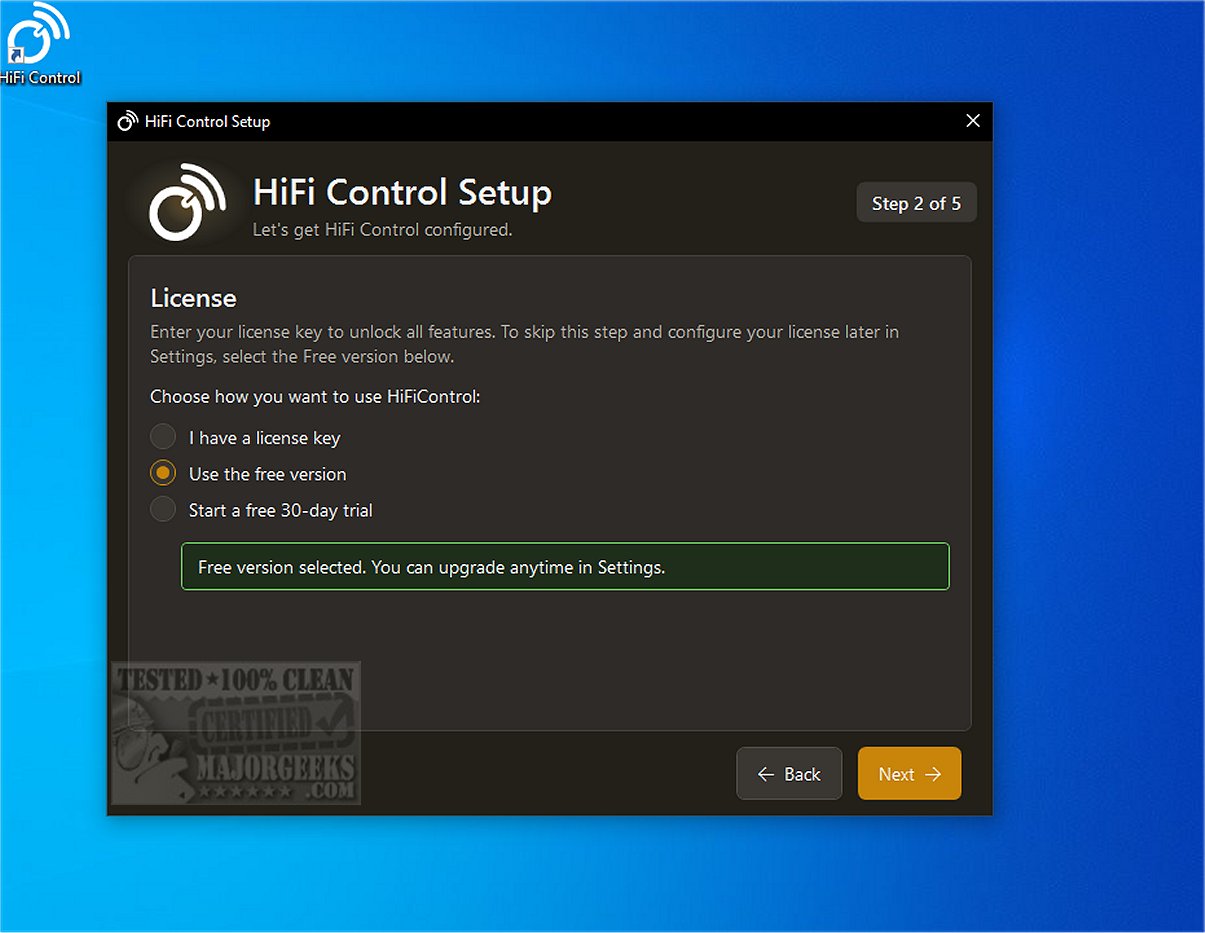
HiFi Control has released version 1.6.4, enhancing its role as a centralized platform for managing and controlling high-fidelity audio devices and their players. The application boasts a modern, user-friendly design that supports various multi-room audio systems, allowing users to easily add and connect their devices to preferred players. Its intuitive interface facilitates quick management of amplifier and player settings, making it simple for users to monitor volume and audio sources.
The software includes a comprehensive setup wizard and device management options, enabling users to select devices from an extensive library or add them manually. An automated device discovery feature further simplifies the configuration process. HiFi Control also features overlays, presets, and Dirac control, ensuring compatibility with streaming services like Spotify and Tidal.
Key features available for free include amplifier control via keyboard media keys, basic presets, a media browser with search functionality, queue management, system tray integration, customizable hotkeys, and various integrations with platforms such as BluOS and HEOS. The application allows for quick access to device manuals and supports multiple audio profiles while ensuring automatic reconnection after IP changes.
HiFi Control is designed specifically for Windows PC users, requiring Microsoft .NET 10.x.x.x for installation, but it can install the framework if absent. With its extensive features, HiFi Control aims to optimize the high-fidelity audio experience, providing seamless connectivity and control over audio playback.
In summary, HiFi Control 1.6.4 stands out as a robust management tool for audio enthusiasts, streamlining the user experience and enhancing the capabilities of audio devices. This version not only supports a wide range of integrations but also emphasizes ease of use with its modern interface and versatile features. For users looking to elevate their audio experience, HiFi Control presents a compelling solution that combines functionality with a sleek design
The software includes a comprehensive setup wizard and device management options, enabling users to select devices from an extensive library or add them manually. An automated device discovery feature further simplifies the configuration process. HiFi Control also features overlays, presets, and Dirac control, ensuring compatibility with streaming services like Spotify and Tidal.
Key features available for free include amplifier control via keyboard media keys, basic presets, a media browser with search functionality, queue management, system tray integration, customizable hotkeys, and various integrations with platforms such as BluOS and HEOS. The application allows for quick access to device manuals and supports multiple audio profiles while ensuring automatic reconnection after IP changes.
HiFi Control is designed specifically for Windows PC users, requiring Microsoft .NET 10.x.x.x for installation, but it can install the framework if absent. With its extensive features, HiFi Control aims to optimize the high-fidelity audio experience, providing seamless connectivity and control over audio playback.
In summary, HiFi Control 1.6.4 stands out as a robust management tool for audio enthusiasts, streamlining the user experience and enhancing the capabilities of audio devices. This version not only supports a wide range of integrations but also emphasizes ease of use with its modern interface and versatile features. For users looking to elevate their audio experience, HiFi Control presents a compelling solution that combines functionality with a sleek design
HiFi Control 1.6.4 released
HiFi Control provides you with a centralized platform for the management and control of high-fidelity audio devices and their respective players.