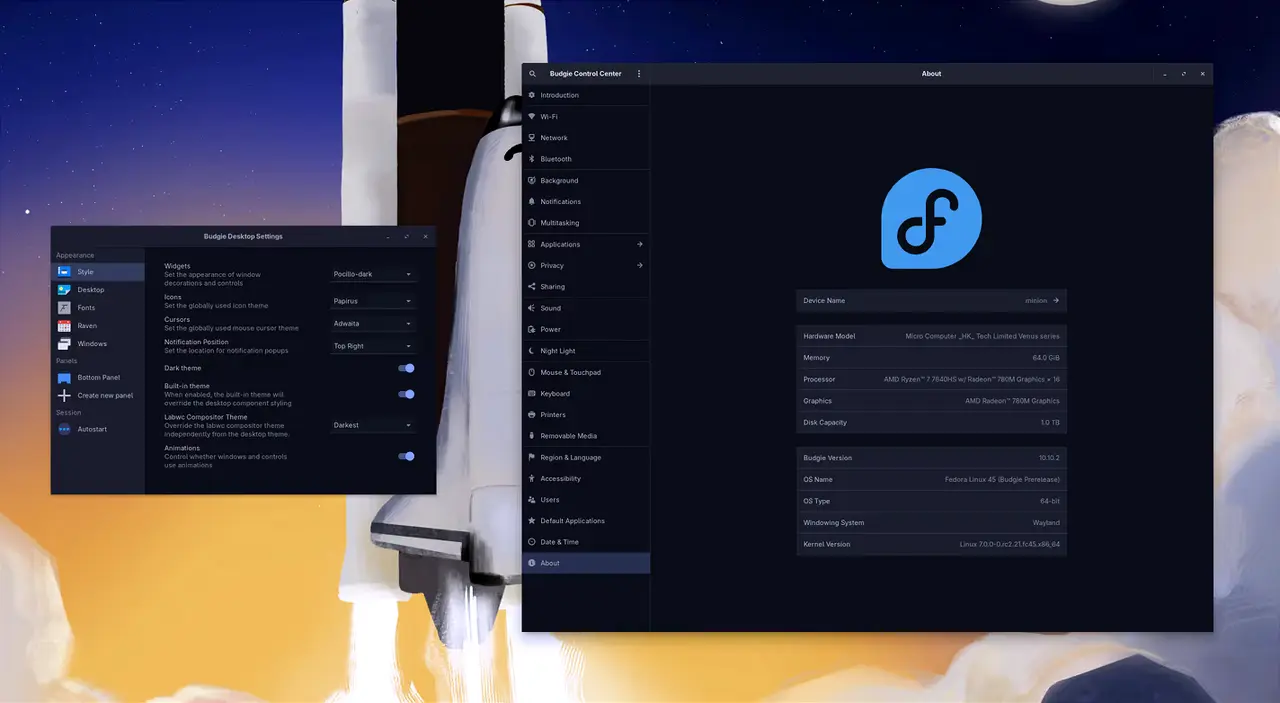
Budgie 10.10.4 has been released as the fourth minor update in the Wayland-only series, addressing the long-standing issues with auto-hiding panels and dock mode that arose after the transition from X11 to Wayland. The update introduces several new features, including keyboard navigation for the Raven sidebar, a shortcut for toggling panels, and improvements to screen-dimming and locker options. Additionally, the release boasts a noticeable increase in startup speed and various bug fixes, enhancing overall performance and usability. Budgie 10.10.4 will gradually be available in distribution repositories, with users encouraged to install it through package management commands
Budgie 10.10.4 Fixes Wayland Panel Auto-Hide and Dock Mode
Budgie 10.10.4 released today as the fourth minor update to the Wayland-only 10.10 series, led by developer Joshua Strobl. The headline fix finally repairs auto-hiding panels and dock mode, which broke when the desktop switched from X11 to Wayland in January. It also adds Raven keyboard navigation, a Super+T shortcut to toggle all panels, screen-dimming and locker choices, and a benchmarked startup-speed boost. The update rolls into distro repos gradually, so Fedora, Ubuntu Budgie, and Solus will pick it up over the coming weeks.
Budgie 10.10.4 Fixes Wayland Panel Auto-Hide and Dock Mode @ Linux Compatible