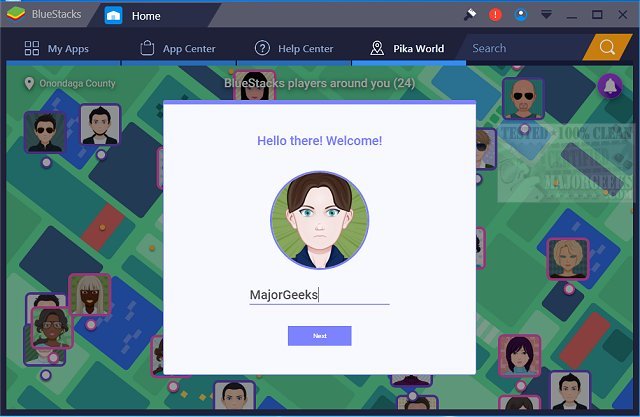
BlueStacks has released version 5.22.262.1001 and 10.42.260.1003, enhancing its capability to run Android OS and applications directly on Windows PCs. This innovative software allows users to switch seamlessly between Android and Windows, eliminating the need for a reboot and enabling immediate access to Android applications alongside traditional PC software.
With BlueStacks, users can enjoy their favorite Android apps either as desktop icons or within a fully integrated Android environment. This functionality is particularly beneficial for PC manufacturers aiming to capitalize on the growing popularity of Android by enabling Android apps on various x86-based devices, including notebooks, tablets, netbooks, convertibles, and all-in-one PCs. The hybrid convertible devices offered by manufacturers mean users no longer need to carry multiple devices for different operating systems.
Moreover, BlueStacks offers integration with Citrix and Microsoft’s software delivery infrastructure, including Citrix's Enterprise App Store, facilitating the secure and efficient delivery of Android applications to Windows machines. The platform presents two distinct versions for users: BlueStacks 5, recognized for its speed and lightweight performance, and BlueStacks 10, which employs Hybrid Cloud technology to enhance the Android gaming experience on PCs.
In addition to these advancements, users can also explore features such as mirroring their Android, iPhone, or iPad screens to their PC, making BlueStacks an all-encompassing tool for mobile app enthusiasts looking to bridge the gap between mobile and desktop experiences. With these updates, BlueStacks continues to redefine how users interact with mobile applications on their computers
With BlueStacks, users can enjoy their favorite Android apps either as desktop icons or within a fully integrated Android environment. This functionality is particularly beneficial for PC manufacturers aiming to capitalize on the growing popularity of Android by enabling Android apps on various x86-based devices, including notebooks, tablets, netbooks, convertibles, and all-in-one PCs. The hybrid convertible devices offered by manufacturers mean users no longer need to carry multiple devices for different operating systems.
Moreover, BlueStacks offers integration with Citrix and Microsoft’s software delivery infrastructure, including Citrix's Enterprise App Store, facilitating the secure and efficient delivery of Android applications to Windows machines. The platform presents two distinct versions for users: BlueStacks 5, recognized for its speed and lightweight performance, and BlueStacks 10, which employs Hybrid Cloud technology to enhance the Android gaming experience on PCs.
In addition to these advancements, users can also explore features such as mirroring their Android, iPhone, or iPad screens to their PC, making BlueStacks an all-encompassing tool for mobile app enthusiasts looking to bridge the gap between mobile and desktop experiences. With these updates, BlueStacks continues to redefine how users interact with mobile applications on their computers
BlueStacks 5.22.262.1001 / 10.42.260.1003 released
BlueStacks will operate Android OS and apps right on your Windows PCs, allowing instantaneous switching between Android and Windows - eliminating the need for a reboot.
BlueStacks 5.22.262.1001 / 10.42.260.1003 released @ MajorGeeks