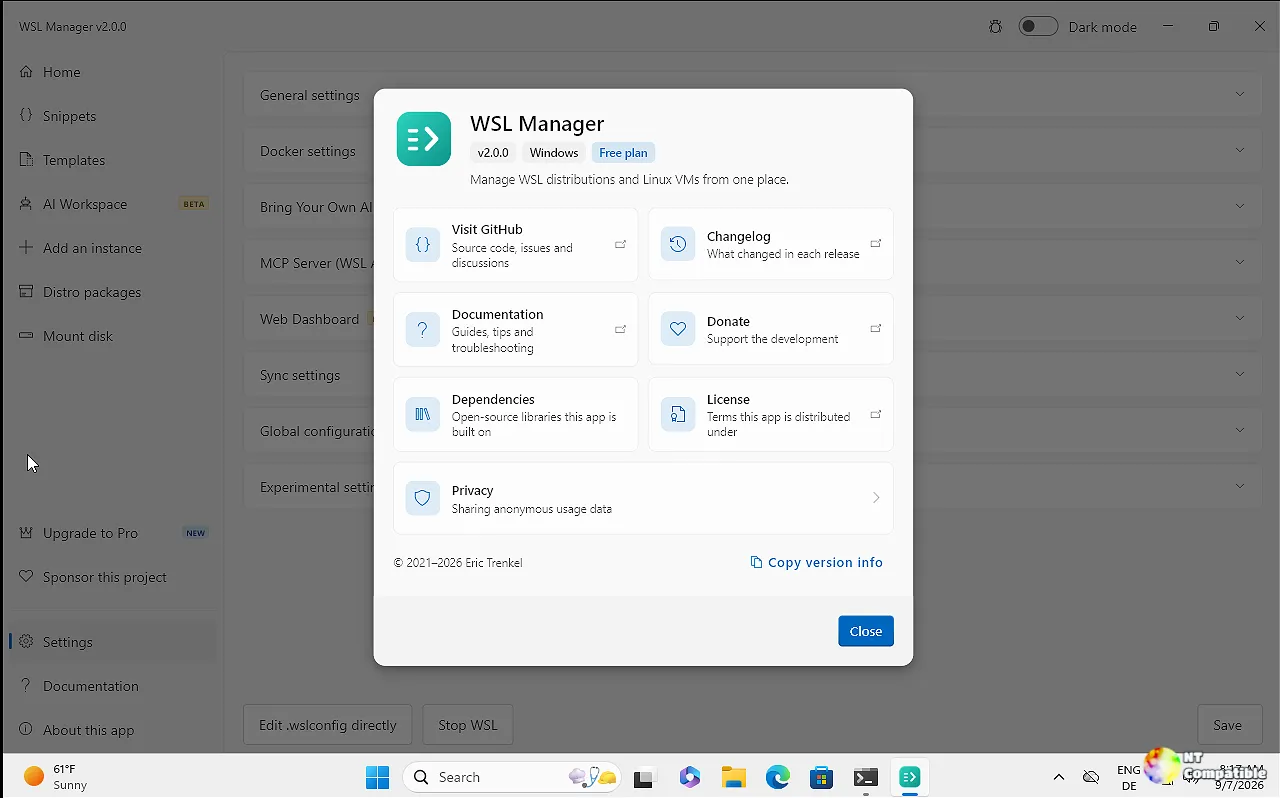
WSL Manager v2.7.0 introduces a tray icon that allows Linux distributions to remain active even when the application is closed, improving user experience significantly. The update also features real progress bars for disk operations, an IP address display for each instance, keyboard shortcuts, and a fix for Chinese fonts across all supported languages. The app, which is free and open-source, manages WSL on Windows and Linux VMs on macOS, with a Pro tier available for a one-time purchase that unlocks AI features. Overall, the development reflects a commitment to providing comprehensive management tools while ensuring the core functionalities remain free for users
WSL Manager v2.7.0 Adds Tray Icon and Persistent Linux Distros
WSL Manager v2.7.0 ships with a tray icon that keeps your Linux distros running even after you close the app. The release adds real progress bars for disk operations, instance IP display, keyboard shortcuts, and a Chinese font fix across all nine supported languages. The free, open-source Flutter app manages WSL on Windows and Linux VMs on macOS, with Pro tier unlocking AI features through a one-time purchase.
WSL Manager v2.7.0 Adds Tray Icon and Persistent Linux Distros @ NT Compatible