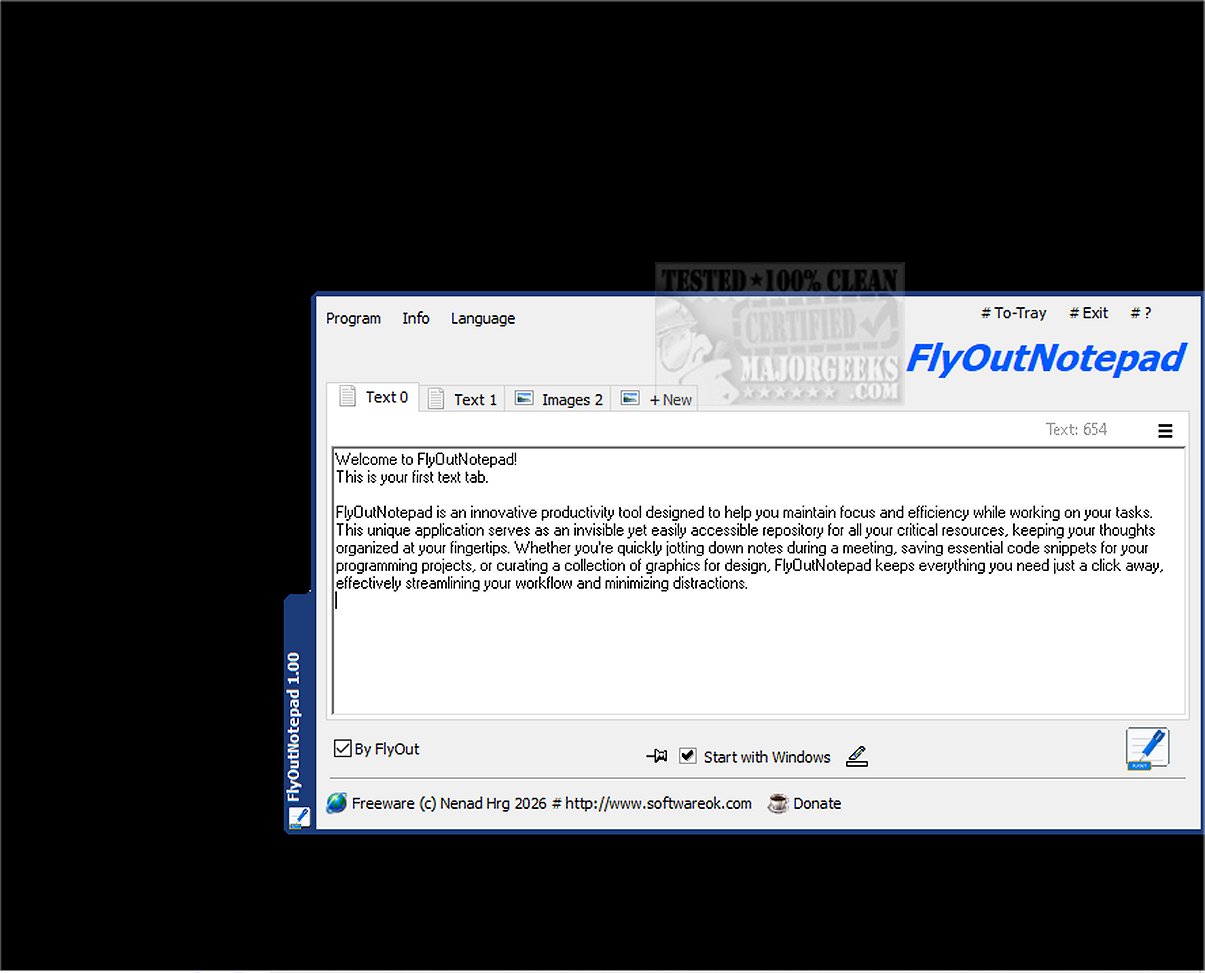
FlyOutNotepad 1.07 has been released, enhancing its capabilities as a powerful productivity tool designed to help users efficiently manage text, code snippets, and graphics. This innovative application allows for rapid information transfer between various programs, streamlining workflow and minimizing distractions. It serves as an easily accessible repository for critical resources, enabling users to quickly jot down notes, save essential code, or curate graphics, all while maintaining focus on their tasks.
One of FlyOutNotepad's standout features is its easy docking capability, allowing it to attach to any edge of the screen without consuming valuable space. The application supports bidirectional Drag & Drop functionality, making it simple to move text and images between FlyOutNotepad and other applications, enhancing multitasking efficiency.
With an impressive 20 tabs available, users can effectively categorize and organize their notes and resources, making it easy to switch between different projects with a user-friendly tabbed interface. An auto-save feature ensures that work is consistently saved, providing peace of mind for users.
For those seeking portability, FlyOutNotepad can be configured to run in portable mode, allowing users to carry their settings wherever they go. This is achieved by renaming the executable file, which prompts the program to save its configuration file in the same directory.
Developed in C++ using the Windows Template Library (WTL), FlyOutNotepad is designed for performance, delivering a lightweight and responsive user experience that does not compromise system resources. This makes it an ideal tool for developers, designers, and anyone needing an organized approach to note-taking.
In conclusion, FlyOutNotepad 1.07 is a versatile application that not only enhances productivity but also adapts to the user’s workflow needs. Its combination of speed, organization, and portability makes it an essential tool for anyone looking to optimize their efficiency in a Windows environment. As technology continues to evolve, future updates could introduce even more features, such as integration with cloud services or enhanced collaboration tools, further solidifying FlyOutNotepad's position as a leading productivity solution
FlyOutNotepad 1.07 released
FlyOutNotepad is a powerful tool specifically designed to seamlessly manage text, code snippets, and graphics, allowing you to transfer information between various programs at remarkable speeds.