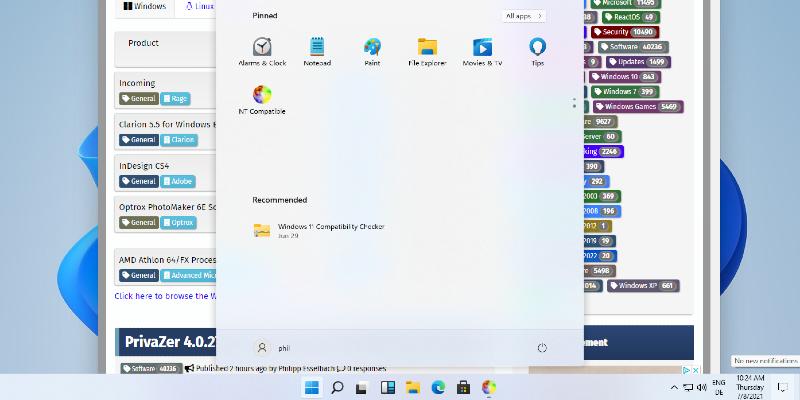
The Windows 11 Insider Experimental Build 28120.2302 addresses UI lag issues in the Start menu, Search, and Action Center, resulting in faster app launches. This update includes minor bug fixes and performance tweaks that aim to provide a smoother user experience, although it is still considered too raw for casual users. Testers should back up their systems before installation, as early builds often cause conflicts with third-party overlays and audio drivers. While the build is designed for experimental testing, everyday users are advised to wait for more stable releases in the Beta or Release Preview channels
Windows 11 Insider Experimental Build 28120.2302 Speeds Up Shell and App Launches
The latest Windows 11 Insider Experimental Build 28120.2302 trims the UI lag that has been slowing down the Start menu, Search, and Action Center. Microsoft paired those shell acceleration tweaks with a handful of minor bug fixes to make app launches feel snappier across the board. Testers in the Experimental channel should expect a smoother daily workflow, though the build remains too raw for casual desktops. Anyone planning to install it ought to back up their system first since early shell patches routinely break third-party overlays and audio drivers.
Windows 11 Insider Experimental Build 28120.2302 Speeds Up Shell and App Launches @ NT Compatible