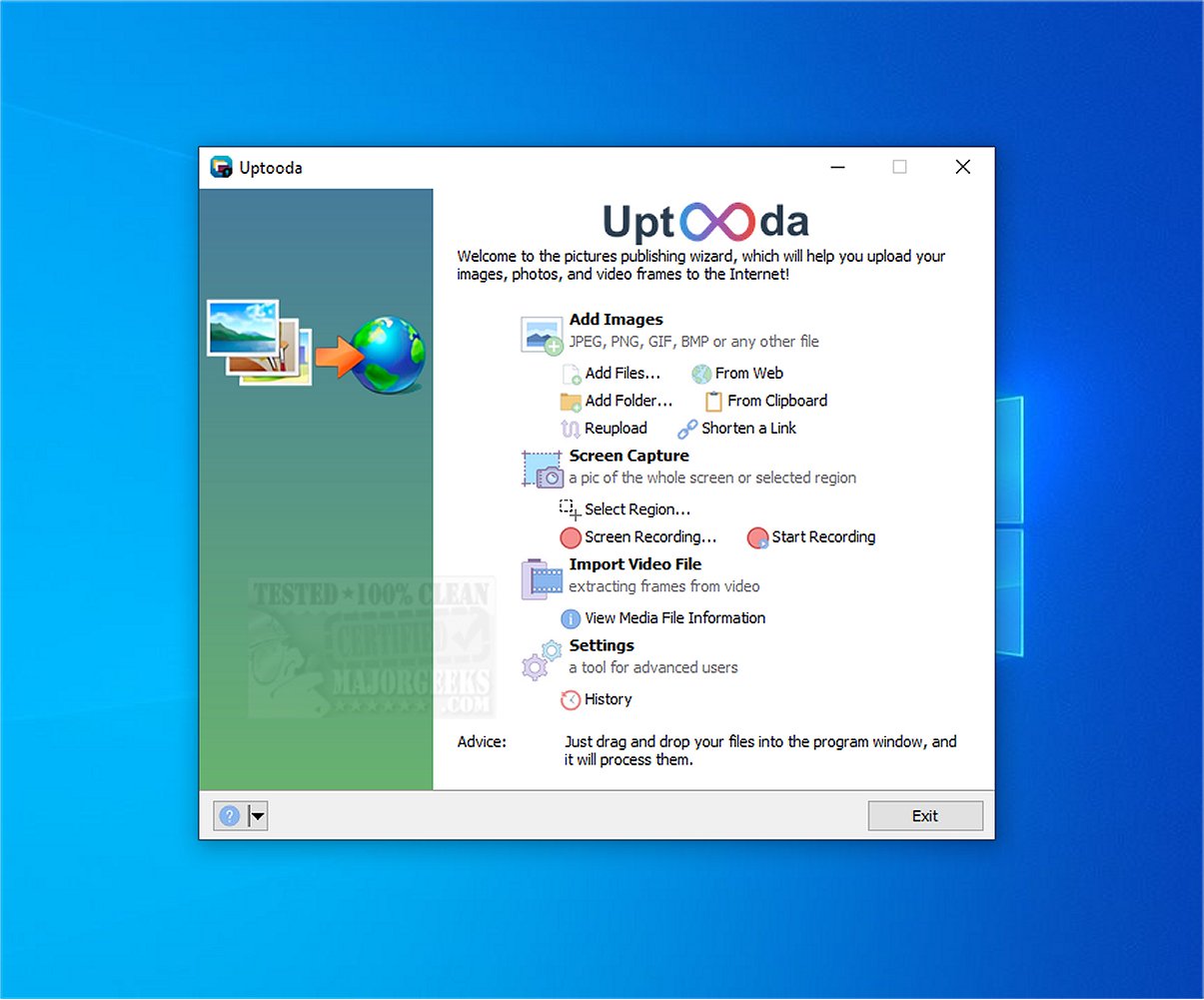
Uptooda version 1.4.7 has been released, enhancing its capabilities as an efficient tool for uploading images, screenshots, and files to various hosting services. Previously known as Image Uploader, Uptooda streamlines the upload process by guiding users through a straightforward setup, ensuring optimal configuration for their specific needs.
The application supports a range of image formats, including JPG, GIF, PNG, and BMP, as well as video formats like AVI, MPG, VOB, and WMV. Additionally, Uptooda accommodates other file types, making it versatile for different user requirements. Users can capture screenshots of their entire screen, active windows, or specific areas, and edit them in Paint before uploading to chosen file-sharing platforms.
Uptooda also offers features for managing file details, allowing customization of settings such as aspect ratio, image quality, watermarking, and thumbnail generation. To enhance user experience, it supports custom keyboard shortcuts for faster operations. Overall, Uptooda is positioned as a user-friendly and effective solution for uploading a variety of files to hosting services, particularly benefiting those who frequently take and share screenshots.
In light of its recent updates, users can expect continued improvements that enhance functionality and ease of use, catering to a growing audience that relies on seamless image and file uploading capabilities. As digital communication continues to evolve, tools like Uptooda remain essential for efficient file management and sharing
The application supports a range of image formats, including JPG, GIF, PNG, and BMP, as well as video formats like AVI, MPG, VOB, and WMV. Additionally, Uptooda accommodates other file types, making it versatile for different user requirements. Users can capture screenshots of their entire screen, active windows, or specific areas, and edit them in Paint before uploading to chosen file-sharing platforms.
Uptooda also offers features for managing file details, allowing customization of settings such as aspect ratio, image quality, watermarking, and thumbnail generation. To enhance user experience, it supports custom keyboard shortcuts for faster operations. Overall, Uptooda is positioned as a user-friendly and effective solution for uploading a variety of files to hosting services, particularly benefiting those who frequently take and share screenshots.
In light of its recent updates, users can expect continued improvements that enhance functionality and ease of use, catering to a growing audience that relies on seamless image and file uploading capabilities. As digital communication continues to evolve, tools like Uptooda remain essential for efficient file management and sharing
Uptooda 1.4.7 released
Uptooda (formerly Image Uploader) allows you to efficiently upload images, screenshots, and files to numerous hosting services.