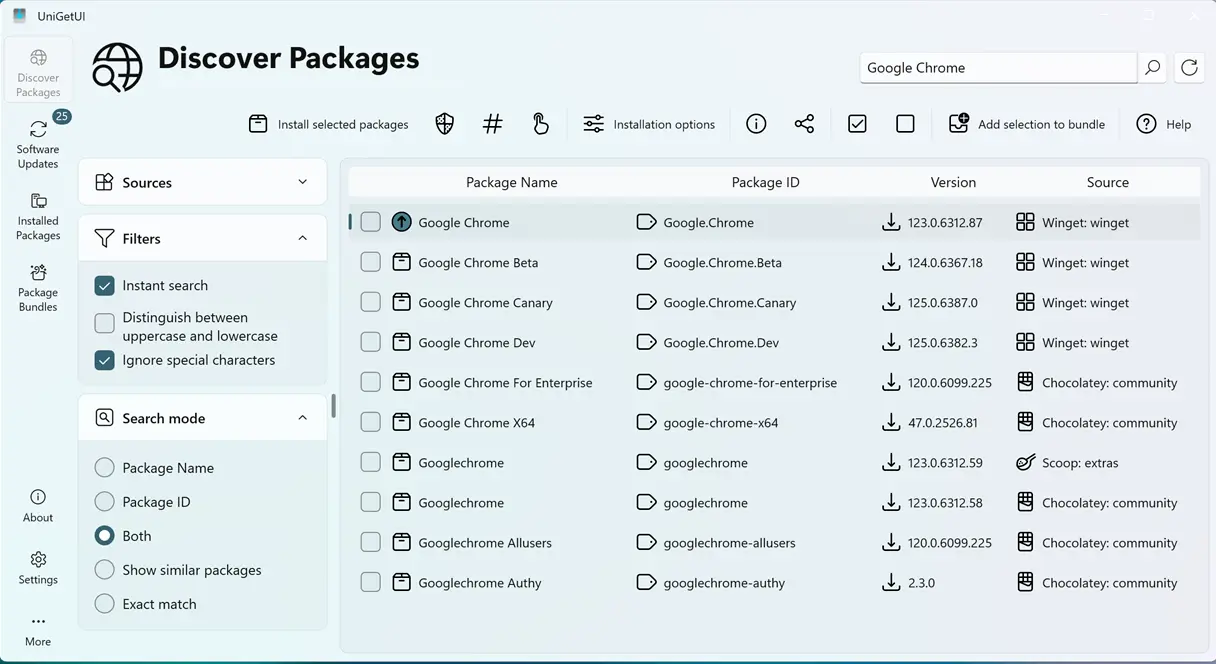
Devolutions released UniGetUI v2026.3.0 on September 15, 2026, introducing significant features aimed at power users and IT administrators, including scheduled maintenance, selective auto-updates, and full portable support. Users can now schedule four heavy background tasks—update checks, auto-updates, and both local and cloud backups—independently, allowing for greater control over their package management. The update also enhances security by hardening against PowerShell injection and path-traversal attacks while offering improved functionality like clearer installer URLs and better management tools. Overall, this release marks a substantial update for the open-source package manager under Devolutions' ownership, emphasizing usability for users managing software across multiple systems
UniGetUI v2026.3.0 Adds Scheduled Maintenance, Selective Auto-Updates, and Portable Mode
Devolutions shipped UniGetUI v2026.3.0 on September 15, 2026, its biggest feature release under the company's ownership in a while. The headline updates let you schedule four heavy background tasks—update checks, auto-updates, and local and cloud backups, on independent schedules, plus mark individual packages for automatic updates instead of applying it globally. It also brings real zero-footprint portable mode, expanded Start Menu shortcut controls, and security hardening against PowerShell injection and path-traversal attacks. You can download it from the Microsoft Store, WinGet, Scoop, Chocolatey, or the GitHub Releases page, with Windows, Linux, and macOS builds compiled with NativeAOT.