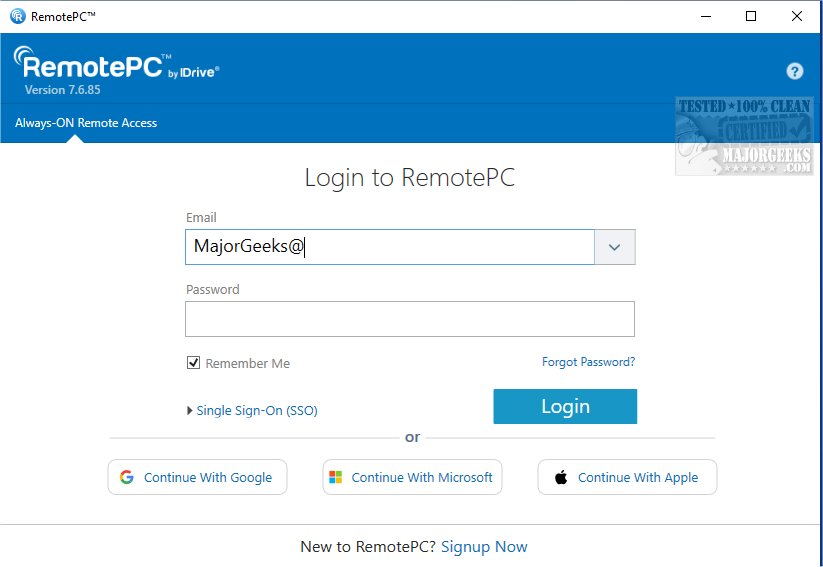
RemotePC has recently launched version 7.7.15.2, enhancing its already robust platform that provides secure remote desktop access. This tool empowers users to connect to their computers from anywhere at any time, making it ideal for both home and on-the-go work scenarios. With capabilities like Always-ON Remote Access, users can work on documents, emails, and applications seamlessly over the Internet.
One of the standout features of RemotePC is its ability to manage computers that are locked or logged off, allowing users to perform urgent tasks or monitor systems while mobile. The software also offers adjustable connection settings, enabling users to prioritize visual quality or response speed based on their internet connection.
Collaboration is facilitated through features that allow multiple users to access the same computer, making joint projects more efficient. The inclusion of an extended keyboard feature for mobile users and the ability to lock the remote computer from a mobile device enhances security and control. The Whiteboard feature allows for interactive brainstorming sessions, while the capability to turn off the host computer's display ensures privacy during sensitive work.
RemotePC also adapts to various workflows by allowing users to change screen resolutions and print remotely. Real-time messaging between users helps reduce confusion in virtual environments. Security features such as 'Trusted Devices' ensure that only recognized devices can access remote systems, and users can restart their computers without needing to reconnect.
The platform excels in file transfer capabilities, promoting efficient data sharing and collaboration. With its comprehensive features, RemotePC stands out as a reliable solution for remote work and teamwork.
In addition to these features, RemotePC continues to evolve, and future updates may include enhanced integration with cloud storage solutions, improved user interface designs for easier navigation, and additional customization options to tailor the software to specific business needs. As remote work becomes increasingly prevalent, tools like RemotePC are essential for maintaining productivity and collaboration across dispersed teams
One of the standout features of RemotePC is its ability to manage computers that are locked or logged off, allowing users to perform urgent tasks or monitor systems while mobile. The software also offers adjustable connection settings, enabling users to prioritize visual quality or response speed based on their internet connection.
Collaboration is facilitated through features that allow multiple users to access the same computer, making joint projects more efficient. The inclusion of an extended keyboard feature for mobile users and the ability to lock the remote computer from a mobile device enhances security and control. The Whiteboard feature allows for interactive brainstorming sessions, while the capability to turn off the host computer's display ensures privacy during sensitive work.
RemotePC also adapts to various workflows by allowing users to change screen resolutions and print remotely. Real-time messaging between users helps reduce confusion in virtual environments. Security features such as 'Trusted Devices' ensure that only recognized devices can access remote systems, and users can restart their computers without needing to reconnect.
The platform excels in file transfer capabilities, promoting efficient data sharing and collaboration. With its comprehensive features, RemotePC stands out as a reliable solution for remote work and teamwork.
In addition to these features, RemotePC continues to evolve, and future updates may include enhanced integration with cloud storage solutions, improved user interface designs for easier navigation, and additional customization options to tailor the software to specific business needs. As remote work becomes increasingly prevalent, tools like RemotePC are essential for maintaining productivity and collaboration across dispersed teams
RemotePC 7.7.15.2 released
RemotePC offers secure remote desktop access, enabling users to connect to their computers anytime, anywhere, day or night. It allows for flexible work arrangements and enhances productivity by providing reliable access to your remote devices.