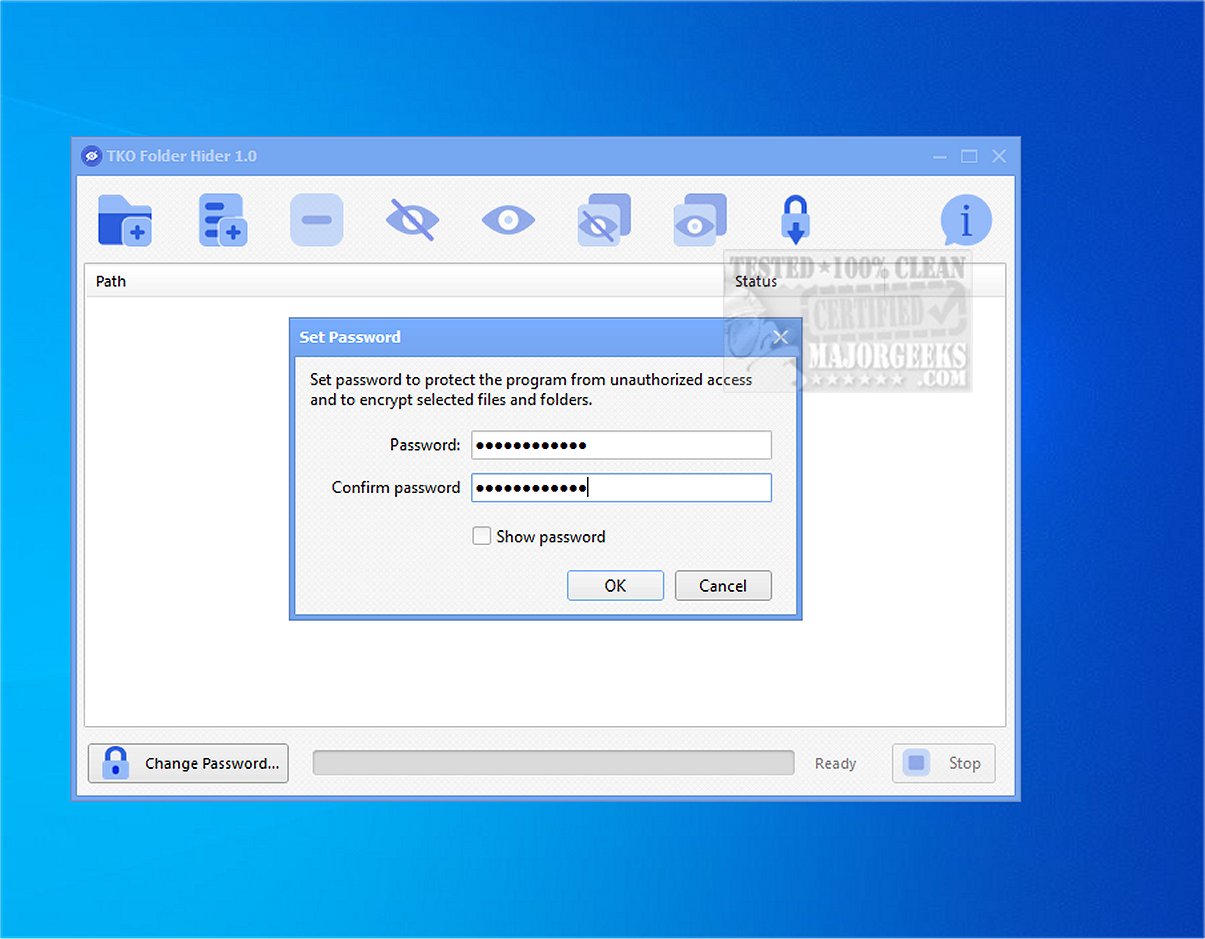
TKO Folder Hider 2.1 is a free privacy application for Windows that allows users to encrypt and conceal files and folders within password-protected locker files with a .fhlocker extension. This tool is particularly beneficial for individuals needing to protect sensitive data such as personal photos, confidential documents, work files, and other private information on shared or frequently used computers.
- Seamless Retrieval: The tool allows for easy restoration of files and folders from encrypted lockers using a password. Users can either retrieve selected items or all protected data at once.
- User-Friendly Interface: TKO Folder Hider supports drag-and-drop functionality, making it simple to add items for protection. It also includes batch processing features for users managing large amounts of data.
- Password Management: The application enables users to change their passwords and import existing .fhlocker files, ensuring flexibility and ease of use.
- Robust Security Measures: Utilizing SHA-256 for hashing and HMAC for key derivation, along with AES for encryption, TKO Folder Hider offers superior privacy compared to standard hidden folders in Windows.
Key Features of TKO Folder Hider:
- File and Folder Encryption: Users can encrypt individual files or entire folders, ensuring their data is safe from unauthorized access.- Seamless Retrieval: The tool allows for easy restoration of files and folders from encrypted lockers using a password. Users can either retrieve selected items or all protected data at once.
- User-Friendly Interface: TKO Folder Hider supports drag-and-drop functionality, making it simple to add items for protection. It also includes batch processing features for users managing large amounts of data.
- Password Management: The application enables users to change their passwords and import existing .fhlocker files, ensuring flexibility and ease of use.
- Robust Security Measures: Utilizing SHA-256 for hashing and HMAC for key derivation, along with AES for encryption, TKO Folder Hider offers superior privacy compared to standard hidden folders in Windows.
User Experience:
The intuitive design of TKO Folder Hider means that even non-technical users can navigate its features with ease. The real-time progress display and status updates further enhance the user experience, providing transparency during operations. However, users are cautioned to remember their passwords, as forgetting them can result in losing access to the encrypted data.Conclusion:
TKO Folder Hider is a powerful tool for anyone seeking to enhance their data privacy. Its combination of robust encryption, user-friendly features, and efficient management capabilities make it a solid choice for safeguarding sensitive information.Extension:
In addition to its current features, future versions of TKO Folder Hider could benefit from enhancements such as cloud synchronization options for backing up locker files, integration with other security tools for a more comprehensive solution, and the ability to securely share locker files among authorized users. Furthermore, a mobile version could expand its usability, allowing users to protect their data on-the-go. Enhanced user education resources, such as tutorials and FAQs, could also improve user confidence and ensure they get the most out of this privacy toolTKO Folder Hider 2.1 released
KO Folder Hider is a free Windows tool that encrypts and hides files or folders in password-protected .fhlocker locker files.