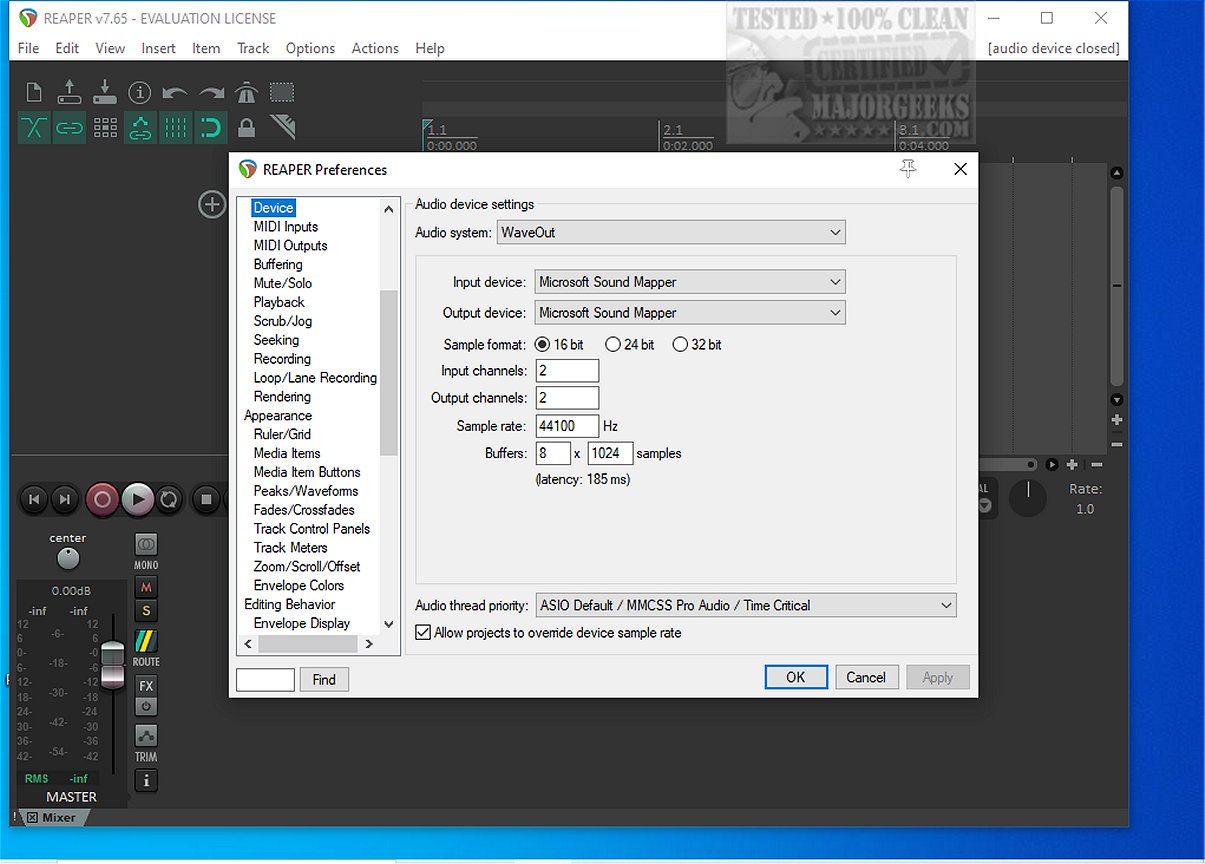
Reaper 7.83 has been released, continuing its reputation as a powerful digital audio workstation (DAW) designed for recording, arranging, editing, and rendering multi-track waveform audio. This latest version remains one of the few audio applications that provides a freeware option, making it accessible to a wider audience.
Reaper stands out in the crowded DAW market due to its lightweight nature and exceptional speed, requiring minimal disk space compared to heavier competitors like Studio One. It is known for its stability, running efficiently even on older hardware without demanding excessive sample content. Its design caters to users who prefer a straightforward and efficient audio editing experience without unnecessary distractions.
Key features of Reaper include:
1. Driver Support: It supports various audio drivers, including ASIO and DirectSound, allowing users to switch drivers seamlessly if one fails during a session.
2. File Compatibility: Reaper can read common file formats such as WAV, MP3, and MIDI, ensuring compatibility with standard audio workflows.
3. Unlimited Tracks: Users can work with an unlimited number of tracks and items, providing flexibility for complex projects without artificial limitations.
4. Extensive Plugin Support: It supports DirectX, VST, and Jesusonic plugins, enabling comprehensive customization and automation.
5. User-Friendly Automation: The automation lanes are designed for ease of use, allowing for consistent control over track volume and effects.
6. Customizable User Interface: Although the default interface may feel outdated, Reaper offers a wide range of customizable themes to enhance user experience.
Reaper is particularly appealing to users seeking a lightweight, stable, and customizable workstation. Beginners may find it surprisingly accessible, as its intuitive workflow becomes apparent once they grasp the basics, despite its initially dense menus.
However, Reaper may not suit everyone. It lacks built-in synths and loops that some users may expect, and the extensive customization options may overwhelm those who prefer a more polished out-of-the-box experience.
In summary, Reaper is a robust and efficient DAW that prioritizes speed and stability over flashy features. While it may require some time to customize and learn, it offers a solid platform for audio professionals and enthusiasts alike. For those needing assistance with setup or scripting, forums like MajorGeeks provide a supportive community for troubleshooting and guidance.
As we look ahead, the ongoing development of Reaper suggests that it will continue to evolve, potentially incorporating new features and improvements that cater to the changing needs of audio creators
Reaper stands out in the crowded DAW market due to its lightweight nature and exceptional speed, requiring minimal disk space compared to heavier competitors like Studio One. It is known for its stability, running efficiently even on older hardware without demanding excessive sample content. Its design caters to users who prefer a straightforward and efficient audio editing experience without unnecessary distractions.
Key features of Reaper include:
1. Driver Support: It supports various audio drivers, including ASIO and DirectSound, allowing users to switch drivers seamlessly if one fails during a session.
2. File Compatibility: Reaper can read common file formats such as WAV, MP3, and MIDI, ensuring compatibility with standard audio workflows.
3. Unlimited Tracks: Users can work with an unlimited number of tracks and items, providing flexibility for complex projects without artificial limitations.
4. Extensive Plugin Support: It supports DirectX, VST, and Jesusonic plugins, enabling comprehensive customization and automation.
5. User-Friendly Automation: The automation lanes are designed for ease of use, allowing for consistent control over track volume and effects.
6. Customizable User Interface: Although the default interface may feel outdated, Reaper offers a wide range of customizable themes to enhance user experience.
Reaper is particularly appealing to users seeking a lightweight, stable, and customizable workstation. Beginners may find it surprisingly accessible, as its intuitive workflow becomes apparent once they grasp the basics, despite its initially dense menus.
However, Reaper may not suit everyone. It lacks built-in synths and loops that some users may expect, and the extensive customization options may overwhelm those who prefer a more polished out-of-the-box experience.
In summary, Reaper is a robust and efficient DAW that prioritizes speed and stability over flashy features. While it may require some time to customize and learn, it offers a solid platform for audio professionals and enthusiasts alike. For those needing assistance with setup or scripting, forums like MajorGeeks provide a supportive community for troubleshooting and guidance.
As we look ahead, the ongoing development of Reaper suggests that it will continue to evolve, potentially incorporating new features and improvements that cater to the changing needs of audio creators
Reaper 7.83 released
REAPER is an application that lets you record, arrange, edit, and render multi-track waveform audio. The last freeware version also available.