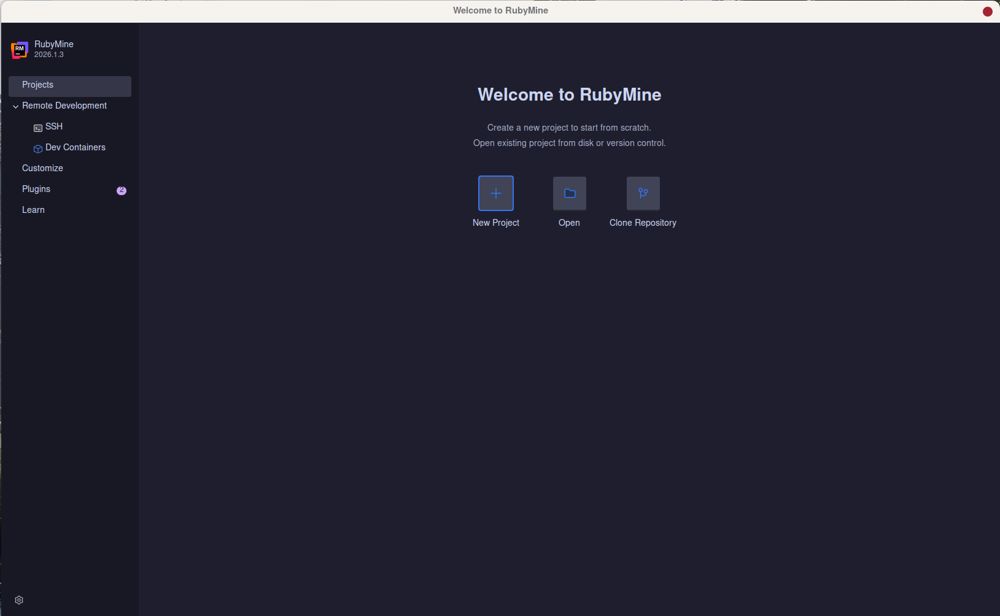
RubyMine version 2026.2.2 has been released, continuing JetBrains' tradition of providing a robust integrated development environment (IDE) tailored specifically for Ruby and Rails development. This IDE is packed with features that enhance productivity, including a built-in debugger, Git integration, and a strong understanding of Rails conventions.
- Navigation and Symbol Search: Quickly locate files and symbols using the Double Shift command.
- Live Templates and Code Completion: Generate code snippets instantly, which is particularly effective for ERB and HAML.
- Built-in Debugger and Rails Console: Directly interact with your application without needing to switch to a terminal, allowing for real-time code testing.
- Git Integration and Local History: Effectively manage version control and recover lost files easily.
- Deep integration with Rails, simplifying updates across related files.
- Effective built-in debugging tools and console access.
- Strong version control features, including local history.
- No cost for personal use.
Cons:
- High memory usage during operation.
- Initial configuration can be complex and time-consuming.
Overview of RubyMine Features
RubyMine comes with an extensive feature set that can be overwhelming at first. Setting it up involves configuring interpreters, managing gem dependencies, and selectively enabling tools that are beneficial for your development workflow. The IDE's strength lies in its deep integration with Rails, allowing for seamless updates across routes, views, and tests when changes are made, which can significantly reduce debugging time.Advantages of Using RubyMine
While many developers may prefer lighter editors like VS Code for their speed and ease of use, RubyMine offers unique advantages. The IDE’s understanding of Rails conventions can prevent common errors, such as stale routes, which can save developers from hours of frustration. The non-commercial license is free, making it accessible for hobbyists and open-source contributors.Setting Up RubyMine
Getting RubyMine up and running effectively requires some initial configuration. Developers must set their Ruby SDKs and ensure that the IDE indexes their gem files properly. This indexing is crucial for enabling features like code completion and efficient navigation, helping the IDE understand the project structure better.Key Features That Enhance Productivity
Some standout features of RubyMine include:- Navigation and Symbol Search: Quickly locate files and symbols using the Double Shift command.
- Live Templates and Code Completion: Generate code snippets instantly, which is particularly effective for ERB and HAML.
- Built-in Debugger and Rails Console: Directly interact with your application without needing to switch to a terminal, allowing for real-time code testing.
- Git Integration and Local History: Effectively manage version control and recover lost files easily.
Performance Considerations
RubyMine can be resource-intensive, especially for larger projects that involve heavy frontend frameworks. Users are advised to disable unnecessary plugins and manage their configurations to optimize performance. The IDE's indexing process is necessary for enhancing code completion but can be time-consuming.Pros and Cons of RubyMine
Pros:- Deep integration with Rails, simplifying updates across related files.
- Effective built-in debugging tools and console access.
- Strong version control features, including local history.
- No cost for personal use.
Cons:
- High memory usage during operation.
- Initial configuration can be complex and time-consuming.
Conclusion
RubyMine may not be the best fit for every developer, especially those working on smaller projects or who prefer simpler environments. However, for those engaged in extensive Rails development, RubyMine offers invaluable tools that streamline workflows and minimize errors. Its powerful features and Rails awareness justify its resource demands, making it a worthwhile investment for serious Ruby developers. For additional support, users can engage with the RubyMine community on forums like MajorGeeks.Future Extensions
As RubyMine evolves, further enhancements could include improved performance optimization features, more intuitive setup processes, and expanded support for emerging programming practices and frameworks. Continuous feedback from the developer community will also be crucial in shaping future updates, ensuring that RubyMine remains a leading choice for Ruby and Rails developmentRubyMine 2026.2.2 released
RubyMine is JetBrains' heavy-duty IDE for Ruby and Rails development, with deep Rails awareness, a built-in debugger, and Git and local history support.