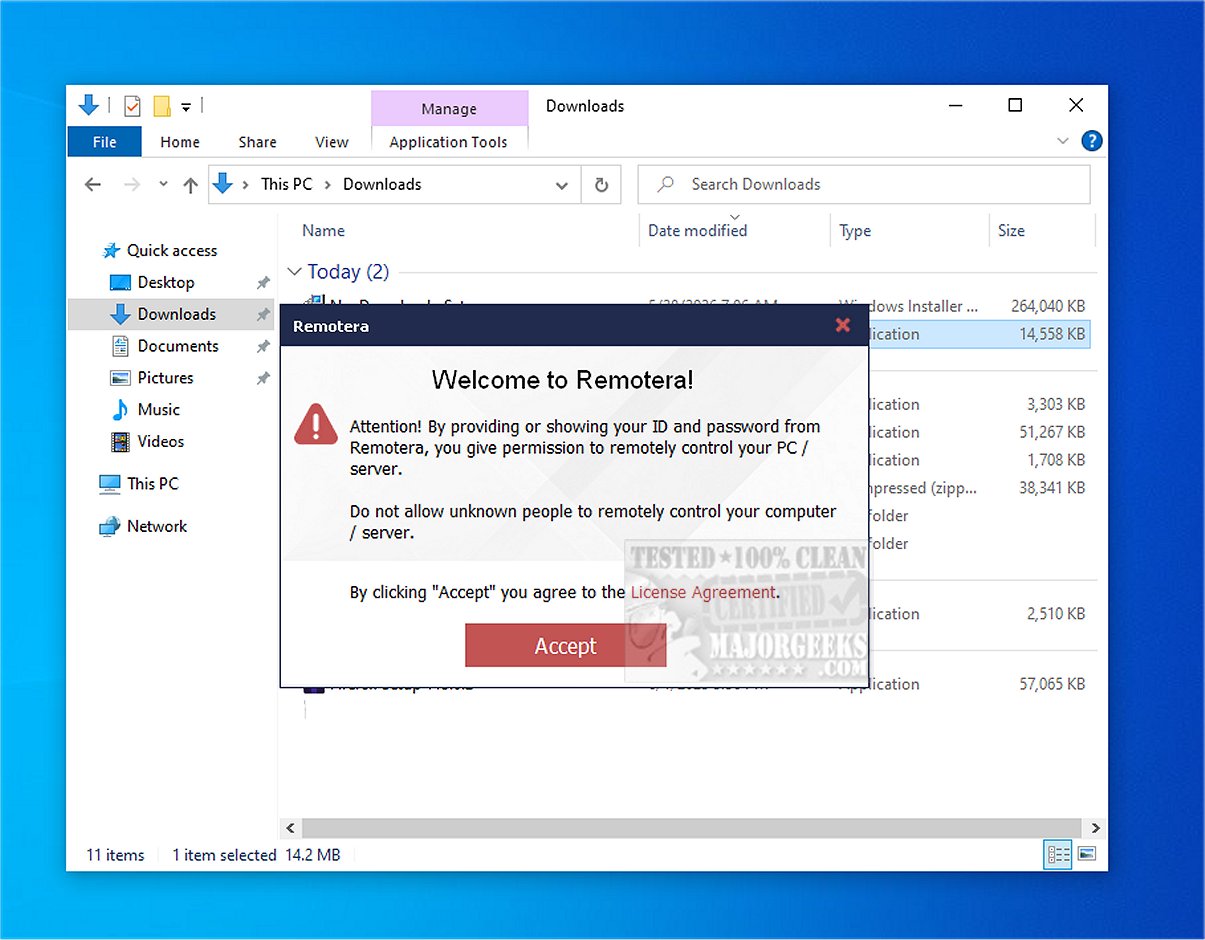
Remotera has launched its latest version, Remotera 2.0, which enhances its reputation as a leading remote access software. This platform is designed to provide a fast, secure, and user-friendly remote connectivity experience, suitable for both personal and professional use.
Core Functionality of Remotera
The primary function of Remotera is to enable users to connect to another computer from virtually anywhere in the world. It allows users to take full control of a remote PC, manage files, run applications, and offer technical support in real-time, simulating the experience of being physically present at the machine.
File Sharing and Multi-Connection Capabilities
One of the standout features of Remotera is its seamless file transfer capability, allowing users to share files and folders directly within the remote session. This eliminates the need for email or external cloud storage solutions, making it easier to share essential documents like screenshots, reports, and installers. Additionally, Remotera supports multiple remote connections, enabling users to manage several computers simultaneously or allow multiple trusted users access to their PCs. This is particularly advantageous for IT support, training, and collaborative projects.
Enhanced Security Features
Security is a top priority for Remotera, which incorporates advanced measures to safeguard user connections from unauthorized access. This commitment to security provides users with peace of mind while performing remote tasks. The software’s intuitive interface simplifies navigation, making it accessible for users of all technical levels.
Communication Tools and Presentation Modes
Remotera also includes integrated communication tools that enhance the remote support experience. Users can engage in text chat or voice communication, improving troubleshooting efficiency. For educational purposes, the software offers a view-only mode, allowing users to share their screens for training sessions, demonstrations, and presentations without granting control over the computer.
Unattended Access Features
Another notable feature of Remotera is its provision for unattended access, which allows users to set up remote connections to their Windows PCs anytime. This is particularly useful for managing office computers from home or conducting maintenance outside regular hours.
Conclusion: The Geek Verdict
Free for Windows users, Remotera is a powerful remote access tool that enables seamless connections to other computers. With its user-friendly interface and robust features, it allows for secure remote desktop control, file transfers, and effective online assistance. Users can experience the full benefits of remote connectivity without any costs involved.
Future Extensions
Looking ahead, Remotera could further enhance its offerings by exploring integrations with other productivity tools and expanding compatibility with various operating systems. Additionally, introducing advanced analytics features could help users monitor remote sessions effectively, while machine learning algorithms could provide predictive insights for troubleshooting common issues. Such improvements would position Remotera as an even more indispensable tool for remote access and support
Core Functionality of Remotera
The primary function of Remotera is to enable users to connect to another computer from virtually anywhere in the world. It allows users to take full control of a remote PC, manage files, run applications, and offer technical support in real-time, simulating the experience of being physically present at the machine.
File Sharing and Multi-Connection Capabilities
One of the standout features of Remotera is its seamless file transfer capability, allowing users to share files and folders directly within the remote session. This eliminates the need for email or external cloud storage solutions, making it easier to share essential documents like screenshots, reports, and installers. Additionally, Remotera supports multiple remote connections, enabling users to manage several computers simultaneously or allow multiple trusted users access to their PCs. This is particularly advantageous for IT support, training, and collaborative projects.
Enhanced Security Features
Security is a top priority for Remotera, which incorporates advanced measures to safeguard user connections from unauthorized access. This commitment to security provides users with peace of mind while performing remote tasks. The software’s intuitive interface simplifies navigation, making it accessible for users of all technical levels.
Communication Tools and Presentation Modes
Remotera also includes integrated communication tools that enhance the remote support experience. Users can engage in text chat or voice communication, improving troubleshooting efficiency. For educational purposes, the software offers a view-only mode, allowing users to share their screens for training sessions, demonstrations, and presentations without granting control over the computer.
Unattended Access Features
Another notable feature of Remotera is its provision for unattended access, which allows users to set up remote connections to their Windows PCs anytime. This is particularly useful for managing office computers from home or conducting maintenance outside regular hours.
Conclusion: The Geek Verdict
Free for Windows users, Remotera is a powerful remote access tool that enables seamless connections to other computers. With its user-friendly interface and robust features, it allows for secure remote desktop control, file transfers, and effective online assistance. Users can experience the full benefits of remote connectivity without any costs involved.
Future Extensions
Looking ahead, Remotera could further enhance its offerings by exploring integrations with other productivity tools and expanding compatibility with various operating systems. Additionally, introducing advanced analytics features could help users monitor remote sessions effectively, while machine learning algorithms could provide predictive insights for troubleshooting common issues. Such improvements would position Remotera as an even more indispensable tool for remote access and support
Remotera 2.0 released
Remotera provides cutting-edge remote access software that offers a fast, secure, and user-friendly experience.