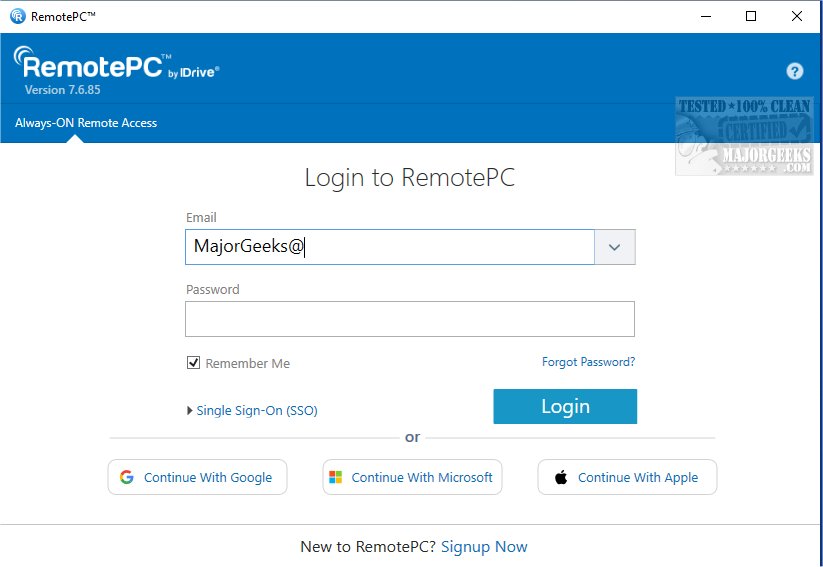
RemotePC has recently launched its update, version 7.7.12.2, continuing to provide secure remote desktop access that allows users to connect to their computers anytime and anywhere. This software is designed to accommodate flexible work arrangements, enhancing productivity by ensuring reliable access to remote devices.
At the end of each session, users can remotely lock their computers from their mobile devices, ensuring security. The Whiteboard feature further enhances collaboration by enabling users to draw and annotate on the remote screen, making brainstorming sessions more interactive and productive. For those concerned with privacy, users can quickly disable the display of the host computer, protecting sensitive information.
In summary, RemotePC 7.7.12.2 continues to evolve, providing a comprehensive solution for remote access that meets the demands of modern work environments, ensuring productivity and collaboration remain seamless and secure
What is RemotePC?
RemotePC is a robust tool that enables real-time connections to any remote computer with an active Internet connection and the RemotePC application installed. This facilitates efficient work from various locations, whether at home, in a café, or while traveling. Users can access their PCs remotely at any time, managing documents, emails, and applications seamlessly through the Always-ON Remote Access feature.Manage Locked or Logged Off PCs
One of the standout features of RemotePC is the ability to manage remote computers that are either logged off or locked. This flexibility is crucial for addressing urgent tasks or monitoring systems while on the move. Users can adjust connection settings for optimal performance, choosing between high-quality visuals or faster response times based on their needs and internet speed.Enhanced Collaboration Tools
RemotePC promotes collaboration by allowing users to invite friends, colleagues, or associates to access their computer. This capability is essential for joint presentations, document editing, and seamless file sharing, significantly enhancing teamwork. Additionally, the mobile version of RemotePC offers an extended keyboard feature, including all function keys, making it easier to control remote PCs directly from mobile devices.At the end of each session, users can remotely lock their computers from their mobile devices, ensuring security. The Whiteboard feature further enhances collaboration by enabling users to draw and annotate on the remote screen, making brainstorming sessions more interactive and productive. For those concerned with privacy, users can quickly disable the display of the host computer, protecting sensitive information.
Adaptable for Any Workflow
RemotePC provides flexibility in workflows by allowing adjustments to the screen resolution of remote computers from mobile devices, ensuring an optimal display for various tasks. Users can also print documents or images from the remote computer using a local printer, simplifying file management. Effective communication is facilitated through real-time message exchanges between users on both ends of the remote connection.Security Features
For enhanced security, RemotePC includes a 'Trusted Devices' feature that restricts access to recognized devices only. Users can also remotely restart their online computers without needing to establish a new connection, which is particularly useful for troubleshooting. The software allows users to reboot remote Windows computers in safe mode for maintenance purposes.Conclusion: The Geek Verdict
RemotePC is distinguished by its exceptional file transfer capabilities, enabling effortless movement of files between mobile devices and remote computers, which significantly enhances collaboration. With its powerful features and growing suite of tools, RemotePC remains a top choice for those seeking a reliable solution for remote work and teamwork.Additional Resources
For users looking to enhance their experience, guides such as "How to Enable or Disable Always Prompt for Password Upon Remote Desktop Connection" are available to maximize the security and functionality of their RemotePC usage.In summary, RemotePC 7.7.12.2 continues to evolve, providing a comprehensive solution for remote access that meets the demands of modern work environments, ensuring productivity and collaboration remain seamless and secure
RemotePC 7.7.12.2 released
RemotePC offers secure remote desktop access, enabling users to connect to their computers anytime, anywhere, day or night. It allows for flexible work arrangements and enhances productivity by providing reliable access to your remote devices.