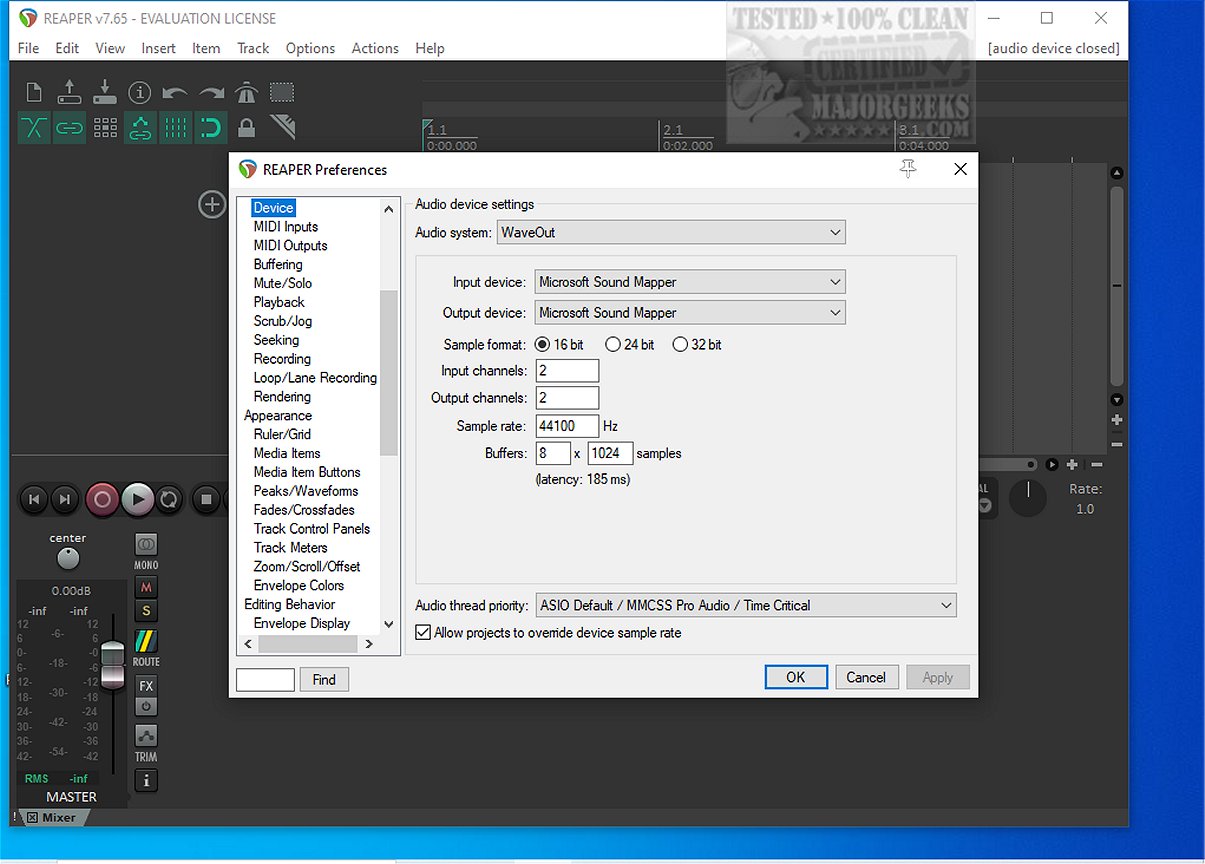
Reaper 7.80 is the latest version of the popular digital audio workstation (DAW) that allows users to record, arrange, edit, and render multi-track waveform audio. Known for its efficiency, Reaper stands out as one of the few audio tools that can run on a wide range of systems without requiring extensive resources or storage space. Unlike many heavier DAWs, it doesn’t burden users with unnecessary sample content and offers a straightforward, no-nonsense approach to audio production.
Core Features of Reaper
1. Driver Support: Reaper excels in its ability to support various audio drivers, including ASIO, Kernel Streaming, WaveOut, and DirectSound. This flexibility ensures that users can switch drivers seamlessly if one malfunctions, thus preserving the integrity of their session, especially in critical moments.
2. File Compatibility: The software supports essential audio formats—WAV, OGG, MP3, and MIDI—allowing for clean recording and playback without unnecessary complications.
3. Unlimited Tracks: Reaper allows users to arrange an unlimited number of items across countless tracks, making it perfect for those who require extensive vocal stacks or complex arrangements without restrictions.
4. Plugin Support: The DAW is compatible with DirectX, VST, and Jesusonic plugins, and offers fully automatable features. Users appreciate the included JSFX tools, which are efficient and effective for quick fixes.
5. Automation Features: Automation in Reaper is user-friendly, with consistent control over per-track volume, pan, and envelopes, minimizing frustrations often encountered in other DAWs.
6. Customizable User Interface: Although the default interface may feel outdated, the ability to customize color themes and layouts allows users to tailor the workspace to their preferences.
Who Should Use Reaper?
Reaper is ideal for users looking for a lightweight, stable audio workstation that performs well, even on older machines. It is particularly suited for those who enjoy fine-tuning settings to enhance their workflow. However, it may not be the best choice for users expecting a plethora of built-in instruments or who prefer a ready-to-go, polished software experience without any customization.
Is Reaper Beginner-Friendly?
Yes, Reaper is surprisingly accessible for beginners. While the menus may appear dense initially, the logical workflow soon becomes apparent after learning the basics. Its lightweight design minimizes performance issues, making it a viable option for newcomers to audio production.
Final Thoughts
Overall, Reaper 7.80 is a robust, efficient digital audio workstation that prioritizes speed and stability over unnecessary frills. It is praised for its quick loading times, extensive plugin support, and adaptability across various systems. However, users may find the default interface lacking until customized, and the abundance of options can be overwhelming for some. For assistance with setup or scripting, users can rely on community support via forums like MajorGeeks.
Future Prospects
As Reaper continues to evolve, users can anticipate ongoing updates that enhance its capabilities and performance. The community-driven nature of Reaper suggests that future versions may further improve usability and expand the features that audio professionals and hobbyists alike have come to love. As audio technology progresses, Reaper is likely to maintain its standing as a favored tool among audio enthusiasts
Core Features of Reaper
1. Driver Support: Reaper excels in its ability to support various audio drivers, including ASIO, Kernel Streaming, WaveOut, and DirectSound. This flexibility ensures that users can switch drivers seamlessly if one malfunctions, thus preserving the integrity of their session, especially in critical moments.
2. File Compatibility: The software supports essential audio formats—WAV, OGG, MP3, and MIDI—allowing for clean recording and playback without unnecessary complications.
3. Unlimited Tracks: Reaper allows users to arrange an unlimited number of items across countless tracks, making it perfect for those who require extensive vocal stacks or complex arrangements without restrictions.
4. Plugin Support: The DAW is compatible with DirectX, VST, and Jesusonic plugins, and offers fully automatable features. Users appreciate the included JSFX tools, which are efficient and effective for quick fixes.
5. Automation Features: Automation in Reaper is user-friendly, with consistent control over per-track volume, pan, and envelopes, minimizing frustrations often encountered in other DAWs.
6. Customizable User Interface: Although the default interface may feel outdated, the ability to customize color themes and layouts allows users to tailor the workspace to their preferences.
Who Should Use Reaper?
Reaper is ideal for users looking for a lightweight, stable audio workstation that performs well, even on older machines. It is particularly suited for those who enjoy fine-tuning settings to enhance their workflow. However, it may not be the best choice for users expecting a plethora of built-in instruments or who prefer a ready-to-go, polished software experience without any customization.
Is Reaper Beginner-Friendly?
Yes, Reaper is surprisingly accessible for beginners. While the menus may appear dense initially, the logical workflow soon becomes apparent after learning the basics. Its lightweight design minimizes performance issues, making it a viable option for newcomers to audio production.
Final Thoughts
Overall, Reaper 7.80 is a robust, efficient digital audio workstation that prioritizes speed and stability over unnecessary frills. It is praised for its quick loading times, extensive plugin support, and adaptability across various systems. However, users may find the default interface lacking until customized, and the abundance of options can be overwhelming for some. For assistance with setup or scripting, users can rely on community support via forums like MajorGeeks.
Future Prospects
As Reaper continues to evolve, users can anticipate ongoing updates that enhance its capabilities and performance. The community-driven nature of Reaper suggests that future versions may further improve usability and expand the features that audio professionals and hobbyists alike have come to love. As audio technology progresses, Reaper is likely to maintain its standing as a favored tool among audio enthusiasts
Reaper 7.80 released
REAPER is an application that lets you record, arrange, edit, and render multi-track waveform audio. The last freeware version also available.