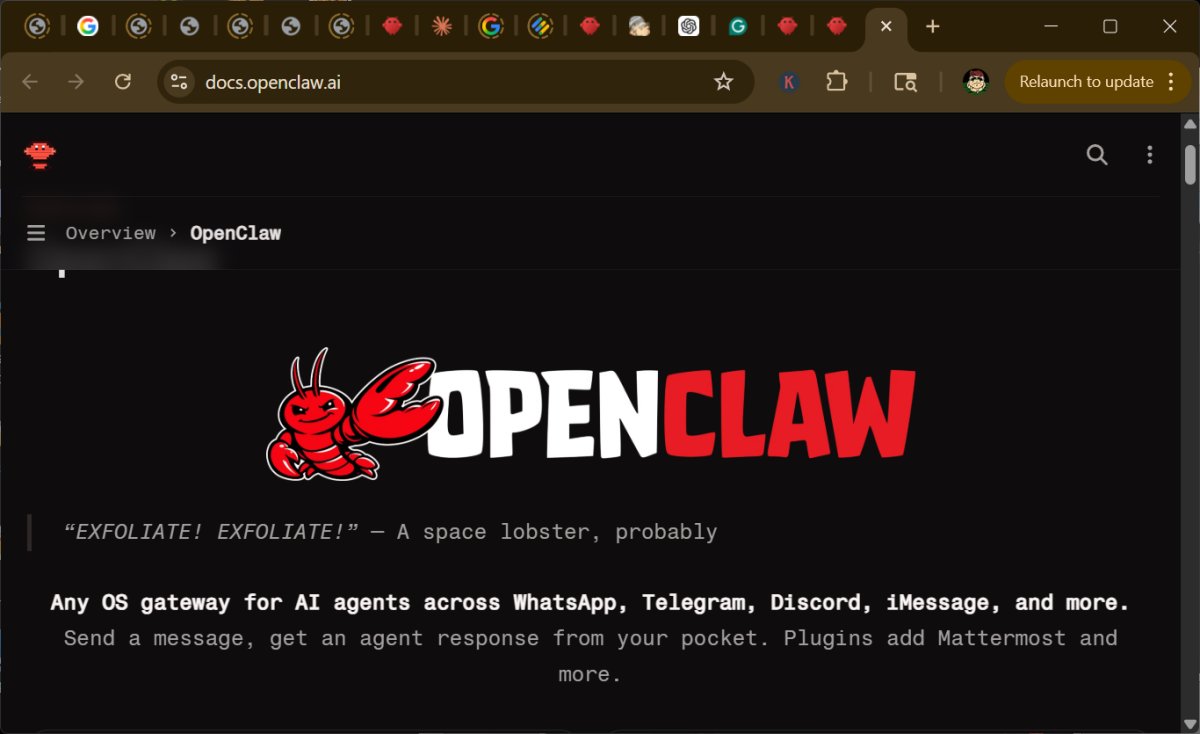
OpenClaw is a self-hosted personal AI assistant designed to operate on personal computers, servers, or homelabs, distinguishing it from conventional cloud-based AI services. This tool integrates seamlessly with popular chat applications like WhatsApp, Telegram, Slack, Discord, and iMessage, allowing users to interact with it through platforms they are already familiar with. One of OpenClaw's significant advantages is the enhanced control it offers over personal data, tools, and automation processes, all without the typical costs associated with cloud services, aside from fees charged by token or API providers.
However, the self-hosted nature of OpenClaw comes with challenges, particularly regarding security. Users are encouraged to consult security guidelines to ensure their installations are safe, especially when operating on Windows systems. OpenClaw serves as a bridge between chat applications and AI agents, enabling sophisticated task management, memory utilization, and integration with various productivity tools, such as notes, reminders, and calendars. Its versatility extends beyond simple question-answering, making it a powerful tool for automating both personal and professional tasks.
For home users, OpenClaw can assist with daily activities like summarizing emails, managing schedules, and automating repetitive tasks. Additionally, it holds potential for home automation applications, combining functionalities from smart home devices into cohesive routines. In a business context, OpenClaw can streamline operations by automating routine tasks, managing emails, summarizing team communications, and centralizing reporting, offering organizations greater efficiency and privacy.
Despite its benefits, OpenClaw is tailored more for developers and power users rather than casual users, requiring familiarity with command-line interfaces and installation processes. Users must install Node.js and follow a series of steps to get OpenClaw up and running, which could intimidate less technical individuals. The tool does offer extensive customization options through skills and plugins, allowing users to enhance its capabilities, but this flexibility comes with increased responsibility for security and management.
Security is a paramount concern with OpenClaw, as improper configuration can lead to vulnerabilities. Users are advised to implement strict access controls and sandboxing measures to mitigate risks associated with command execution, plugin management, and data exposure. OpenClaw's architecture, while powerful, requires careful oversight to prevent potential exploits and ensure user safety.
In terms of user experience, OpenClaw aims to deliver a more integrated and personalized interaction by allowing users to communicate via their preferred chat platforms. This feature minimizes the need for switching between multiple applications, thus improving workflow efficiency. However, it is crucial for users to remain vigilant and selective about the skills and plugins they install, as the repository may contain malicious content.
In conclusion, OpenClaw represents a significant advancement in self-hosted AI assistants, particularly for those seeking control and privacy in their digital interactions. While it offers immense potential for productivity, the setup process and security considerations may deter casual users. Therefore, it is best suited for tech-savvy individuals who are comfortable managing their own systems and willing to navigate the complexities of a powerful automation tool. As the landscape of personal AI evolves, OpenClaw could pave the way for more robust and user-friendly self-hosted solutions, provided security measures continue to improve
However, the self-hosted nature of OpenClaw comes with challenges, particularly regarding security. Users are encouraged to consult security guidelines to ensure their installations are safe, especially when operating on Windows systems. OpenClaw serves as a bridge between chat applications and AI agents, enabling sophisticated task management, memory utilization, and integration with various productivity tools, such as notes, reminders, and calendars. Its versatility extends beyond simple question-answering, making it a powerful tool for automating both personal and professional tasks.
For home users, OpenClaw can assist with daily activities like summarizing emails, managing schedules, and automating repetitive tasks. Additionally, it holds potential for home automation applications, combining functionalities from smart home devices into cohesive routines. In a business context, OpenClaw can streamline operations by automating routine tasks, managing emails, summarizing team communications, and centralizing reporting, offering organizations greater efficiency and privacy.
Despite its benefits, OpenClaw is tailored more for developers and power users rather than casual users, requiring familiarity with command-line interfaces and installation processes. Users must install Node.js and follow a series of steps to get OpenClaw up and running, which could intimidate less technical individuals. The tool does offer extensive customization options through skills and plugins, allowing users to enhance its capabilities, but this flexibility comes with increased responsibility for security and management.
Security is a paramount concern with OpenClaw, as improper configuration can lead to vulnerabilities. Users are advised to implement strict access controls and sandboxing measures to mitigate risks associated with command execution, plugin management, and data exposure. OpenClaw's architecture, while powerful, requires careful oversight to prevent potential exploits and ensure user safety.
In terms of user experience, OpenClaw aims to deliver a more integrated and personalized interaction by allowing users to communicate via their preferred chat platforms. This feature minimizes the need for switching between multiple applications, thus improving workflow efficiency. However, it is crucial for users to remain vigilant and selective about the skills and plugins they install, as the repository may contain malicious content.
In conclusion, OpenClaw represents a significant advancement in self-hosted AI assistants, particularly for those seeking control and privacy in their digital interactions. While it offers immense potential for productivity, the setup process and security considerations may deter casual users. Therefore, it is best suited for tech-savvy individuals who are comfortable managing their own systems and willing to navigate the complexities of a powerful automation tool. As the landscape of personal AI evolves, OpenClaw could pave the way for more robust and user-friendly self-hosted solutions, provided security measures continue to improve
OpenClaw 2026.5.12 released
OpenClaw is a self-hosted personal AI assistant that runs on your own PC, server, or homelab, rather than on someone else’s cloud.