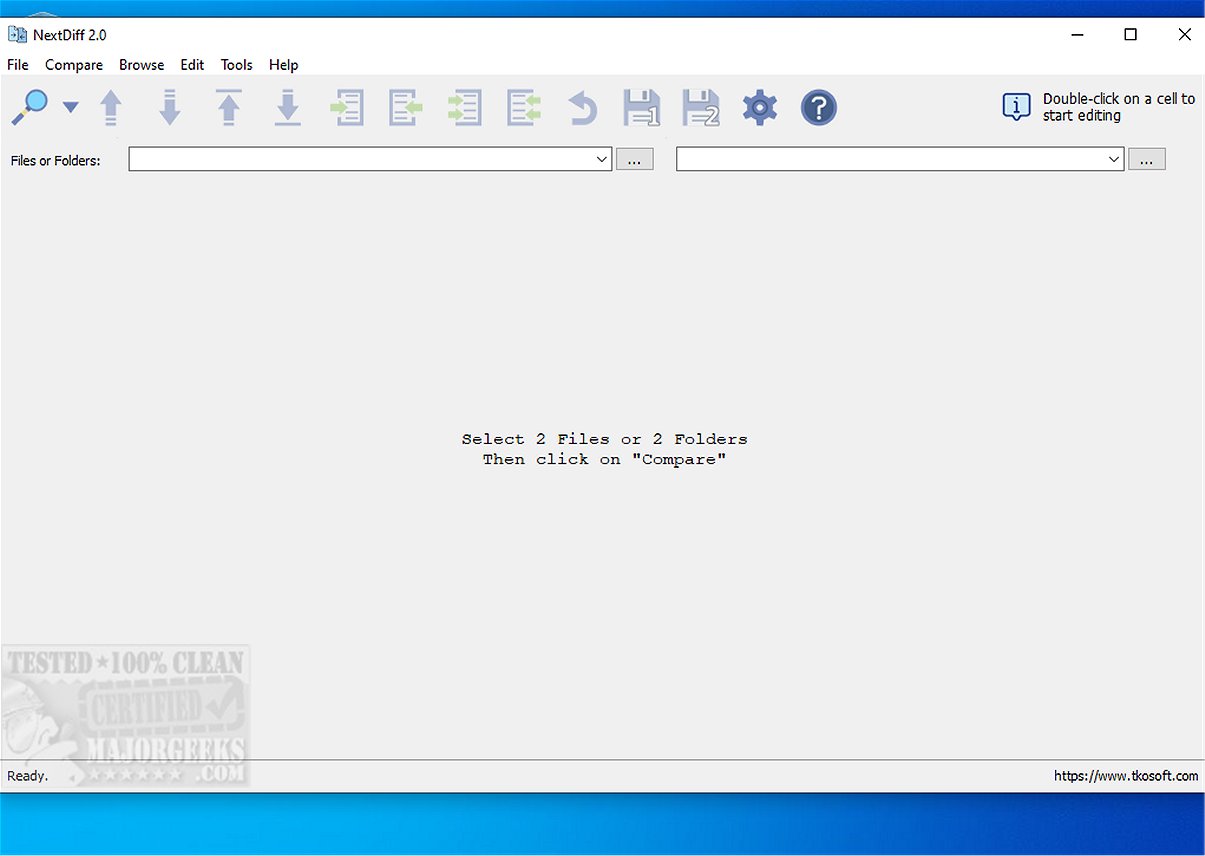
NextDiff 2.4 has been released, enhancing its reputation as a free and user-friendly comparison tool for Windows. This software allows users to easily identify differences between various file types, including text documents, source code, and complete folders.
- Side-by-side text file comparison
- Line-by-line and in-line changes highlighted
- Capability to compare source code, logs, scripts, configuration files, and documents
- Folder and subfolder comparison
- Detection of unique files on either side
- Marking of newer files during folder comparisons
- Options to copy differences between files
- Direct editing in the comparison view
- Navigation through differences
- Ignoring case, whitespace, and blank lines
- Support for multiple text encoding formats, including ANSI and UTF-16
- Free for personal and commercial use
Key Features of NextDiff
NextDiff automatically detects discrepancies between selected files and supports a wide range of formats, such as basic text files, PDFs, DOCX, and PPTX, thanks to its integration with Apache Tika. The comparison process is swift, providing users with a summary that quantifies matching and differing lines. Key features include:- Side-by-side text file comparison
- Line-by-line and in-line changes highlighted
- Capability to compare source code, logs, scripts, configuration files, and documents
- Folder and subfolder comparison
- Detection of unique files on either side
- Marking of newer files during folder comparisons
- Options to copy differences between files
- Direct editing in the comparison view
- Navigation through differences
- Ignoring case, whitespace, and blank lines
- Support for multiple text encoding formats, including ANSI and UTF-16
- Free for personal and commercial use
Usability and Practicality
NextDiff prioritizes usability, making it accessible even for individuals with limited technical experience. Users can initiate comparisons simply by selecting the files and clicking the compare button. The automatic highlighting feature enhances the identification of discrepancies, streamlining the comparison process.Advanced Processing with Tika
The integration with Apache Tika allows NextDiff to handle more complex file formats efficiently. However, users must have the Java Development Kit (JDK) installed for Tika to function properly.Conclusion
For anyone seeking a free, intuitive tool for file and folder comparison on Windows, NextDiff 2.4 presents an excellent choice. Its user-friendly interface and robust functionality make it a practical utility for both personal and professional use. As the demand for efficient file management tools continues to grow, NextDiff remains an invaluable asset for users looking to streamline their document comparison tasks.Future Prospects
Looking ahead, potential updates could include advanced features such as cloud integration for file comparisons, enhanced support for additional file formats, and real-time collaboration capabilities, ensuring NextDiff remains competitive in the evolving landscape of file comparison toolsNextDiff 2.4 released
NextDiff is a free comparison tool for Windows that allows users to easily identify differences between two files, whether they are text documents, source code files, or entire folders.