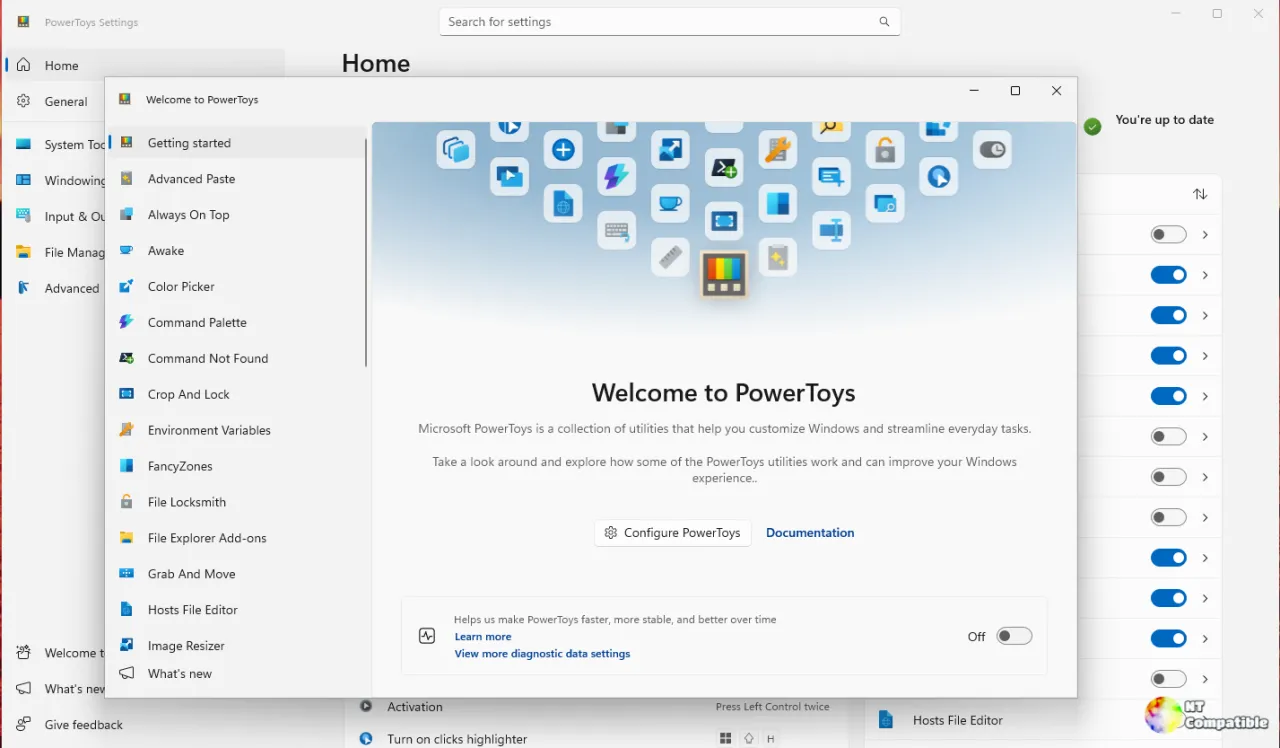
Microsoft has released PowerToys v0.102.2814.0 Preview, introducing command-line interfaces (CLIs) for Light Switch and Settings, as well as a new mouse button lock feature. The CLIs allow users to control settings and toggle modules via scripts, enhancing automation capabilities, while the mouse button lock modernizes Windows' ClickLock by enabling latching for right and middle mouse buttons. This update is still in preview, so users are advised to install it in a separate profile or virtual machine. Additionally, the build includes various improvements and bug fixes, contributing to the broader goal of modernizing the PowerToys suite
Microsoft PowerToys v0.102.2814.0 Preview Ships Command-Line Tools and Mouse Button Lock
Microsoft's PowerToys Preview channel just rolled out v0.102.2814.0, giving the utility suite its first command-line interfaces for Light Switch and the Settings app. Those CLIs let you query and toggle modules and themes from scripts, with the Settings CLI staying Group Policy-aware and emitting only a single privacy-light telemetry event per run. The build also delivers PowerToys' first-ever mouse button lock, finally extending ClickLock-style latching to the right and middle buttons beyond the left one that Windows has supported since 2000. It's still a preview build rather than the final 0.102 stable release, so grab it from the Microsoft Store, WinGet, Chocolatey, Scoop, or GitHub and test it in a separate profile.