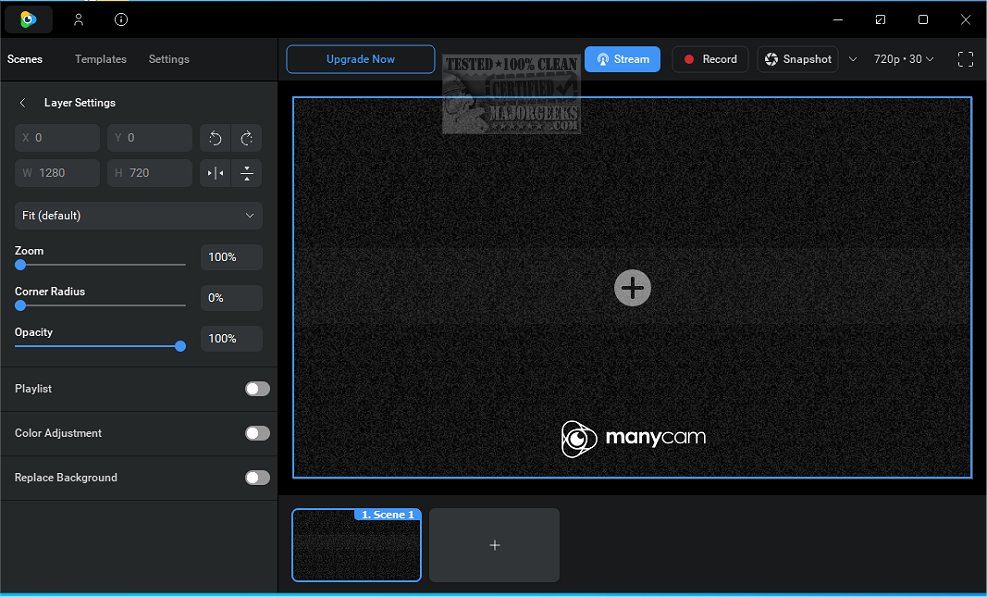
ManyCam has recently launched version 9.3.0.11, enhancing its capabilities as a free live studio and webcam effects software. This versatile tool allows users to utilize their webcams across multiple chat applications, such as Skype, MSN, and YouTube, while adding a variety of engaging webcam effects. Users can also take advantage of live audio features, including a voice changer, which not only enhances microphone audio quality but also allows for entertaining alterations to voice pitch.
In addition to standard webcam functions, ManyCam offers features like desktop screencasting, a picture-in-picture mode, and the ability to create custom webcam effects and graphics. Users can transform their appearance by altering facial features, adding backgrounds, and drawing directly over their video stream. With thousands of captivating webcam effects available, ManyCam caters to those who enjoy adding a creative flair to their video interactions.
As ManyCam continues to evolve, users can expect further enhancements and features in future updates, making it an increasingly valuable tool for content creators, educators, and anyone looking to enrich their online video experiences. The application supports a wide variety of platforms, ensuring compatibility and ease of use across different services.
Overall, ManyCam remains a powerful asset for anyone looking to elevate their webcam usage with fun and innovative functionalities
In addition to standard webcam functions, ManyCam offers features like desktop screencasting, a picture-in-picture mode, and the ability to create custom webcam effects and graphics. Users can transform their appearance by altering facial features, adding backgrounds, and drawing directly over their video stream. With thousands of captivating webcam effects available, ManyCam caters to those who enjoy adding a creative flair to their video interactions.
As ManyCam continues to evolve, users can expect further enhancements and features in future updates, making it an increasingly valuable tool for content creators, educators, and anyone looking to enrich their online video experiences. The application supports a wide variety of platforms, ensuring compatibility and ease of use across different services.
Overall, ManyCam remains a powerful asset for anyone looking to elevate their webcam usage with fun and innovative functionalities
ManyCam 9.3.0.11 released
ManyCam is a free live studio & webcam effects software. You can use your webcam with multiple chat applications, add webcam effects, use live audio and voice changer, draw over your video window, and more.