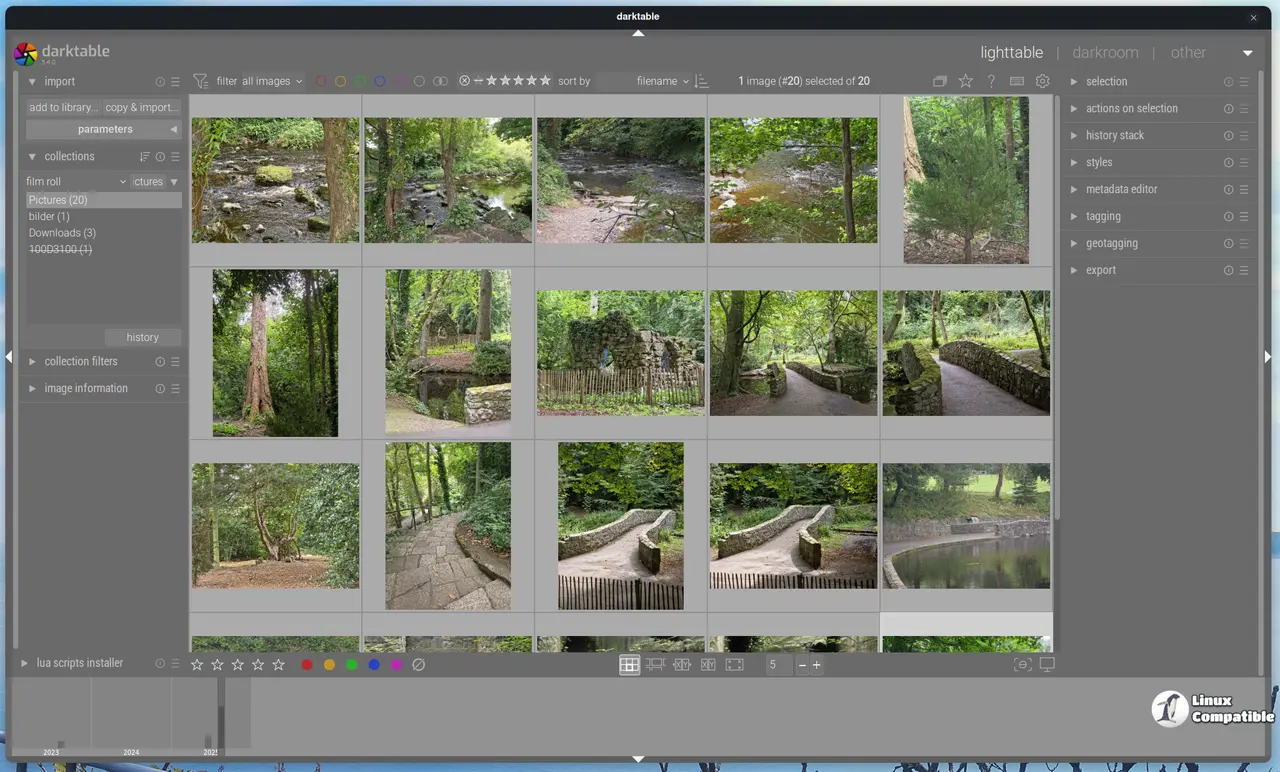
Darktable 5.6 has been released on Github, featuring optional AI tools such as object masking and neural restore while improving performance and maintaining workflow responsiveness. This update optimizes OpenCL processing, increases darkroom preview resolution, and enhances interface usability with touchpad gesture support and a condensed control panel. The new AI subsystem remains dormant until activated, allowing users to benefit from powerful features without compromising system performance, and includes advanced modules for raw denoise, image denoise, and upscaling. Additionally, the release addresses several long-standing bugs, improves stability, and enhances the overall user experience for photographers
Darktable 5.6 Adds Optional AI Tools and Fixes Slow Processing Without Breaking Your Workflow
Darktable 5.6 is available on Github and introduces artificial intelligence features like object masking and neural restore, but keeps them disabled by default so older systems stay responsive. The release tackles long-standing performance bottlenecks by optimizing OpenCL processing, doubling darkroom preview resolution, and switching thumbnail generation to embedded JPEGs for faster cache builds. Interface friction gets reduced through touchpad gesture support, native system cursors, and a condensed control panel that actually cleans up the traditionally cluttered workspace. Lua scripting gains official AI inference functions while several persistent bugs around mask distortion and export styling finally get fixed.