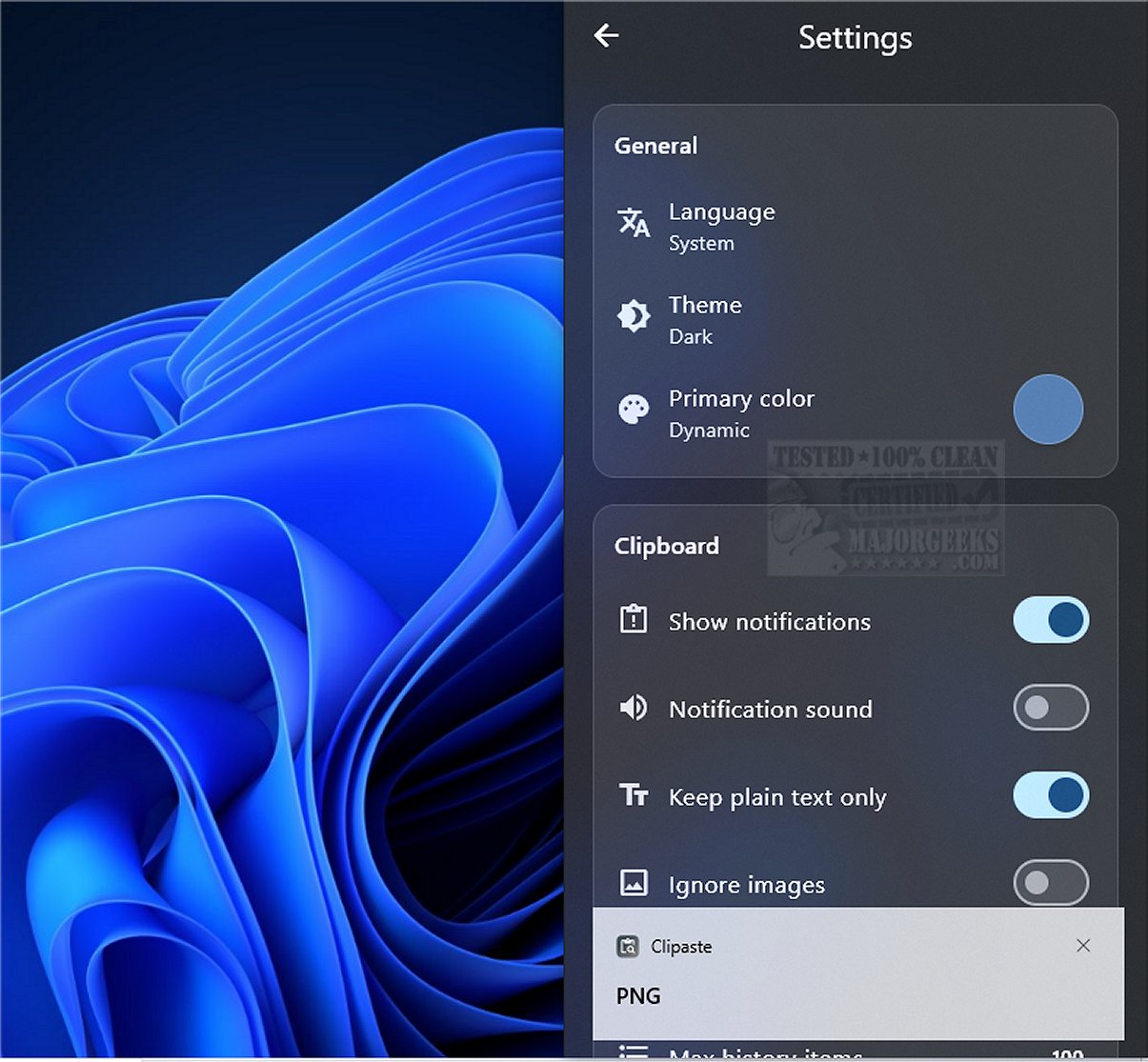
Clipaste version 1.0.3 has been released, introducing a privacy-focused clipboard manager that securely stores a searchable history of copied items, including text, URLs, images, and files. Designed for professionals like developers, designers, and writers, Clipaste streamlines the organization of snippets and accelerates daily tasks through robust search capabilities, smart bookmarking, and drag-and-drop functionality.
One of the standout features of Clipaste is its commitment to local operation, ensuring that all data is stored on the user's device without any uploads to external servers. This local data retention is complemented by strong security measures, including AES-256 encryption for all clipboard history.
The application conveniently supports various content types—plain and formatted text, images, and files—and operates in a non-intrusive manner, allowing users to copy from any application without disruption. The Smart Search feature enhances usability, enabling quick retrieval of copied items through keyword searches and filters based on the source application. Users can also pin frequently used snippets for easy access.
In addition to its functional capabilities, Clipaste offers keyboard shortcuts for pasting items and supports drag-and-drop for seamless integration with other applications. The user interface is designed to be visually appealing, featuring a modern layout with animations and a dark mode option.
In conclusion, Clipaste is a transformative tool that enhances clipboard management, turning it into a powerful productivity enhancer. By automatically saving every copied snippet, Clipaste allows users to access and reuse information effortlessly, promoting a more efficient workflow. With its focus on privacy and user-friendly features, Clipaste is poised to elevate productivity for a wide range of users.
Looking ahead, future updates could expand Clipaste's functionality by integrating collaborative features, allowing users to share snippets securely with others, or incorporating artificial intelligence to suggest relevant snippets based on user behavior, further enhancing its utility as a productivity tool
One of the standout features of Clipaste is its commitment to local operation, ensuring that all data is stored on the user's device without any uploads to external servers. This local data retention is complemented by strong security measures, including AES-256 encryption for all clipboard history.
The application conveniently supports various content types—plain and formatted text, images, and files—and operates in a non-intrusive manner, allowing users to copy from any application without disruption. The Smart Search feature enhances usability, enabling quick retrieval of copied items through keyword searches and filters based on the source application. Users can also pin frequently used snippets for easy access.
In addition to its functional capabilities, Clipaste offers keyboard shortcuts for pasting items and supports drag-and-drop for seamless integration with other applications. The user interface is designed to be visually appealing, featuring a modern layout with animations and a dark mode option.
In conclusion, Clipaste is a transformative tool that enhances clipboard management, turning it into a powerful productivity enhancer. By automatically saving every copied snippet, Clipaste allows users to access and reuse information effortlessly, promoting a more efficient workflow. With its focus on privacy and user-friendly features, Clipaste is poised to elevate productivity for a wide range of users.
Looking ahead, future updates could expand Clipaste's functionality by integrating collaborative features, allowing users to share snippets securely with others, or incorporating artificial intelligence to suggest relevant snippets based on user behavior, further enhancing its utility as a productivity tool
Clipaste 1.0.3 released
Clipaste is a privacy-first clipboard manager that keeps a secure, searchable history of everything you copy: text, URLs, images, and files.