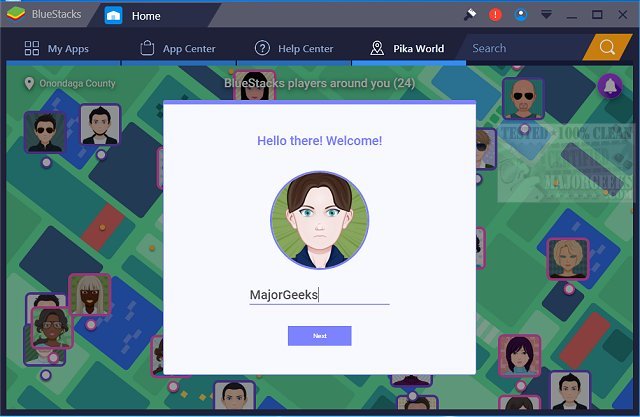
BlueStacks has released version 5.22.210.1033 and 10.42.169.1002, enhancing the integration of Android OS and applications on Windows PCs. This update enables users to switch seamlessly between Android and Windows without rebooting, allowing for immediate access to Android apps directly on their desktop. Users can enjoy their favorite Android applications in two formats: as icons on the desktop or within a fully functional Android environment.
This innovation is particularly beneficial for PC manufacturers, as it allows them to capitalize on the growing popularity of Android apps by enabling compatibility with a range of x86-based devices, including notebooks, tablets, netbooks, convertibles, and all-in-one Windows PCs. The hybrid convertible devices mean that users no longer need to carry multiple gadgets.
Furthermore, BlueStacks integrates smoothly with Citrix and Microsoft’s software delivery systems, including Citrix's Enterprise App Store, ensuring that Android apps can be securely and efficiently delivered to Windows machines.
BlueStacks 5 is recognized for being the fastest and lightest app player, making it easy for users to download and play games on their computers. In contrast, BlueStacks 10 employs Hybrid Cloud technology, which enhances the gameplay experience by allowing Android games to be played directly on PCs.
Overall, BlueStacks continues to bridge the gap between Android and Windows, providing users with flexibility and convenience in their app usage, and paving the way for a more integrated computing experience.
Extension:
The advancements in BlueStacks not only enhance user experience but also signify a shift in how mobile and desktop computing can coexist. As more applications migrate to mobile platforms, tools like BlueStacks are crucial for users who prefer the robust interface of a PC while still wanting to utilize the extensive range of Android applications.
Moreover, as the boundaries between mobile and desktop computing blur, developers may increasingly focus on creating cross-platform applications, leading to a richer ecosystem where users can have a consistent experience across devices. Future updates to BlueStacks could potentially include features like improved app synchronization, enhanced gaming graphics, and even better cloud integration, further solidifying its position as a leader in the Android emulation space
This innovation is particularly beneficial for PC manufacturers, as it allows them to capitalize on the growing popularity of Android apps by enabling compatibility with a range of x86-based devices, including notebooks, tablets, netbooks, convertibles, and all-in-one Windows PCs. The hybrid convertible devices mean that users no longer need to carry multiple gadgets.
Furthermore, BlueStacks integrates smoothly with Citrix and Microsoft’s software delivery systems, including Citrix's Enterprise App Store, ensuring that Android apps can be securely and efficiently delivered to Windows machines.
BlueStacks 5 is recognized for being the fastest and lightest app player, making it easy for users to download and play games on their computers. In contrast, BlueStacks 10 employs Hybrid Cloud technology, which enhances the gameplay experience by allowing Android games to be played directly on PCs.
Overall, BlueStacks continues to bridge the gap between Android and Windows, providing users with flexibility and convenience in their app usage, and paving the way for a more integrated computing experience.
Extension:
The advancements in BlueStacks not only enhance user experience but also signify a shift in how mobile and desktop computing can coexist. As more applications migrate to mobile platforms, tools like BlueStacks are crucial for users who prefer the robust interface of a PC while still wanting to utilize the extensive range of Android applications.
Moreover, as the boundaries between mobile and desktop computing blur, developers may increasingly focus on creating cross-platform applications, leading to a richer ecosystem where users can have a consistent experience across devices. Future updates to BlueStacks could potentially include features like improved app synchronization, enhanced gaming graphics, and even better cloud integration, further solidifying its position as a leader in the Android emulation space
BlueStacks 5.22.210.1033 / 10.42.169.1002 released
BlueStacks will operate Android OS and apps right on your Windows PCs, allowing instantaneous switching between Android and Windows - eliminating the need for a reboot.
BlueStacks 5.22.210.1033 / 10.42.169.1002 released @ MajorGeeks