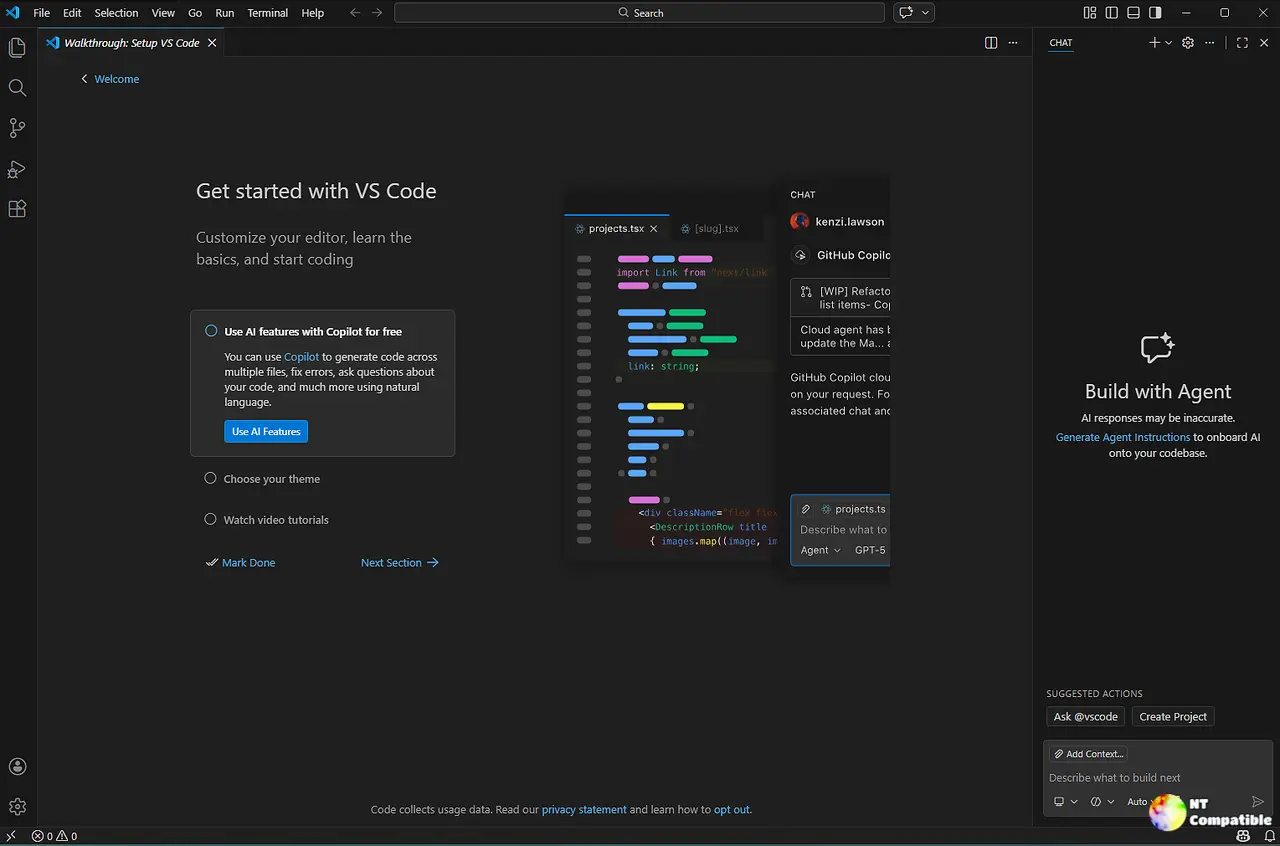
Microsoft has released Visual Studio Code version 1.141.2, addressing an issue where remote webviews appeared blank for users with uppercase letters in their connection authority. The fix restores case-insensitive authority matching while maintaining important security checks and resource containment. This update is a result of a regression caused by a previous security change in version 1.141.1, which led to 14 user-reported issues. Users can update to the new version through the application’s update menu or download from the website, especially benefiting remote developers on WSL and SSH connections
Visual Studio Code 1.141.2 Fixes Blank Remote Webviews
Microsoft shipped another Visual Studio Code update today as one-PR patch by engineer Alex Ross that closed 14 user-filed issues in a single week. The culprit was a security change from the earlier 1.141.1 release, which made extension webviews go blank for anyone whose remote connection used an authority with uppercase letters. The fix restores case-insensitive authority matching while keeping resource containment and OS checks intact. Small by the numbers, but those 14 linked issues reveal just how many WSL and SSH users got caught out.
Visual Studio Code 1.141.2 Fixes Blank Remote Webviews @ NT Compatible