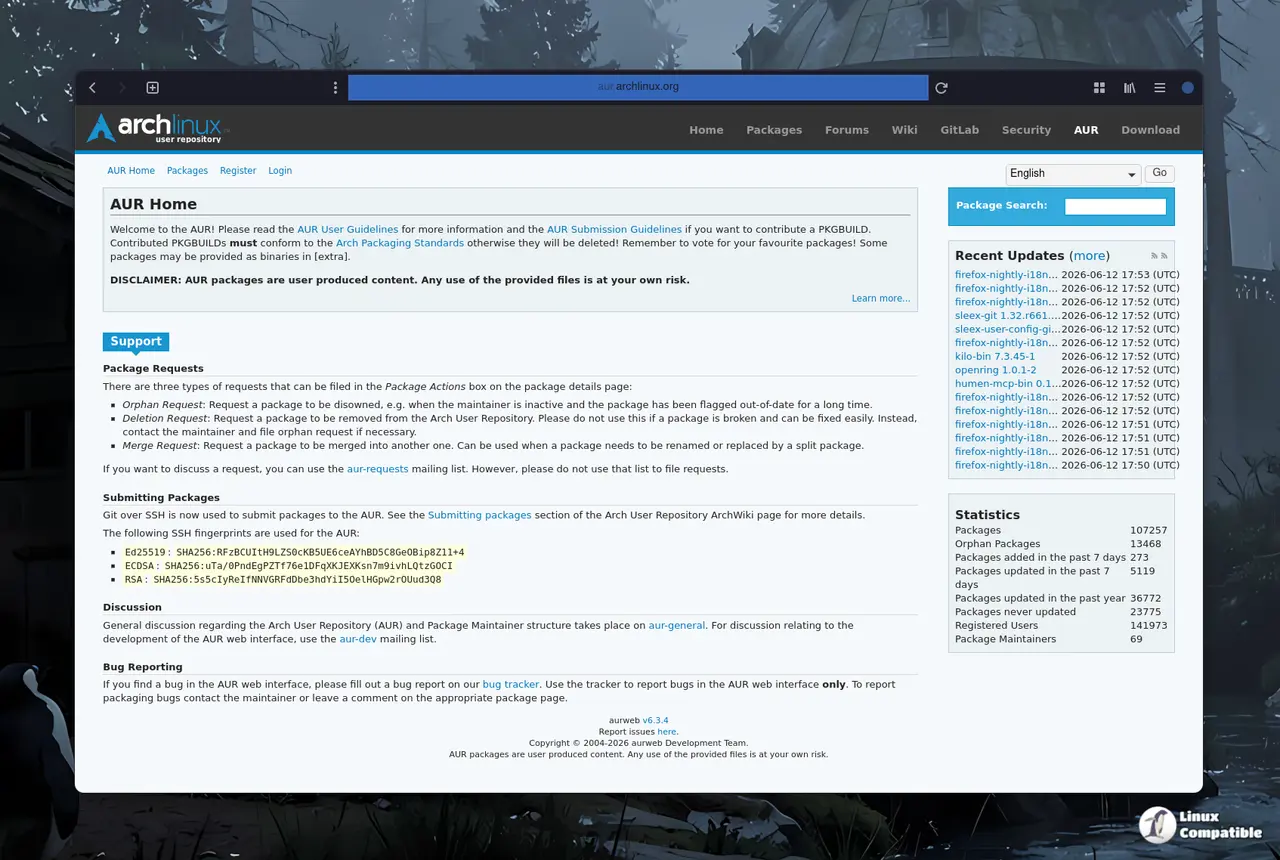
The Arch User Repository (AUR) recently experienced a significant breach affecting over four hundred community packages infected with a malicious npm dependency that can steal sensitive user data. Users of official Arch repositories are safe, but those using derivative distributions, such as CachyOS and Manjaro, are at higher risk if they installed unverified community tools. To mitigate the risk, users are advised to run a specific scanning script to check for malicious packages and audit PKGBUILD files before executing them. Despite the breach, the AUR will remain uncurated, requiring users to manually verify build scripts to avoid compromising their systems
AUR Compromised: How to Check Your Arch Derivative for Malicious npm Packages
The Arch User Repository just suffered a major breach with over four hundred community packages quietly infected by a malicious npm dependency. The attack hides inside build scripts and automatically runs rogue code that steals browser profiles, Electron app data, and sensitive login tokens. Users relying on official Arch repositories remain completely safe, while those on derivative distributions face the highest risk if they recently installed unverified tools. Running the official scanning script and auditing every PKGBUILD file before execution remains the only reliable way to keep compromised credentials out of attacker hands.
AUR Compromised: How to Check Your Arch Derivative for Malicious npm Packages @ Linux Compatible