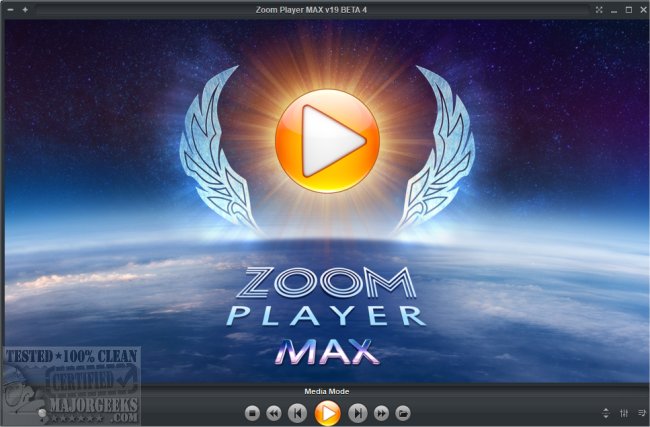
Zoom Player MAX 23 Beta 2 has been released, enhancing its capabilities as a versatile Home Entertainment Center or Home Theater PC without requiring any specialized hardware. This software leverages Smart Play technology to ensure a wider range of video, audio, and image formats can be played with minimal hassle, improved stability, and better performance.
The interface is designed for simplicity, utilizing a straightforward 5-Key navigation system (up, down, left, right, select) that allows users to easily access various features, including the Media Library, File Browsing, Playlist management, Color Control, Audio Equalizer, Chaptering, and Play History. This approach makes Zoom Player MAX particularly user-friendly for individuals with little to no prior computer experience.
Zoom Player MAX also emphasizes safety and customization, allowing users to create a viewing environment tailored to their needs, whether for children or professionals.
The software supports a vast array of media formats across three main categories:
1. Video Formats: Includes popular formats such as DVD, BluRay, AVI, QuickTime, and many more, ensuring compatibility with a wide variety of video files.
2. Audio Formats: Supports numerous audio formats like MP3, WMA, AAC, FLAC, and more, catering to diverse audio preferences.
3. Image Formats: Provides support for formats including JPEG, PNG, GIF, and TIFF, among others.
In addition to these features, Zoom Player MAX also supports interactive content such as DVDs and HTML-based applications.
To further enhance user experience, there are multiple resources available for troubleshooting and optimization, such as guides on uninstalling the Movies and TV App, enabling Windows Sonic Surround Sound, and diagnosing audio issues on Windows 10 and 11.
As technology continues to evolve, Zoom Player MAX aims to stay ahead by incorporating user feedback into future updates, ensuring it meets the demands of modern media consumption while remaining accessible to all users
The interface is designed for simplicity, utilizing a straightforward 5-Key navigation system (up, down, left, right, select) that allows users to easily access various features, including the Media Library, File Browsing, Playlist management, Color Control, Audio Equalizer, Chaptering, and Play History. This approach makes Zoom Player MAX particularly user-friendly for individuals with little to no prior computer experience.
Zoom Player MAX also emphasizes safety and customization, allowing users to create a viewing environment tailored to their needs, whether for children or professionals.
The software supports a vast array of media formats across three main categories:
1. Video Formats: Includes popular formats such as DVD, BluRay, AVI, QuickTime, and many more, ensuring compatibility with a wide variety of video files.
2. Audio Formats: Supports numerous audio formats like MP3, WMA, AAC, FLAC, and more, catering to diverse audio preferences.
3. Image Formats: Provides support for formats including JPEG, PNG, GIF, and TIFF, among others.
In addition to these features, Zoom Player MAX also supports interactive content such as DVDs and HTML-based applications.
To further enhance user experience, there are multiple resources available for troubleshooting and optimization, such as guides on uninstalling the Movies and TV App, enabling Windows Sonic Surround Sound, and diagnosing audio issues on Windows 10 and 11.
As technology continues to evolve, Zoom Player MAX aims to stay ahead by incorporating user feedback into future updates, ensuring it meets the demands of modern media consumption while remaining accessible to all users
Zoom Player MAX 23 Beta 2 released
With Zoom Player MAX, you can instantly convert any PC into a Home Entertainment Center or Home Theater PC with no special hardware requirement.