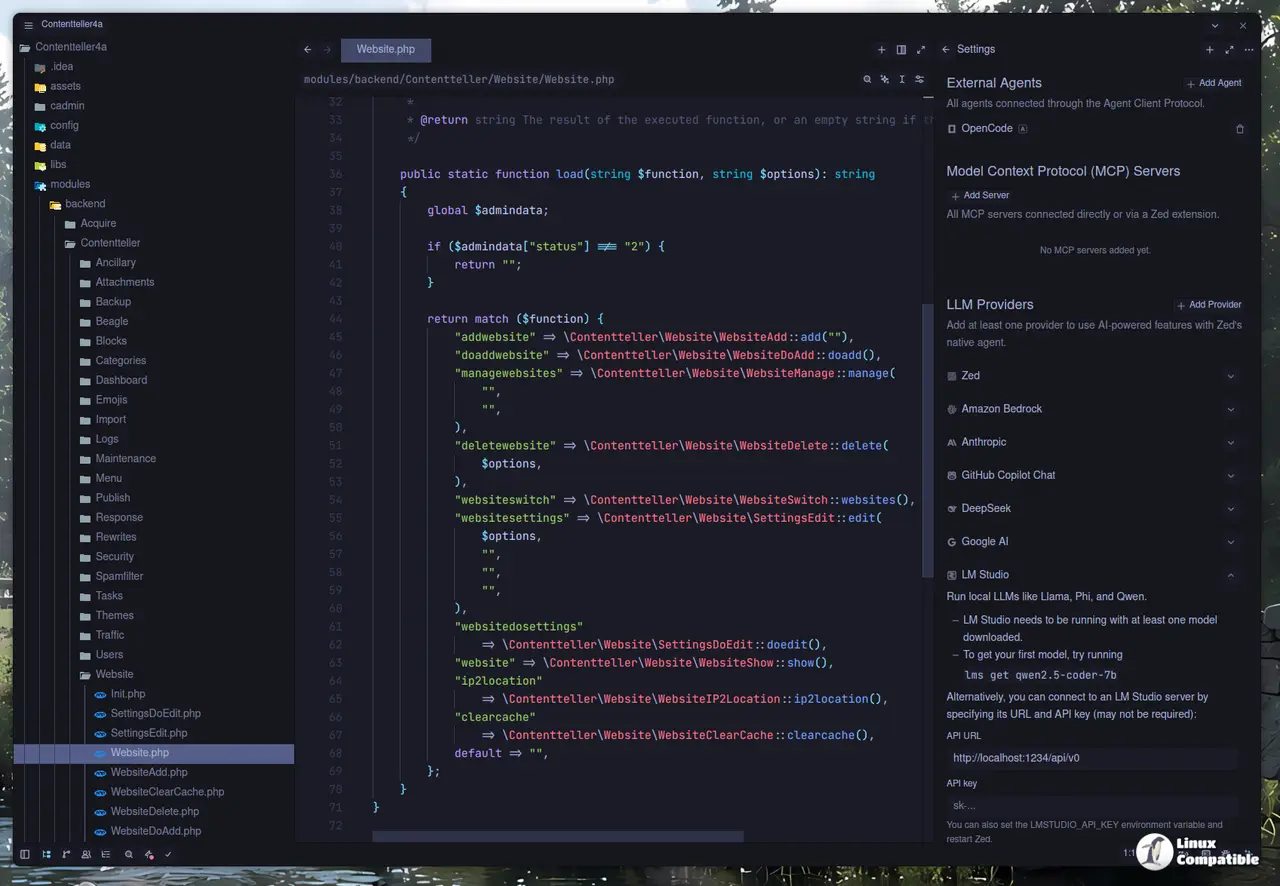
Zed Editor v1.18.0 Adds C C++ Inline Debugging, Expands AI Model Support
Zed Editor v1.18.0 finally bringing inline variable display to C and C++ debugging through CodeLLDB and GDB adapters. The update expands Zed’s AI provider lineup with GPT-5.6’s 1 million token context window on Amazon Bedrock, Gemini 3.5 Flash-Lite, and Grok 4.5/4.6, while quietly retiring four older Gemini models. Debug step keybindings now align with VS Code defaults, and the File Finder preserves up to 20 recently opened files across workspace restarts using a new SQLite backend. Driven largely by external contributors, the release also ships Linux rendering optimizations and a handful of breaking changes that users with custom keymaps or hardcoded AI settings should audit before updating.
Zed Editor v1.18.0 Adds C C++ Inline Debugging, Expands AI Model Support @ Linux Compatible
Zed Editor v1.18.0 Adds C C++ Inline Debugging, Expands AI Model Support
Zed Editor v1.18.0 introduces inline variable display for C and C++ debugging, utilizing CodeLLDB and GDB adapters, and expands its AI model support, featuring GPT-5.6 and Gemini 3.5 Flash-Lite while retiring older models. The update aligns debug step keybindings with VS Code defaults and enhances the File Finder to remember the last 20 opened files using a new SQLite backend. Although the release focuses on user experience and community contributions, it contains breaking changes that may require users with custom keymaps or hardcoded AI settings to audit their configurations. Additional improvements include performance optimizations for Linux users and a refreshed Markdown preview, culminating in a polished release aimed at enhancing debugging and overall usability