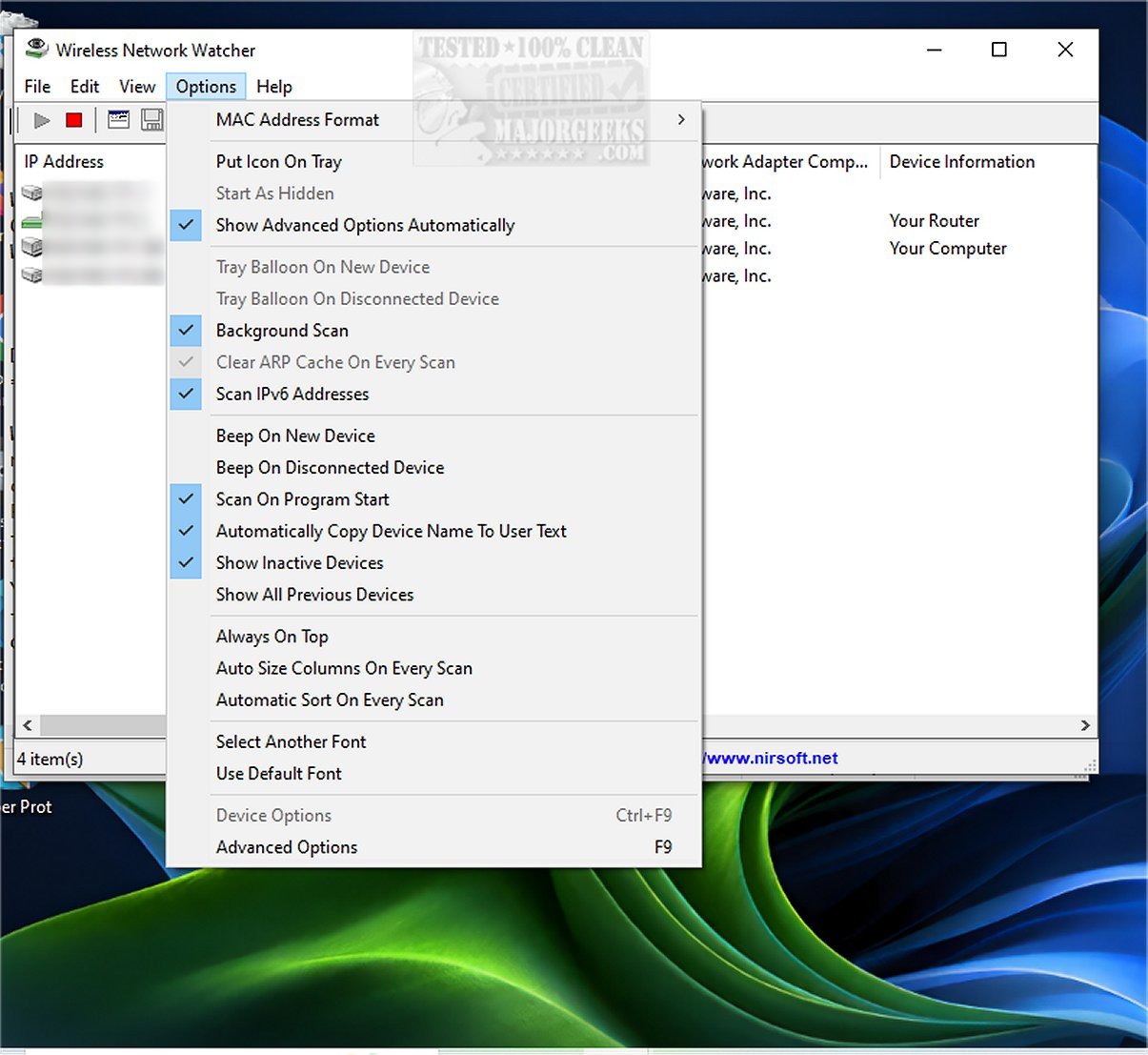
Wireless Network Watcher has released version 2.45, a free and efficient tool designed to monitor wireless networks. This software rapidly scans the network and provides a comprehensive list of all connected computers and devices. For each device, it displays important details such as the IP address, MAC address, the manufacturer of the network card, and optionally, the device's name.
In addition to real-time monitoring, Wireless Network Watcher allows users to export the list of connected devices in various formats, including HTML, XML, CSV, and text files. Users can also copy the device list to the clipboard for easy pasting into applications like Excel or other spreadsheet programs.
With the growing reliance on wireless networks, tools like Wireless Network Watcher are essential for maintaining network security and performance. Users can utilize this software to track unauthorized devices, optimize network usage, and troubleshoot connectivity issues.
Furthermore, for those looking to enhance their wireless networking experience, there are several related resources available, including guides on improving wireless network performance, hiding or blocking neighboring Wi-Fi networks, checking network adapter speeds in Windows 10 and 11, and resetting network settings in Windows 10 and 11. These resources can help users ensure their networks are secure, efficient, and well-maintained
In addition to real-time monitoring, Wireless Network Watcher allows users to export the list of connected devices in various formats, including HTML, XML, CSV, and text files. Users can also copy the device list to the clipboard for easy pasting into applications like Excel or other spreadsheet programs.
With the growing reliance on wireless networks, tools like Wireless Network Watcher are essential for maintaining network security and performance. Users can utilize this software to track unauthorized devices, optimize network usage, and troubleshoot connectivity issues.
Furthermore, for those looking to enhance their wireless networking experience, there are several related resources available, including guides on improving wireless network performance, hiding or blocking neighboring Wi-Fi networks, checking network adapter speeds in Windows 10 and 11, and resetting network settings in Windows 10 and 11. These resources can help users ensure their networks are secure, efficient, and well-maintained
Wireless Network Watcher 2.45 released
Wireless Network Watcher is a small freeware monitoring tool that quickly scans your wireless network and then lists all the computers and devices that are currently connected.