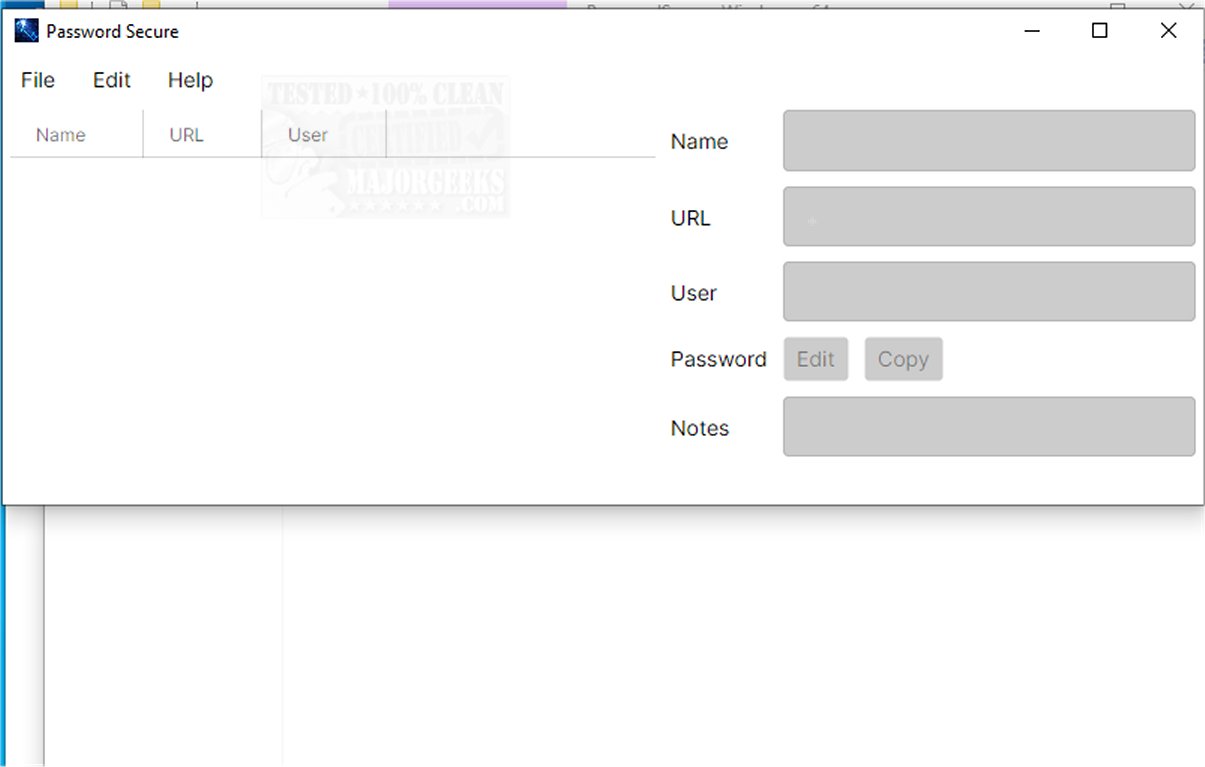
Password Secure version 1.2026.11.11 has been released, enhancing its status as a portable and cross-platform password manager tailored for secure credential management. Operating offline, it ensures that sensitive data remains on the user's device, thus minimizing potential security risks associated with cloud storage.
Purpose and Functionality
Password Secure is specifically designed to facilitate the secure storage and management of user credentials. Its intuitive interface makes it accessible for all users, including those who may not be technically inclined. Beyond simplifying password management, it strengthens security through robust encryption methods.
Encryption and Security Features
The application employs AES-256 encryption, a leading standard in data protection, which safeguards against unauthorized access. This ensures that users can confidently store their passwords and personal information without fear of breaches.
Key Features
Password Secure is equipped with a variety of features aimed at enhancing user experience and security:
- Advanced AES-256 symmetric-key encryption
- Offline storage utilizing portable files
- Automatic backup creation prior to data updates
- Secure methods for copying and editing passwords without exposure
- Automatic clearing of the clipboard upon exiting the application
User Experience
For users seeking to protect existing login information or generate new credentials securely, Password Secure offers a well-crafted interface that promotes effective password management. Its features simplify password generation and organization, enabling users to build and maintain a secure password library efficiently. This tool is suitable for both personal and professional contexts, making it an ideal choice for anyone looking to bolster their online security.
Conclusion and Recommendations
Overall, Password Secure stands out as a reliable password management solution, catering to users’ needs for security and convenience. Whether you're a casual internet user or a professional managing sensitive credentials, this application provides the necessary tools to enhance your online security practices.
Related Topics:
- Techniques for revealing hidden or masked passwords
- How to retrieve your Wi-Fi password
- Managing and editing Google Chrome passwords
- Insights on password management for the less tech-savvy use
Purpose and Functionality
Password Secure is specifically designed to facilitate the secure storage and management of user credentials. Its intuitive interface makes it accessible for all users, including those who may not be technically inclined. Beyond simplifying password management, it strengthens security through robust encryption methods.
Encryption and Security Features
The application employs AES-256 encryption, a leading standard in data protection, which safeguards against unauthorized access. This ensures that users can confidently store their passwords and personal information without fear of breaches.
Key Features
Password Secure is equipped with a variety of features aimed at enhancing user experience and security:
- Advanced AES-256 symmetric-key encryption
- Offline storage utilizing portable files
- Automatic backup creation prior to data updates
- Secure methods for copying and editing passwords without exposure
- Automatic clearing of the clipboard upon exiting the application
User Experience
For users seeking to protect existing login information or generate new credentials securely, Password Secure offers a well-crafted interface that promotes effective password management. Its features simplify password generation and organization, enabling users to build and maintain a secure password library efficiently. This tool is suitable for both personal and professional contexts, making it an ideal choice for anyone looking to bolster their online security.
Conclusion and Recommendations
Overall, Password Secure stands out as a reliable password management solution, catering to users’ needs for security and convenience. Whether you're a casual internet user or a professional managing sensitive credentials, this application provides the necessary tools to enhance your online security practices.
Related Topics:
- Techniques for revealing hidden or masked passwords
- How to retrieve your Wi-Fi password
- Managing and editing Google Chrome passwords
- Insights on password management for the less tech-savvy use
Password Secure 1.2026.11.11 released
Password Secure is a portable, cross-platform password manager designed to help you securely store and manage your credentials. It operates offline, ensuring that sensitive information remains on your device rather than being stored in the cloud, which can pose security risks.