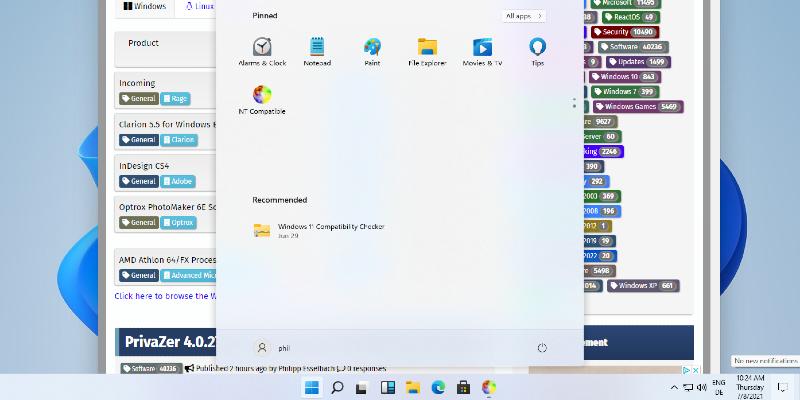
Windows 11 Experimental Preview Build 26300 introduces significant updates aimed at improving user experience, particularly with the Start menu, which has been renamed to better reflect its function. The update allows users to have direct control over pinned and recent items, enhances file search capabilities to recognize partial keywords, and fixes visual glitches in taskbars positioned to the left or right. A key fix addresses a local recovery issue that previously left devices unresponsive during resets, allowing users to recover systems without relying on cloud downloads. This build also marks a transition to the Experimental channel for insiders, setting the stage for more predictable updates in the future while encouraging users to back up important data before testing
Windows 11 Experimental Preview Build 26300 Fixes the Start Menu and Search
Windows 11 Experimental Preview Build 26300 gives users direct control over Start menu layout by renaming the Recommended section to Recent and adding independent toggles for pinned items. File search now recognizes partial keywords, so typing just april will pull up documents with compound names without forcing exact matches. The update also cleans up visual glitches on left or right positioned taskbars while introducing a touch swipe gesture to access them from the screen edge. A quiet fix resolves the infinite hang during local PC resets, letting users recover their systems without switching to cloud downloads.
Windows 11 Experimental Preview Build 26300 Fixes the Start Menu and Search @ NT Compatible