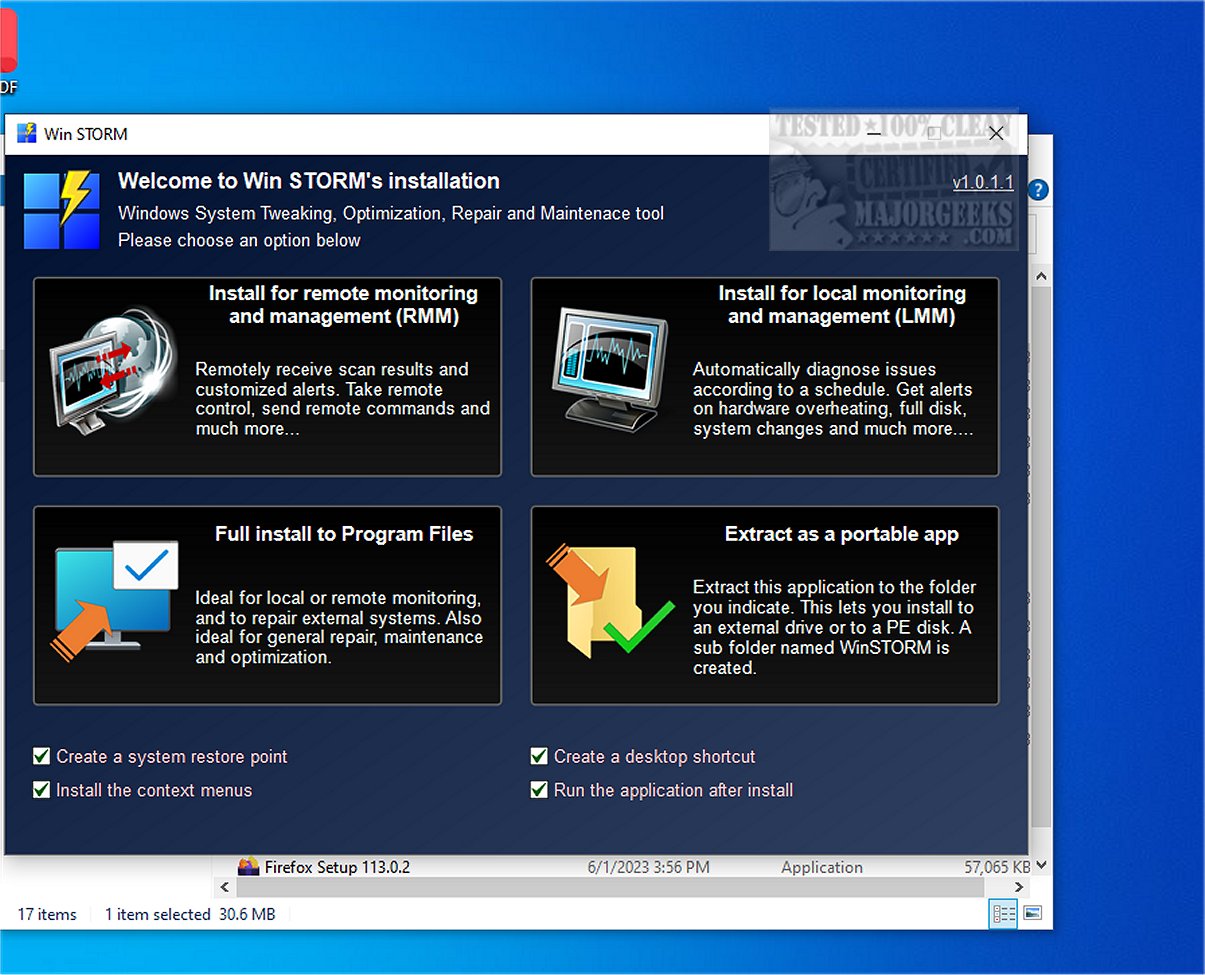
Win STORM is an advanced and comprehensive tool specifically created to monitor, optimize, repair, and maintain Windows-based systems. Designed with the needs of computer technicians and IT professionals in mind, it offers a robust suite of features essential for efficient computer management. Built upon the solid framework of UVK (Ultra Virus Killer), Win STORM not only retains all the functionalities of its predecessor but also introduces new enhancements that elevate its performance and capabilities.
Key Features and Functionalities
Win STORM provides users with the ability to closely monitor system performance and make necessary adjustments to enhance speed and efficiency. It supports thorough repairs when issues arise and allows for remote access, enabling technicians to assist clients from virtually anywhere, thereby streamlining the support process. Its intuitive user interface facilitates effortless navigation through its extensive features, complemented by detailed reporting tools that offer valuable insights into system health and performance history.
The application dashboard is a highlight of Win STORM, presenting comprehensive details regarding the computer's hardware and software configurations. Users can access critical information about key components such as the motherboard, processor, graphics card, available RAM, and the status of security measures like antivirus software, Windows Firewall, User Account Control (UAC), and system restore points.
Automatic Issue Detection and Recommendations
One of Win STORM's standout features is its ability to automatically detect issues that may lead to software incompatibilities or performance slowdowns. It can identify conflicting antivirus programs and suggest uninstallation to optimize system performance. Users can also free up storage space with a single click by removing temporary files, browser cache, error reports, and other unnecessary data. The integrated Windows Update Manager (WAU Manager) simplifies the process of locating and applying necessary Windows updates.
On-Demand Scans and Customization Options
Win STORM facilitates on-demand scanning, which allows for in-depth analysis that can uncover malware, unwanted files, autostart entries, DNS hijacking traces, residual files from uninstalled applications, and malfunctioning device drivers. Additionally, it provides a range of customization options for Windows settings, including visual tweaks like taskbar thumbnails and transparency effects, as well as productivity enhancements that allow for the disabling of features such as Cortana and Windows Search.
Security Adjustments
The tool also offers options to adjust security settings, including disabling UAC, detecting potentially unwanted programs (PUPs), managing automatic updates, and configuring Windows Defender, Windows Firewall, and OneDrive. Users should note that certain changes may require system restarts.
Overall Assessment
In summary, Win STORM consolidates various system maintenance and optimization tools into a unified command center, serving as an all-in-one utility for diagnosing and safeguarding PCs. It provides both local and remote monitoring capabilities, catering to the needs of system and network administrators. With its extensive functionality and user-friendly interface, Win STORM is positioned as an essential resource for maintaining optimal computing environments.
Future Prospects
As Win STORM continues to evolve, future updates may include enhanced features such as AI-driven performance recommendations, deeper integration with cloud services for backup and recovery, and even more advanced remote support capabilities to further simplify the IT management process. The development team is committed to continuously improving the application based on user feedback, ensuring that it remains a leading tool in the realm of system optimization and maintenance
Key Features and Functionalities
Win STORM provides users with the ability to closely monitor system performance and make necessary adjustments to enhance speed and efficiency. It supports thorough repairs when issues arise and allows for remote access, enabling technicians to assist clients from virtually anywhere, thereby streamlining the support process. Its intuitive user interface facilitates effortless navigation through its extensive features, complemented by detailed reporting tools that offer valuable insights into system health and performance history.
The application dashboard is a highlight of Win STORM, presenting comprehensive details regarding the computer's hardware and software configurations. Users can access critical information about key components such as the motherboard, processor, graphics card, available RAM, and the status of security measures like antivirus software, Windows Firewall, User Account Control (UAC), and system restore points.
Automatic Issue Detection and Recommendations
One of Win STORM's standout features is its ability to automatically detect issues that may lead to software incompatibilities or performance slowdowns. It can identify conflicting antivirus programs and suggest uninstallation to optimize system performance. Users can also free up storage space with a single click by removing temporary files, browser cache, error reports, and other unnecessary data. The integrated Windows Update Manager (WAU Manager) simplifies the process of locating and applying necessary Windows updates.
On-Demand Scans and Customization Options
Win STORM facilitates on-demand scanning, which allows for in-depth analysis that can uncover malware, unwanted files, autostart entries, DNS hijacking traces, residual files from uninstalled applications, and malfunctioning device drivers. Additionally, it provides a range of customization options for Windows settings, including visual tweaks like taskbar thumbnails and transparency effects, as well as productivity enhancements that allow for the disabling of features such as Cortana and Windows Search.
Security Adjustments
The tool also offers options to adjust security settings, including disabling UAC, detecting potentially unwanted programs (PUPs), managing automatic updates, and configuring Windows Defender, Windows Firewall, and OneDrive. Users should note that certain changes may require system restarts.
Overall Assessment
In summary, Win STORM consolidates various system maintenance and optimization tools into a unified command center, serving as an all-in-one utility for diagnosing and safeguarding PCs. It provides both local and remote monitoring capabilities, catering to the needs of system and network administrators. With its extensive functionality and user-friendly interface, Win STORM is positioned as an essential resource for maintaining optimal computing environments.
Future Prospects
As Win STORM continues to evolve, future updates may include enhanced features such as AI-driven performance recommendations, deeper integration with cloud services for backup and recovery, and even more advanced remote support capabilities to further simplify the IT management process. The development team is committed to continuously improving the application based on user feedback, ensuring that it remains a leading tool in the realm of system optimization and maintenance
Win STORM 1.0.1.10 Beta released
Win STORM is a comprehensive, professional tool specifically designed to supervise, tweak, optimize, repair, and maintain Windows-based systems. Tailored for the needs of computer technicians and IT professionals, this robust application equips users with an extensive suite of features essential for efficient computer management.