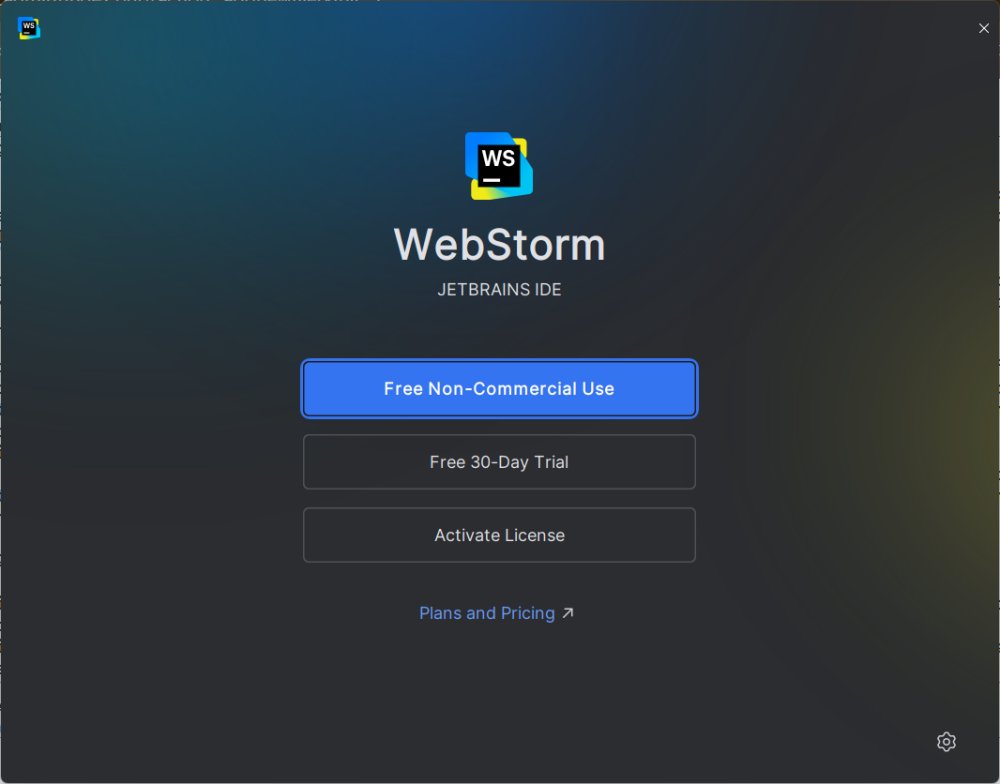
WebStorm is an advanced Integrated Development Environment (IDE) developed by JetBrains, specifically designed for JavaScript and web development. Known for its user-friendly interface and comprehensive features, WebStorm significantly enhances productivity for developers, especially those working within the JavaScript and TypeScript ecosystems or using Node.js.
Key Features of WebStorm:
- Optimized for Web Development: Unlike general-purpose IDEs, WebStorm is tailored for web developers, providing a suite of built-in tools that eliminate the need for additional plugins. This includes real-time code intelligence, an efficient editor, and seamless integration with various development tools.
- Support for Modern Technologies: WebStorm comes with out-of-the-box support for a variety of web technologies such as JavaScript, TypeScript, HTML, CSS, and frameworks like React, Angular, Vue.js, and Svelte. It also works well with build tools like Webpack and Vite, and supports package managers like npm and Yarn.
- Integrated AI Assistance: The latest version introduces support for AI tools such as Ollama and LM Studio, allowing for local code assistance without cloud dependency. This feature ensures that sensitive data remains private while providing developers with intelligent suggestions and explanations.
- Robust Performance: WebStorm's cohesive design allows for a smoother user experience compared to lighter editors, particularly beneficial for beginners who can focus more on coding rather than setup.
- Extensive Plugin Ecosystem: The IDE supports a rich ecosystem of plugins that can enhance functionality, from UI customizations to additional language support.
Highlighted Features:
1. Code Intelligence: Offers contextual understanding for accurate code completions, refactoring, and navigation.
2. Out-of-the-Box Power Tools: Built-in tools for version control, terminal access, and testing frameworks are readily available.
3. Framework Support: Comprehensive support for various modern frameworks enables seamless development.
4. Live Editing and Debugging: Integrated debugging features for both front-end and back-end code streamline the development process.
5. AI-Enhanced Coding: Local AI models provide coding assistance while safeguarding user privacy.
6. Fast File Navigation: Quick access to files, methods, and variables enhances workflow efficiency.
Target Audience:
WebStorm is ideal for professional developers, freelancers, and teams engaged in serious web development. It justifies its cost through time savings and enhanced productivity. Additionally, the free individual license allows learners and non-commercial users to access its features, while commercial users are required to purchase a license.
Pros and Cons:
Pros:
- Comprehensive support for JavaScript and TypeScript with solid framework handling.
- Built-in Git, debugging, and testing tools enhance productivity.
- Local AI integration ensures privacy while providing coding assistance.
- Highly customizable interface.
Cons:
- May be overly complex for hobbyists or complete beginners.
Conclusion:
WebStorm is more than just a code editor; it's a robust, professional-grade IDE that caters to the needs of serious web developers. Its combination of intelligent features, seamless framework support, and integration of local AI tools positions it as a leading choice for efficient web development. For those who spend significant time coding, WebStorm offers a reliable solution that streamlines workflows and improves overall output quality.
Future Considerations:
As web development continues to evolve, WebStorm is likely to expand its capabilities further. Future updates may include enhanced AI features, support for emerging technologies, and integration with more cloud services, ensuring it remains a vital tool for developers.
Developers looking for an IDE that combines power, privacy, and ease of use will find WebStorm to be an invaluable asset in their toolkit
WebStorm 2026.3.0.1 released
WebStorm is the kind of IDE that makes life easier, not messier.