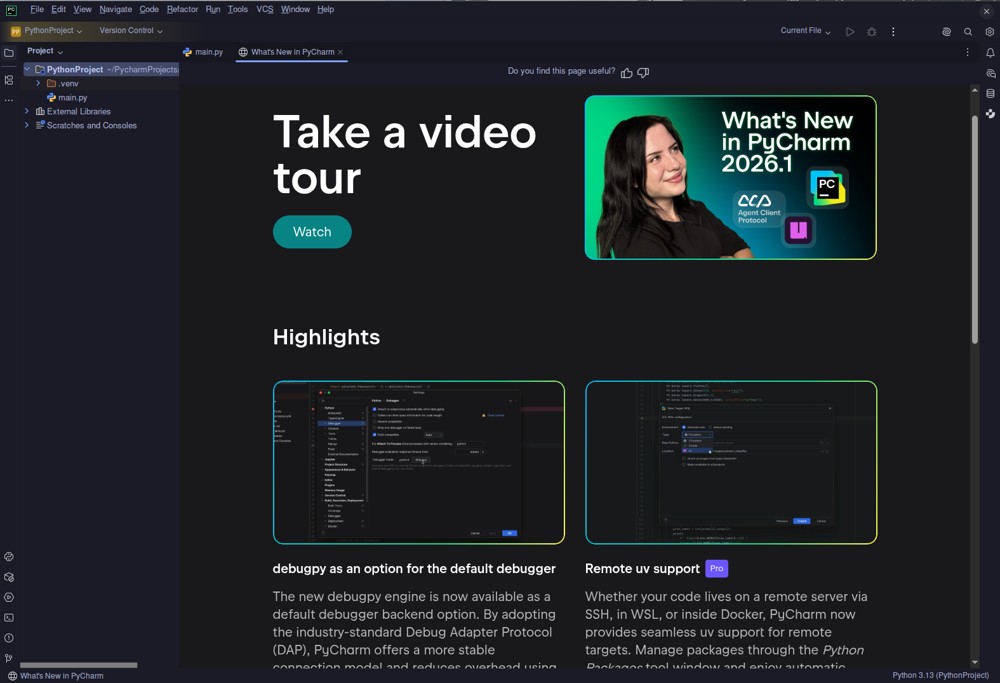
PyCharm has established itself as the leading IDE for Python development, and its latest release, version 2026.3.0.2, continues to enhance its features. The most notable updates include native support for the latest interpreter versions, improved Docker Compose integration, and a more refined integrated terminal that functions like a true shell.
The significant change in licensing came in April 2025 when JetBrains merged the Community and Professional editions into one product, allowing users to access the core IDE for free, while advanced features are now available through a Pro subscription. This unification has simplified the user experience, eliminating the need for separate installations.
Installation and Usability
Installing PyCharm 2026.3.0.2 is straightforward, as it includes its own OpenJDK, streamlining the setup process across different operating systems. The base installation requires around 1.5 GB, with additional space needed for project files. Linux users will find the availability of .tar.gz archives helpful for managing their environments.
Pricing and Features
With the new unified model, anyone can download PyCharm without upfront costs, offering essential features like code completion and version control. For more advanced projects, the Pro subscription is reasonably priced, and it provides extensive support for various frameworks and tools, making it highly beneficial for professional developers and teams.
Code Analysis and Refactoring
PyCharm excels in code analysis and refactoring capabilities, leveraging the IntelliJ platform. It offers advanced static analysis that helps catch potential errors and provides tools to refactor code efficiently. The integrated debugger and seamless unit testing support further enhance the development experience.
Drawbacks
Despite its strengths, PyCharm does have some downsides. It requires significant memory, making it less ideal for systems with limited RAM. Additionally, its startup time is slower compared to lighter editors like VS Code, and it lacks an integrated GUI designer, which can be a drawback for developers using PyQt or PySide.
Conclusion
Overall, PyCharm remains a top choice for serious Python developers, especially after the recent licensing changes that provide more access to its powerful features. While it might be overwhelming for beginners and resource-intensive for smaller projects, its capabilities for handling complex codebases and workflows make it a valuable tool for professionals.
Extension: Future Directions and Recommendations
Looking ahead, PyCharm could benefit from further optimization to decrease memory usage and improve startup times, which would enhance the user experience across all platforms. Additionally, the introduction of a built-in GUI designer could attract a wider audience, particularly those in GUI application development.
For those just starting out, it may be beneficial to supplement PyCharm with lightweight editors like VS Code for simpler projects or when learning the basics of Python. However, for developers committed to advancing their skills and working on substantial projects, investing in PyCharm's Pro subscription is likely to be a worthwhile choice, given its extensive range of features and ongoing updates that keep pace with the evolving Python ecosystem
PyCharm 2026.3.0.2 released
PyCharm is the gold standard for serious Python development, adding native support for recent interpreter versions, tightening Docker Compose integration, and refining the integrated terminal to actually feel like a proper shell instead of a half-hearted wrapper.