Visual Studio Code 1.123 Brings Cross Machine Chat Sync and Safer Extension Updates
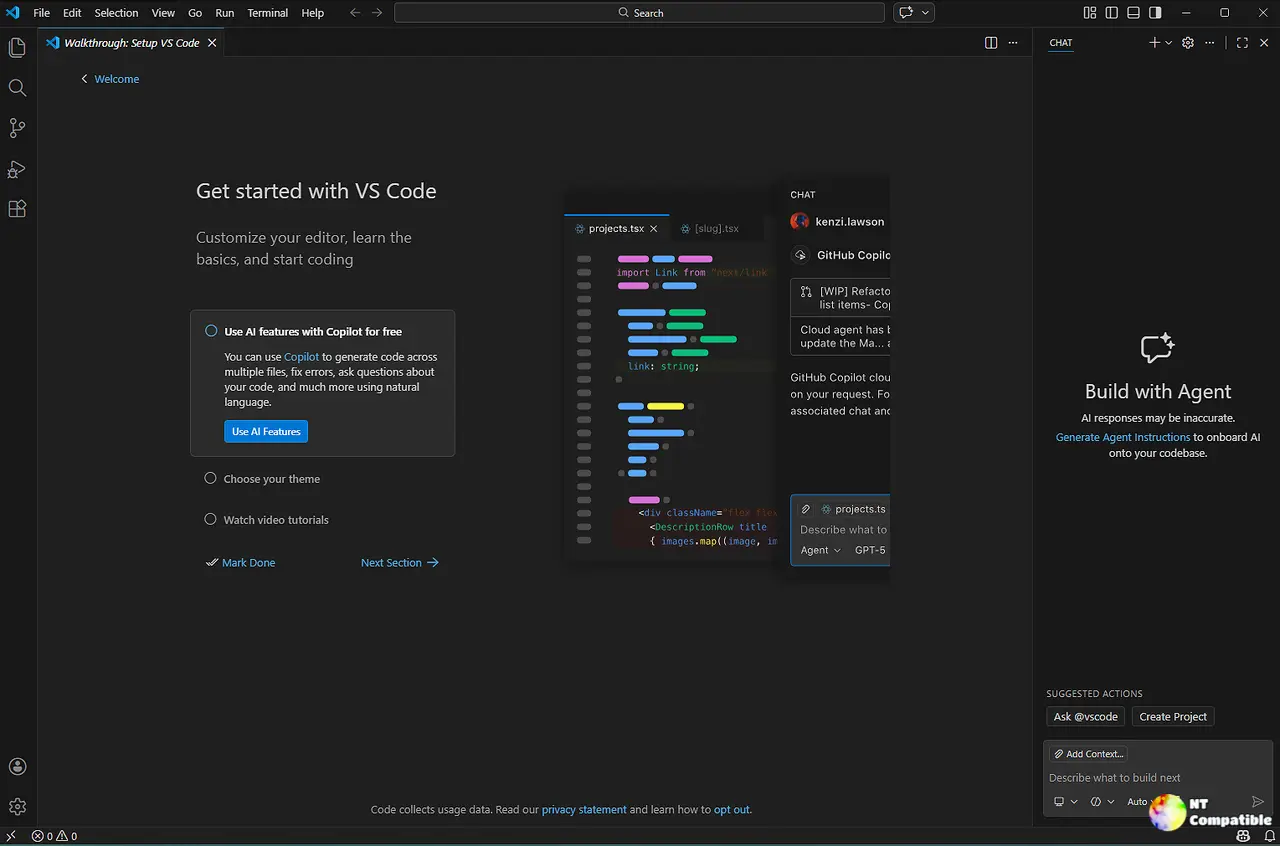
Visual Studio Code 1.123 ties Copilot conversations directly to GitHub so developers can automatically sync chat history across machines without manual copy-pasting. The update adds a dedicated agents window for side-by-side session management and a preview research agent that builds detailed Markdown reports from local code and public repositories. Automatic extension updates now pause for two hours before installing, giving teams time to catch broken releases while trusted publishers still push changes instantly. Browser tools also get a revamped favorites bar and expanded screenshot capture options to streamline debugging workflows inside AI chats.
Visual Studio Code 1.123 Brings Cross Machine Chat Sync and Safer Extension Updates @ NT Compatible
Visual Studio Code 1.123 Brings Cross Machine Chat Sync and Safer Extension Updates
Visual Studio Code 1.123 introduces a feature that allows developers to sync Copilot chat history across multiple machines by linking it to their GitHub accounts, eliminating the need for manual copy-pasting. The update includes a new agents window for managing multiple sessions side-by-side and a research agent that generates detailed Markdown reports from local code and public repositories. Additionally, automatic extension updates now have a two-hour pause period to prevent broken releases from disrupting workflows, while trusted publishers can still push immediate updates. The integrated browser has enhanced tools for screenshot capturing and a revamped favorites bar to improve navigation and debugging efficiency