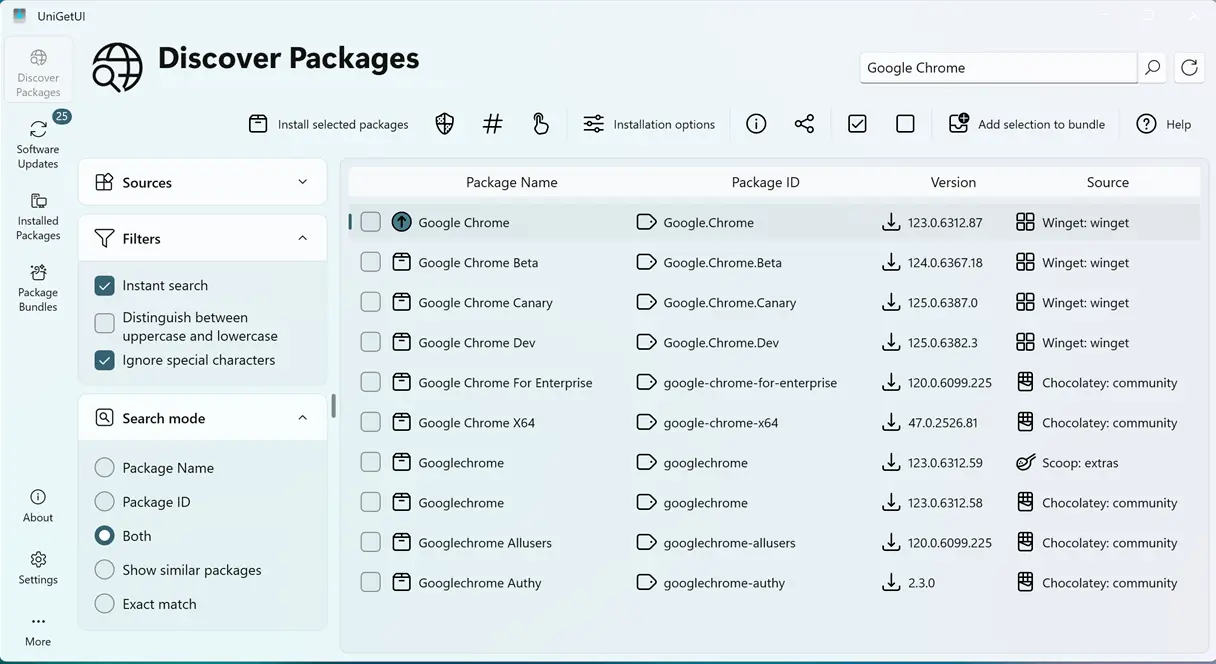
UniGetUI 2026.2.2 has completed its migration from WinUI to Avalonia, eliminating all Microsoft dependencies and introducing support for Windows 11 Snap Layouts. The update enhances the user interface by refining styling elements and making the operation log window more user-friendly. Additionally, the package size has been reduced by removing unnecessary runtimes and optimizing compression, leading to leaner builds. While the focus of this release is on structural stability rather than new features, it successfully addresses previous limitations and improves the overall functionality of the package manager
UniGetUI 2026.2.2 Fully Migrates to Avalonia, Adds Snap Layouts Support
UniGetUI 2026.2.2 officially completes the application’s framework migration from WinUI to Avalonia, stripping out all remaining Microsoft dependencies. The update introduces Windows 11 Snap Layouts support when hovering over the maximize button, alongside refined interface styling and a corrected operation log window. Developers have significantly reduced installer and distribution package sizes by removing unnecessary runtimes and optimizing compression settings. Prioritizing structural stability over new features, the release is available for immediate download via the project’s official GitHub releases page.
UniGetUI 2026.2.2 Fully Migrates to Avalonia, Adds Snap Layouts Support @ NT Compatible