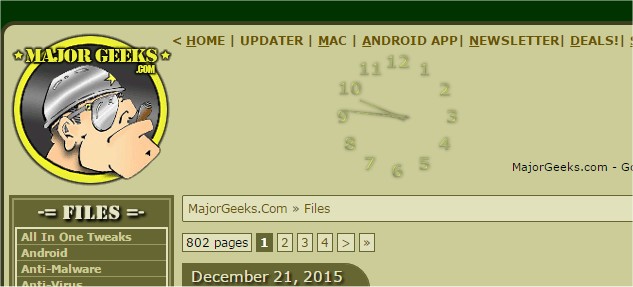
TheAeroClock version 9.33 has been released, offering a versatile and customizable timepiece for PC users. This free and portable application allows you to place the clock anywhere on your desktop and adjust its size to fit your preferences. Key features of TheAeroClock include low CPU usage, a variety of clock hands and dial textures, adjustable transparency, and the choice to include a seconds hand. Additionally, it can be fixed in a specific screen position and has an optional translation feature, making it accessible in multiple languages.
For users interested in enhancing their desktop experience, TheAeroClock provides flexibility in design and functionality, allowing for a personalized touch. Similar topics of interest include guides on displaying multiple clocks on Windows, correcting date or time errors with the system clock, showing only the time on the taskbar in Windows 10 and 11, and removing the clock from the taskbar if desired.
TheAeroClock is ideal for those who appreciate a tailored desktop environment and want a practical yet stylish way to keep track of time. As desktop customization continues to evolve, tools like TheAeroClock remain essential for users looking to enhance their computing experience
For users interested in enhancing their desktop experience, TheAeroClock provides flexibility in design and functionality, allowing for a personalized touch. Similar topics of interest include guides on displaying multiple clocks on Windows, correcting date or time errors with the system clock, showing only the time on the taskbar in Windows 10 and 11, and removing the clock from the taskbar if desired.
TheAeroClock is ideal for those who appreciate a tailored desktop environment and want a practical yet stylish way to keep track of time. As desktop customization continues to evolve, tools like TheAeroClock remain essential for users looking to enhance their computing experience
TheAeroClock 9.33 released
TheAeroClock is a free, portable timepiece for your PC that allows you to place and size it anywhere on the desktop.