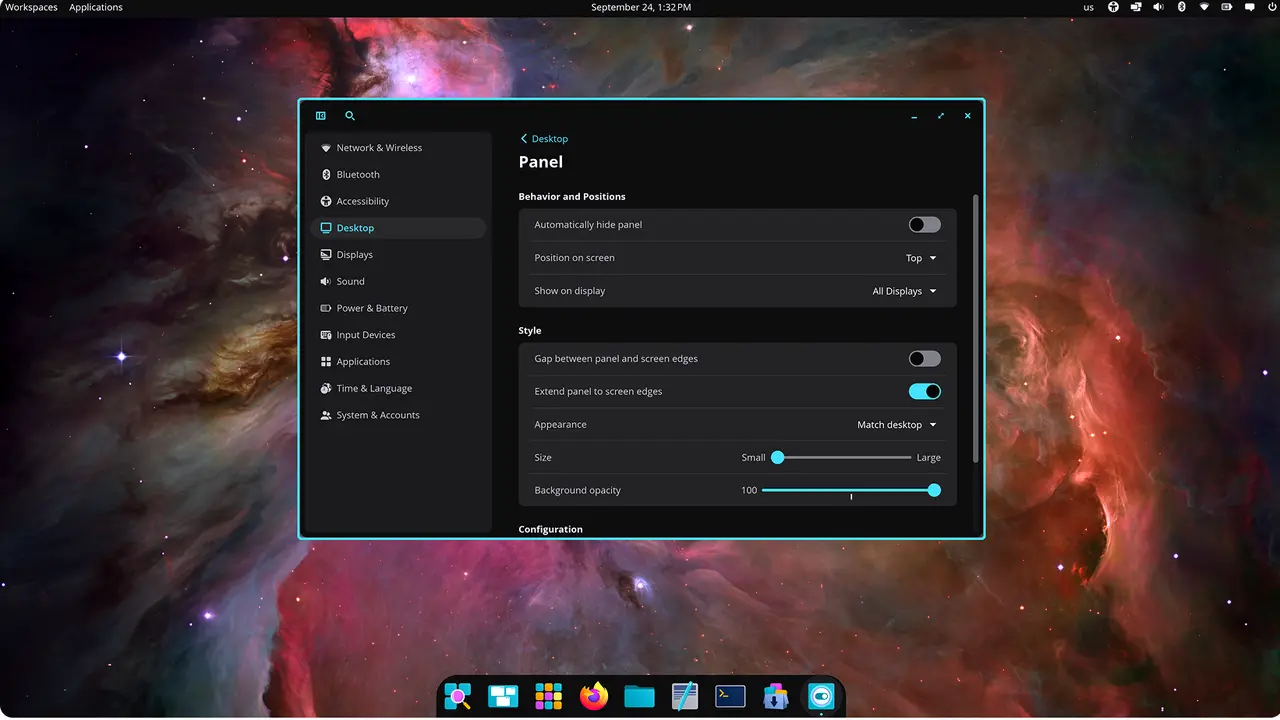
System76 has released the epoch-1.10.0 update for its COSMIC desktop environment without any formal announcement, focusing on GPU rendering being enabled by default and various improvements across multiple repositories. The most notable enhancements include a new screenshot gallery in the cosmic-store, which allows users to navigate through preview images, and keyboard-driven tab movement in the terminal. Other updates include an overhaul of cursor auto-hide functionality in cosmic-comp, a new drawing-tablet settings page in cosmic-settings, and several performance improvements and bug fixes across the system. The update reflects System76's ongoing commitment to refining the user experience and enhancing functionality within the COSMIC desktop environment
System76 COSMIC Desktop 1.10.0 Ships GPU Rendering by Default with Screenshot Gallery and Terminal Tabs
System76 quietly released epoch-1.10.0 of its COSMIC desktop environment, tagging the update on GitHub without any announcement. The most active repository was cosmic-comp, which brought an overhaul of cursor auto-hide so the pointer disappears while typing and measures its idle timer from the last pointer event. cosmic-store received the largest feature bump with eleven commits focused on a screenshot gallery, a preview-image cache, and threaded decoding of large images. Meanwhile, wGPU rendering turned on by default in the launcher, the terminal gained keyboard-driven tab movement, and settings added a first drawing-tablet page alongside a WireGuard confirmation flow.