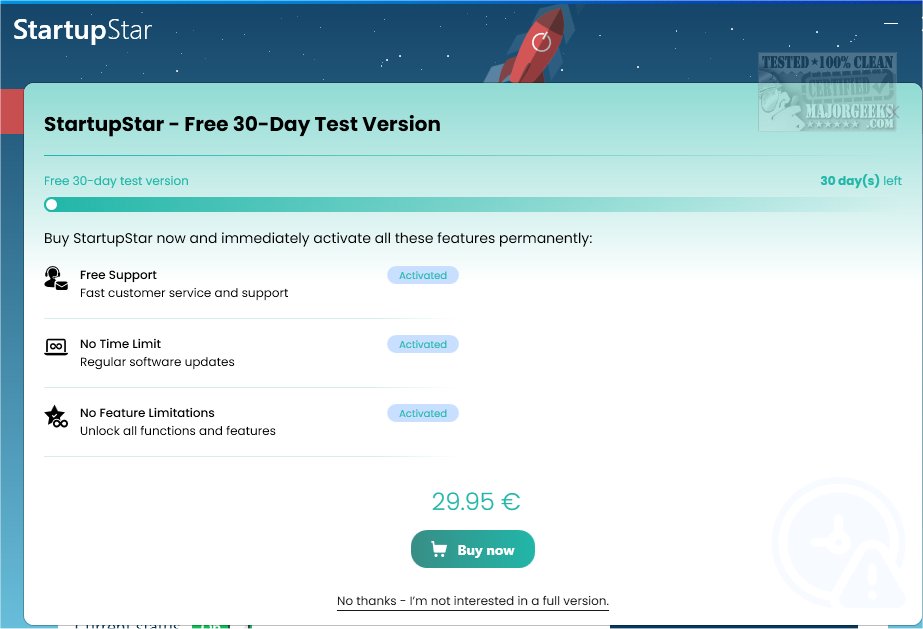
StartupStar v2026.18.2 is a powerful software solution designed to enhance computer performance by eliminating unnecessary slowdowns caused by unwanted startup applications. With just a simple click, users can identify and block these autostart entries, which not only improves system efficiency but also ensures a quicker startup process.
Core Features of StartupStar:
1. Startup Management: Users can easily organize and manage applications that launch at startup. This includes options to remove, disable, or set applications to a "delayed start" based on user preferences, streamlining the startup process.
2. User-Friendly Interface: The software boasts an intuitive installation process and user interface, allowing users to install and navigate the application without facing complex configuration steps.
3. Monitoring and Notification: StartupStar includes a firewall utility that monitors any additions to the startup list, notifying users of new items and blocking those that are blacklisted. The application can minimize to the system tray to provide unobtrusive notifications.
4. Backup Center: A built-in Backup Center allows users to undo any changes made, providing a safety net for system modifications. Creating a system restore point is also recommended for added security.
5. Community Feedback: Users can view ratings and comments from others regarding startup items, contributing to a community-driven approach to software management.
Extension of Features:
As technology evolves, so does the need for enhanced functionality. Future versions of StartupStar could benefit from integrating AI-driven analytics to provide personalized recommendations on which applications to disable based on usage patterns. Additionally, implementing cloud backup options for startup configurations could facilitate easier recovery and management across multiple devices.
Moreover, the potential for a mobile companion app could allow users to manage their startup items remotely, ensuring optimal performance even when away from their primary workstation. Finally, adding a feature that analyzes system performance before and after changes are made could provide users with concrete data on the impact of their optimizations.
In conclusion, StartupStar v2026.18.2 stands out as an essential tool for users looking to optimize their computer's startup processes, with future enhancements promising to further elevate its effectiveness and user experience
Core Features of StartupStar:
1. Startup Management: Users can easily organize and manage applications that launch at startup. This includes options to remove, disable, or set applications to a "delayed start" based on user preferences, streamlining the startup process.
2. User-Friendly Interface: The software boasts an intuitive installation process and user interface, allowing users to install and navigate the application without facing complex configuration steps.
3. Monitoring and Notification: StartupStar includes a firewall utility that monitors any additions to the startup list, notifying users of new items and blocking those that are blacklisted. The application can minimize to the system tray to provide unobtrusive notifications.
4. Backup Center: A built-in Backup Center allows users to undo any changes made, providing a safety net for system modifications. Creating a system restore point is also recommended for added security.
5. Community Feedback: Users can view ratings and comments from others regarding startup items, contributing to a community-driven approach to software management.
Extension of Features:
As technology evolves, so does the need for enhanced functionality. Future versions of StartupStar could benefit from integrating AI-driven analytics to provide personalized recommendations on which applications to disable based on usage patterns. Additionally, implementing cloud backup options for startup configurations could facilitate easier recovery and management across multiple devices.
Moreover, the potential for a mobile companion app could allow users to manage their startup items remotely, ensuring optimal performance even when away from their primary workstation. Finally, adding a feature that analyzes system performance before and after changes are made could provide users with concrete data on the impact of their optimizations.
In conclusion, StartupStar v2026.18.2 stands out as an essential tool for users looking to optimize their computer's startup processes, with future enhancements promising to further elevate its effectiveness and user experience
StartupStar v2026.18.2 released
StartupStar enhances your computer's performance by eliminating unnecessary slowdowns with a simple click. It effectively identifies and blocks unwanted autostart entries, providing you with warnings.