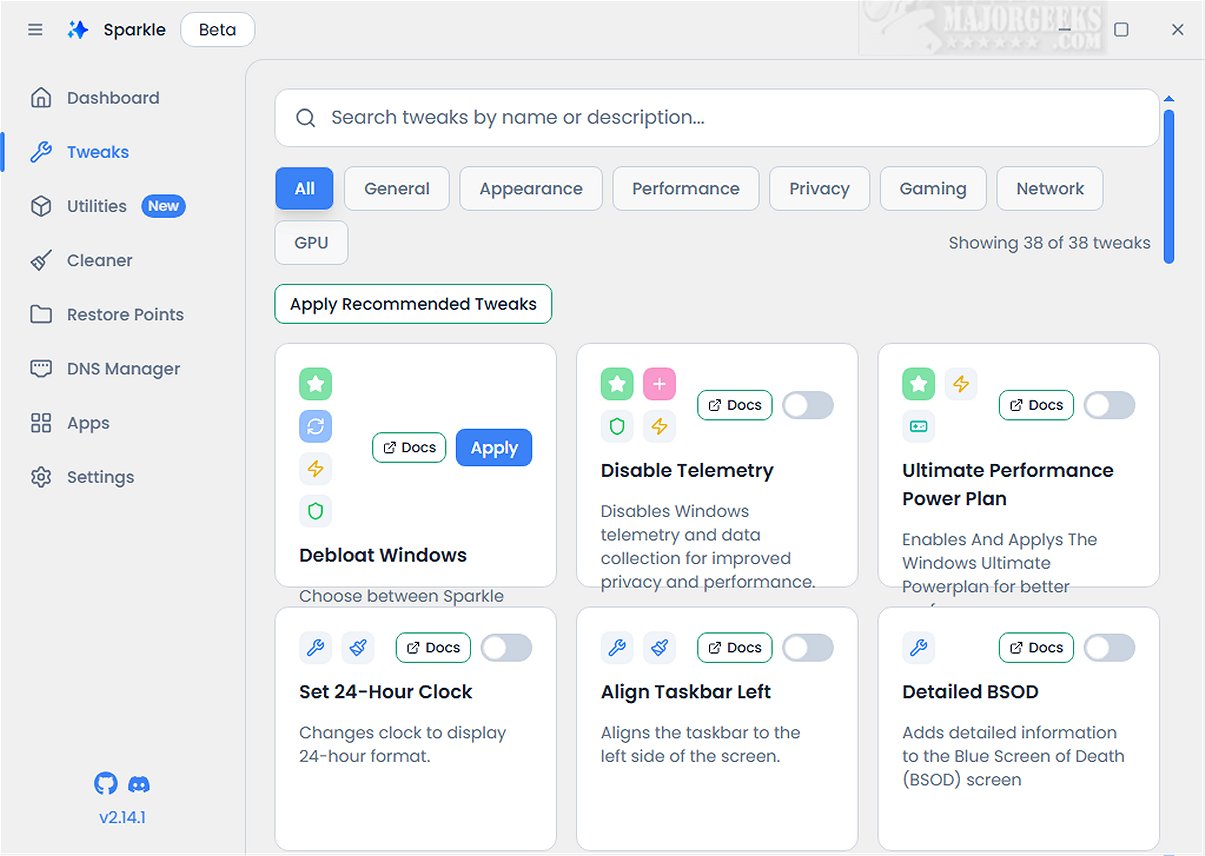
Sparkle 2.21.0 Beta has been released, showcasing its capabilities as a powerful Windows application aimed at optimizing system performance by removing unnecessary Microsoft bloatware and implementing various customization tweaks.
2. App Installer Integration: A notable feature of Sparkle is its seamless integration with popular app installers like Winget and Chocolatey. This integration provides users with easy access to the latest software, ensuring that their toolkit remains up-to-date without the burden of manual downloads.
3. User-Friendly Interface: Sparkle is designed with a straightforward user interface, featuring a dedicated Utilities page where users can perform essential maintenance tasks. These tasks include running Disk Cleanup to free up space, checking detailed system information for performance monitoring, and quickly restarting graphics drivers to address display issues.
4. System Restore Point Creation: Before utilizing Sparkle, it is advised to create a system restore point. This feature is offered within the application and serves as a safeguard, ensuring that users can revert to a previous system state in case of any issues during or after Sparkle's operations. Maintaining a current backup is also recommended.
Key Features of Sparkle:
1. Performance Enhancements: Users can disable telemetry features that track user activity, deactivate Copilot for a more streamlined workflow, and apply specialized NVIDIA optimizations to enhance gaming experiences. Additionally, Sparkle facilitates the uninstallation of OneDrive, allowing users greater control over the applications installed on their systems.2. App Installer Integration: A notable feature of Sparkle is its seamless integration with popular app installers like Winget and Chocolatey. This integration provides users with easy access to the latest software, ensuring that their toolkit remains up-to-date without the burden of manual downloads.
3. User-Friendly Interface: Sparkle is designed with a straightforward user interface, featuring a dedicated Utilities page where users can perform essential maintenance tasks. These tasks include running Disk Cleanup to free up space, checking detailed system information for performance monitoring, and quickly restarting graphics drivers to address display issues.
4. System Restore Point Creation: Before utilizing Sparkle, it is advised to create a system restore point. This feature is offered within the application and serves as a safeguard, ensuring that users can revert to a previous system state in case of any issues during or after Sparkle's operations. Maintaining a current backup is also recommended.
Conclusion:
In conclusion, Sparkle stands out as a comprehensive tool that combines a wide array of essential functionalities into one cohesive experience. Its intuitive integration of the Winget App Installer, versatile Chocolatey App Installer, effective Windows debloating capabilities, efficient temporary file cleaning, and dynamic DNS changing options make it an ideal solution for users looking to optimize and personalize their Windows experience.Future Directions:
Looking forward, future updates to Sparkle could focus on enhancing user customization options, expanding supported applications for uninstall, and improving the overall performance of the app installers. Additionally, implementing more robust security features could further enhance user confidence in managing their system settings. With continuous development, Sparkle has the potential to become an indispensable tool for Windows users seeking to maximize performance and efficiencySparkle 2.21.0 Beta released
Sparkle is a versatile Windows application designed to enhance your system's performance by effectively removing unnecessary Microsoft bloatware and applying various customization tweaks.