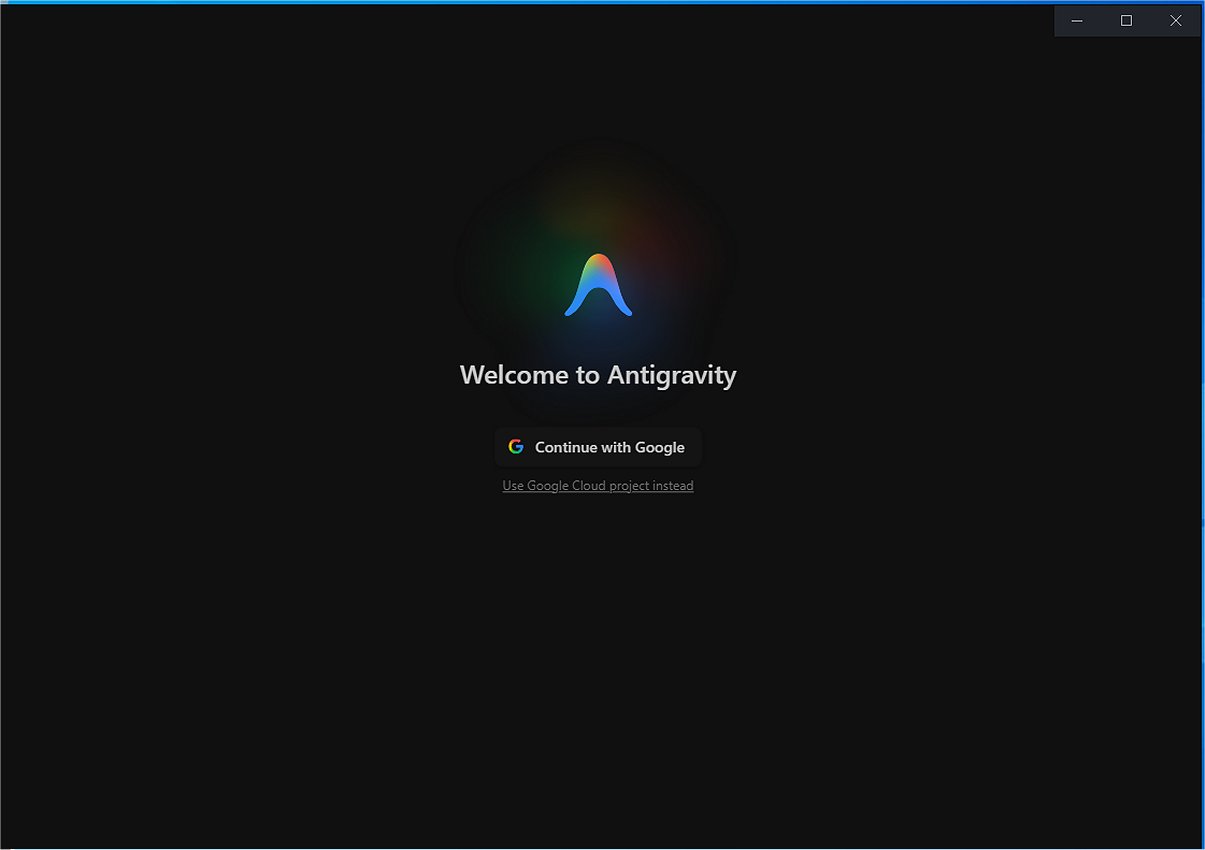
Google Antigravity is an advanced software development tool and integrated development environment (IDE) that leverages artificial intelligence to transform the coding process. With its recent release, version 2.3.0, the platform allows users to create software by directing autonomous AI agents, thus eliminating the need for manual coding of every line. This innovation streamlines development, making it more efficient and accessible for developers of all skill levels.
What is Antigravity and How Does It Work?
Developed by Google, Antigravity seeks to revolutionize traditional software development by utilizing autonomous AI agents for rapid and seamless coding workflows. Built on Google's sophisticated Gemini models, including the latest Gemini 3, Antigravity enhances coding efficiency and supports various third-party AI models. This capability allows developers to assign complex coding tasks to AI agents, enabling them to concentrate on higher-level design and problem-solving.
The platform's unique feature is its ability to manage multiple AI agents simultaneously through asynchronous orchestration. This means while one agent refactors code, another can run tests independently, maximizing productivity and moving beyond conventional linear task management.
Enhanced Features: Sandbox Browser and Artifact Generation
Antigravity includes a Browser Control & Testing feature with a sandbox browser that allows AI agents to launch applications and navigate the Document Object Model (DOM). This functionality enables the agents to simulate user actions, such as clicking buttons and entering data, to test application interfaces in a controlled environment.
Additionally, the AI within Google Antigravity generates tangible outputs known as Artifacts, which may include implementation plans, detailed walkthroughs, and screenshots that document project progress. This feature enhances transparency and allows developers to review AI-generated work, ensuring quality and project alignment.
System Integration and Flexibility
Antigravity further enhances its utility by integrating with various systems and offering Software Development Kits (SDKs). It supports Model Context Protocol (MCP) servers for advanced model interactions and provides voice-to-text prompting, a Command Line Interface (CLI), and customization options for both enterprise and personal use. This flexible architecture allows developers to tailor the platform to their specific needs, fostering a powerful and adaptive development environment.
Pros and Cons
Pros:
- Agentic Workflows: Manage multiple AI agents simultaneously for coding, refactoring, and reviewing tasks.
- Browser Integration: Built-in Chrome tool to open applications on localhost, mimic user actions, identify issues, and report errors.
- Model Switching: Easily switch between models like Gemini, Claude, and Opus to find the best fit for specific tasks.
- Fast Prototyping: Efficiently create small and simple web applications or games.
Cons:
- Heavy Resource Usage: The platform may consume significant system resources.
- Strict Quotas: Users may face limitations on model access once free or premium usage limits are reached.
Final Verdict
Google Antigravity represents a cutting-edge, AI-powered code editor that revolutionizes prototyping and enhances multi-agent workflows. While it stands out as a powerful tool for developers, it is essential to consider its drawbacks, particularly concerning resource consumption and potential access limitations. As technology continues to evolve, tools like Antigravity may pave the way for a new era of software development that is more efficient, collaborative, and innovative
What is Antigravity and How Does It Work?
Developed by Google, Antigravity seeks to revolutionize traditional software development by utilizing autonomous AI agents for rapid and seamless coding workflows. Built on Google's sophisticated Gemini models, including the latest Gemini 3, Antigravity enhances coding efficiency and supports various third-party AI models. This capability allows developers to assign complex coding tasks to AI agents, enabling them to concentrate on higher-level design and problem-solving.
The platform's unique feature is its ability to manage multiple AI agents simultaneously through asynchronous orchestration. This means while one agent refactors code, another can run tests independently, maximizing productivity and moving beyond conventional linear task management.
Enhanced Features: Sandbox Browser and Artifact Generation
Antigravity includes a Browser Control & Testing feature with a sandbox browser that allows AI agents to launch applications and navigate the Document Object Model (DOM). This functionality enables the agents to simulate user actions, such as clicking buttons and entering data, to test application interfaces in a controlled environment.
Additionally, the AI within Google Antigravity generates tangible outputs known as Artifacts, which may include implementation plans, detailed walkthroughs, and screenshots that document project progress. This feature enhances transparency and allows developers to review AI-generated work, ensuring quality and project alignment.
System Integration and Flexibility
Antigravity further enhances its utility by integrating with various systems and offering Software Development Kits (SDKs). It supports Model Context Protocol (MCP) servers for advanced model interactions and provides voice-to-text prompting, a Command Line Interface (CLI), and customization options for both enterprise and personal use. This flexible architecture allows developers to tailor the platform to their specific needs, fostering a powerful and adaptive development environment.
Pros and Cons
Pros:
- Agentic Workflows: Manage multiple AI agents simultaneously for coding, refactoring, and reviewing tasks.
- Browser Integration: Built-in Chrome tool to open applications on localhost, mimic user actions, identify issues, and report errors.
- Model Switching: Easily switch between models like Gemini, Claude, and Opus to find the best fit for specific tasks.
- Fast Prototyping: Efficiently create small and simple web applications or games.
Cons:
- Heavy Resource Usage: The platform may consume significant system resources.
- Strict Quotas: Users may face limitations on model access once free or premium usage limits are reached.
Final Verdict
Google Antigravity represents a cutting-edge, AI-powered code editor that revolutionizes prototyping and enhances multi-agent workflows. While it stands out as a powerful tool for developers, it is essential to consider its drawbacks, particularly concerning resource consumption and potential access limitations. As technology continues to evolve, tools like Antigravity may pave the way for a new era of software development that is more efficient, collaborative, and innovative
Google Antigravity 2.3.0 released
Google Antigravity is an innovative software development tool and a cutting-edge integrated development environment (IDE). It utilizes artificial intelligence to enable users to create software by directing autonomous AI agents, eliminating the need to write every line of code manually.